7.8 Anatomical M-Mode (AMM)
General: Anatomical M-Mode is an option. If this option is not installed, the [AMM] key is
hidden.
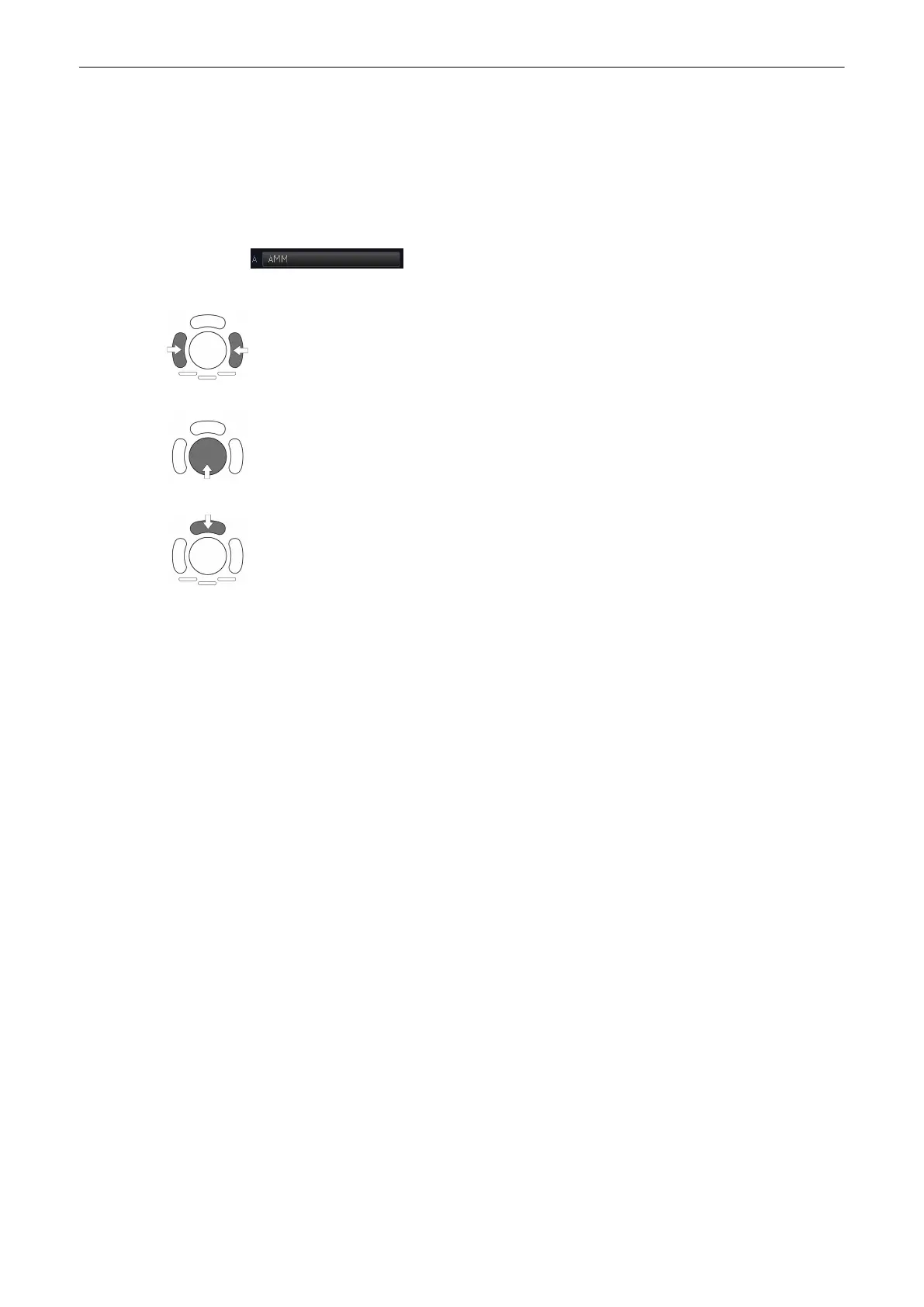
To activate Anatomical M-Mode, press [AMM] key on your menu area:
Press the right or left trackball key to activate the AMM.
After pressing the [M] control adjust the AMM-cursor using the trackball in the 2D single
image.
The upper trackball key changes between cursor position and line rotation and vice versa.
7.8.1 AMM Main Menu
The AMM Main functions:
•
'Sweep Speed'
on page 7-5
•
'Invert'
on page 7-5
•
'MHDF Operation'
on page 7-18
•
'MHDF Operation'
on page 7-18
•
'Rotate'
on page 7-23
M Mode
Voluson® S6/S8 Basic User Manual
5433669-100 Revision 4 7-21



 To Next Page