1. Select the [Render Mode] key.
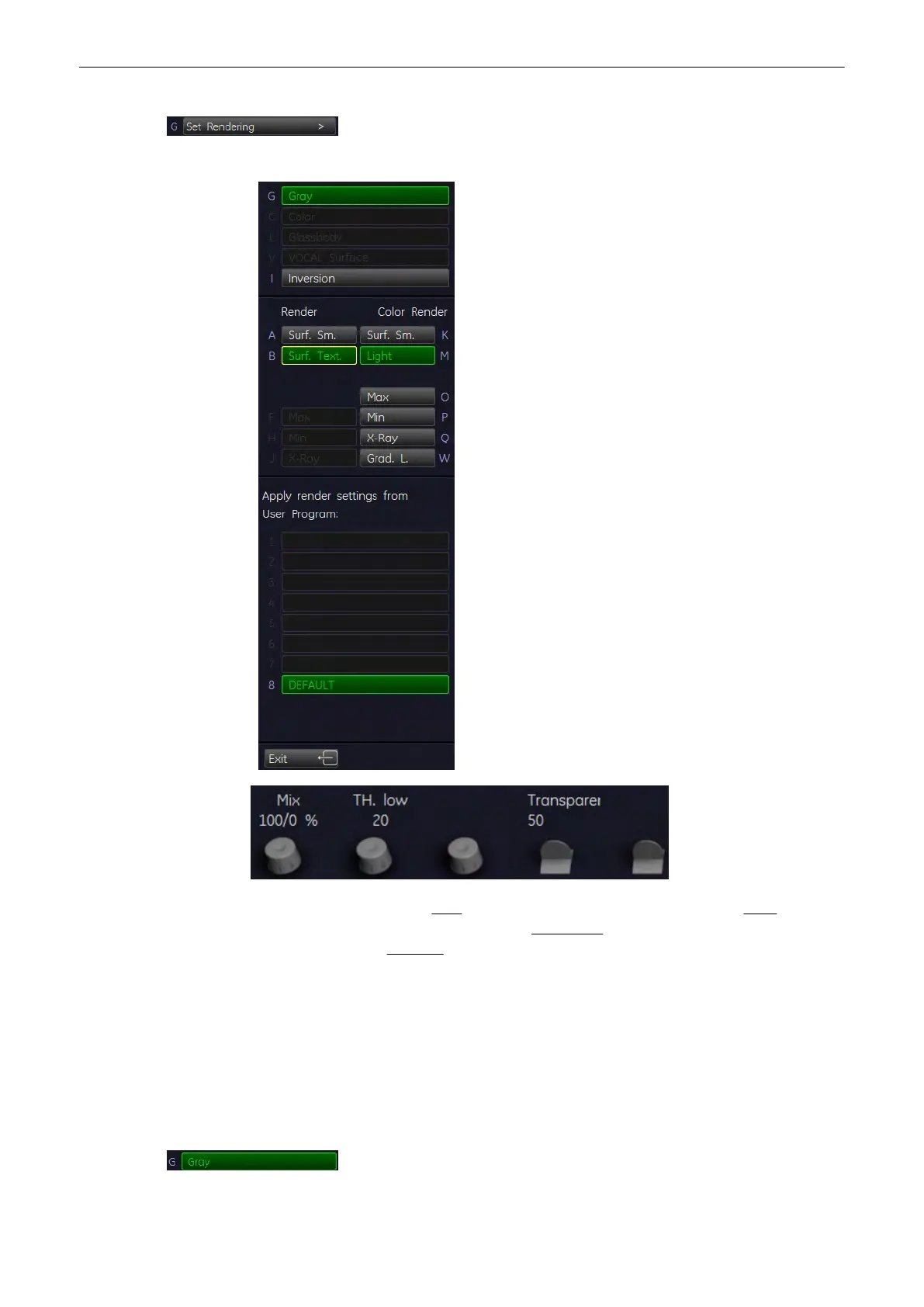
The following menu appears on the manu area.
2. Select image type among: Gray
(chapter
'Gray Render Mode'
on page 9-73
)
Color
(chapter
'Color Render Mode'
on page 9-75
)
Glass Body
(chapter
'Glass Body Render
Mode'
on page 9-76
)
Inversion
(chapter
'Inversion Render Mode'
on page 9-77
)
3. Select Render Algorithm (e.g.: “Surface Texture” and “Light”).
Return to the “Static 3D Render” menu.
9.4.4.1 Gray Render Mode
In Gray Rendering mode only the gray information of the data set is used, even if a Color
Volume image is displayed. In case of a data set without color information, this mode is
automatically activated.
Activate [Gray] - Rendering mode (if not active)
Volume Mode
Voluson® S6/S8 Basic User Manual
5433669-100 Revision 4 9-73



 To Next Page