As soon as the [Process Queue] button is selected, the system continues to send the data.
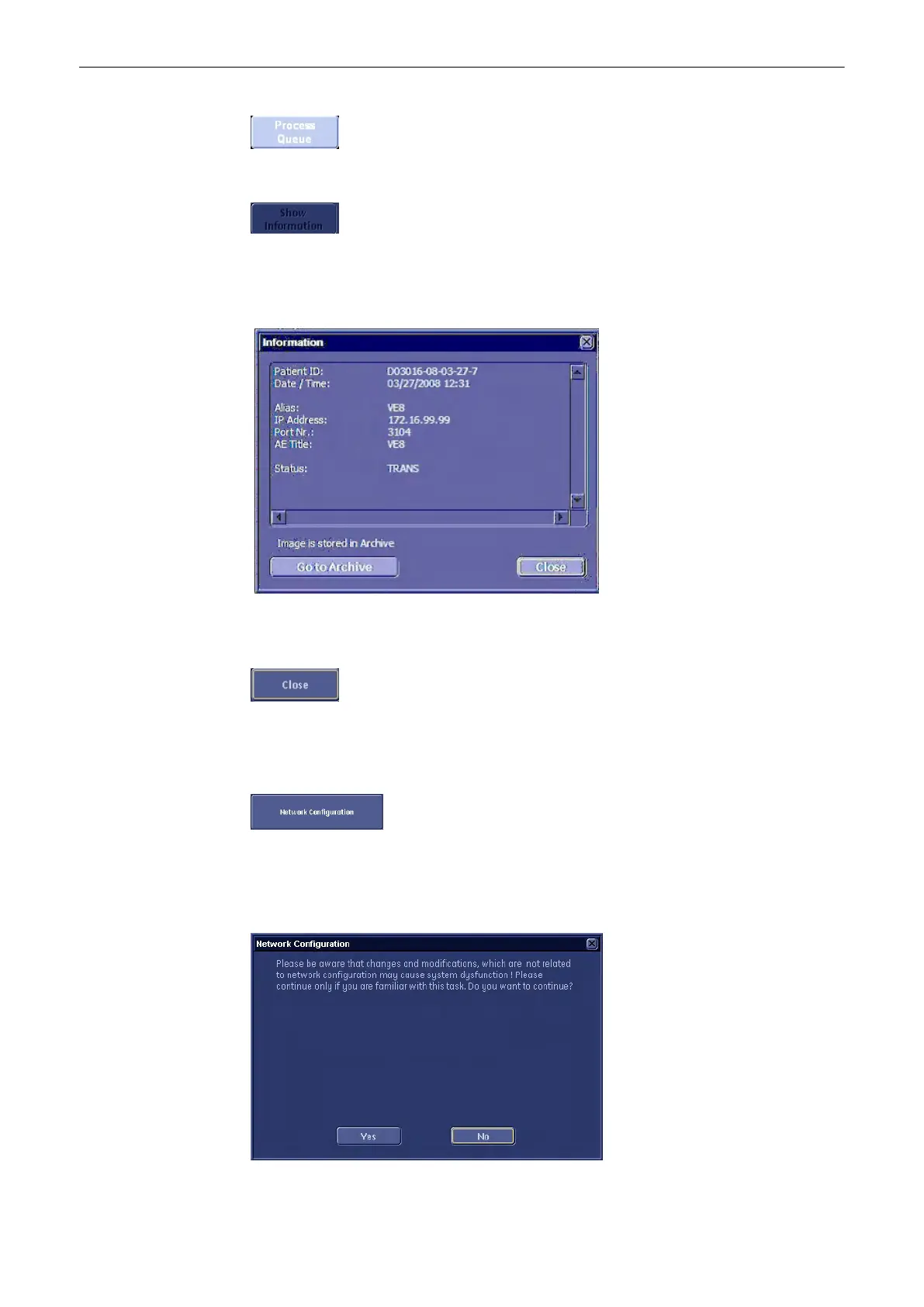
Show Information: With this function more information about the failed DICOM transfer can be
requested. This button is enabled if a failed DICOM transfer is selected in the Queue list and
than the following window pops up if the button is pressed:
If Image is stored in archive the additional button “Go to Archive” is available. Pressing the “Go
to Archive” button opens the archive in “Review” Mode and the failed image is shown.
Select the [Close] button to close the DICOM Transfer Queue Status window.
13.2.5.2.3 Network Configuration
Select the [Network Configuration] button (in the System Setup - Network
page) to perform
Network IP Address Configuration.
Before configuring the “Internet Protocol (TCP/IP) Properties”, the following message appears:
Utilities and System Setup
Voluson® S6/S8 Basic User Manual
5433669-100 Revision 4 13-39



 To Next Page