Once system is switched on, it is completely reset. The boot-up time is about 2 minutes, and
then the 2D mode main menu for the previously selected transducer is displayed. In case you
disconnect the previously selected transducer, the menu "PROBE/PROGRAM" will appear,
even if it has been disconnected during shutdown.
Remarks:
•
The main outlets of the system for peripheral auxiliary equipment are commonly
switched with the Standby switch. The switch of printers has to be in ON position before
starting the system. However, be aware some auxiliary equipment may switch itself to
standby mode when Standby power is on (e.g., Color video printer) and must therefore
be switched on separately.
4.4 Power Off / Shutdown
Before switching on check the device for cracks or damages.
To avoid loss of the current Patient data as well as all the measurements in the Patient
Worksheet, it is absolutely necessary to press the [End Exam]
key on the control panel before
switching OFF the system. 'End Exam'
on page 4-10
1. Push the Standby switch once on the left side of the control panel. For its location review:
'System Assembly'
on page 3-3
.
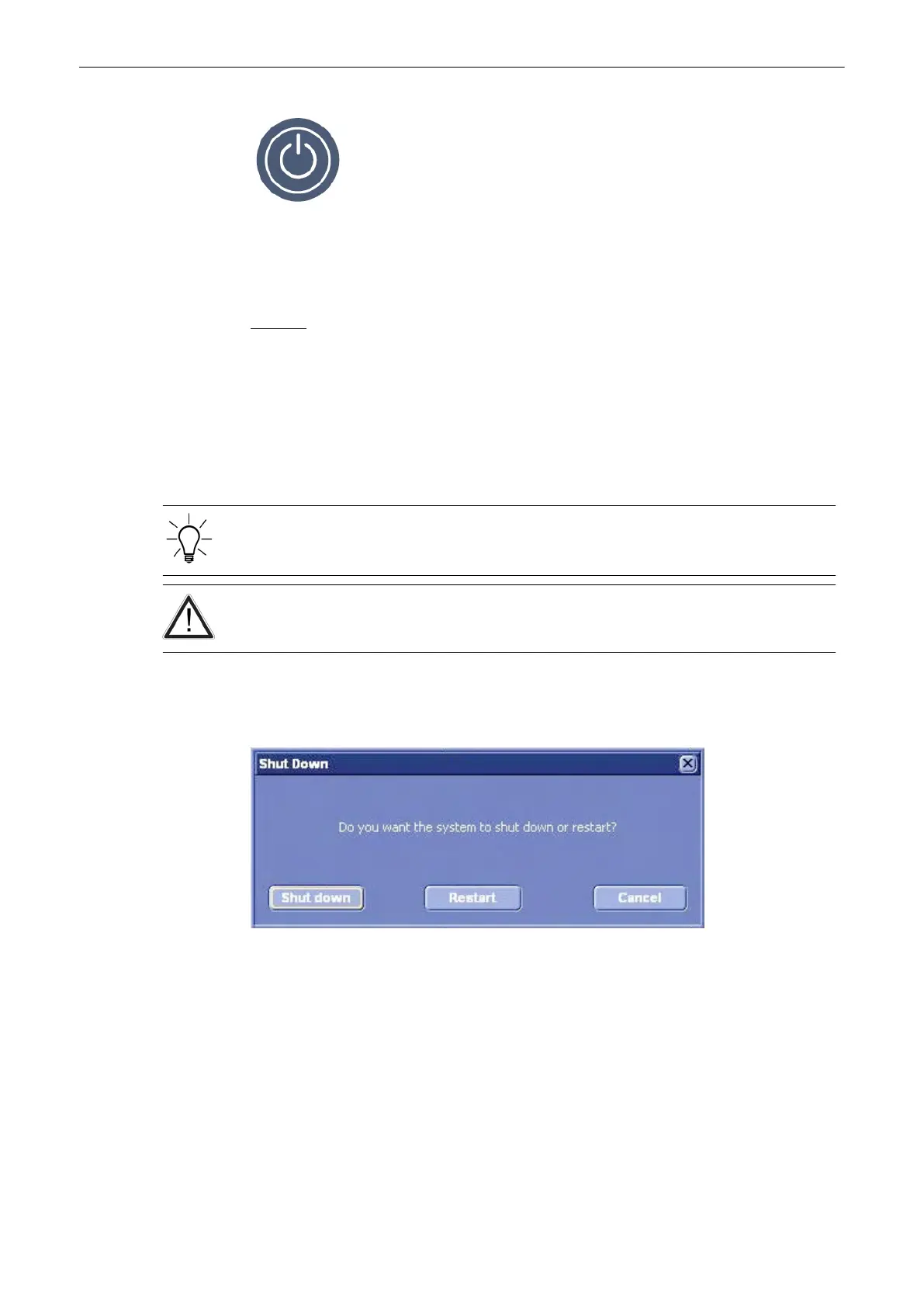
Normally, the shutdown dialog will be displayed.
Press the [Shutdown] softkey or press the [Standby switch] to switch off the system.
Press the [Restart] softkey to restart the system.
Press the [Cancel] softkey, the [Exit] button on the menu or the [Exit] hardkey to return to the
previous operating state.
There are several processes, which might be running, during shutdown. Then a different
dialog appears.
•
If you are currently saving images, the following dialog appears.
Operating the System
Voluson® S6/S8 Basic User Manual
5433669-100 Revision 4 4-3



 To Next Page