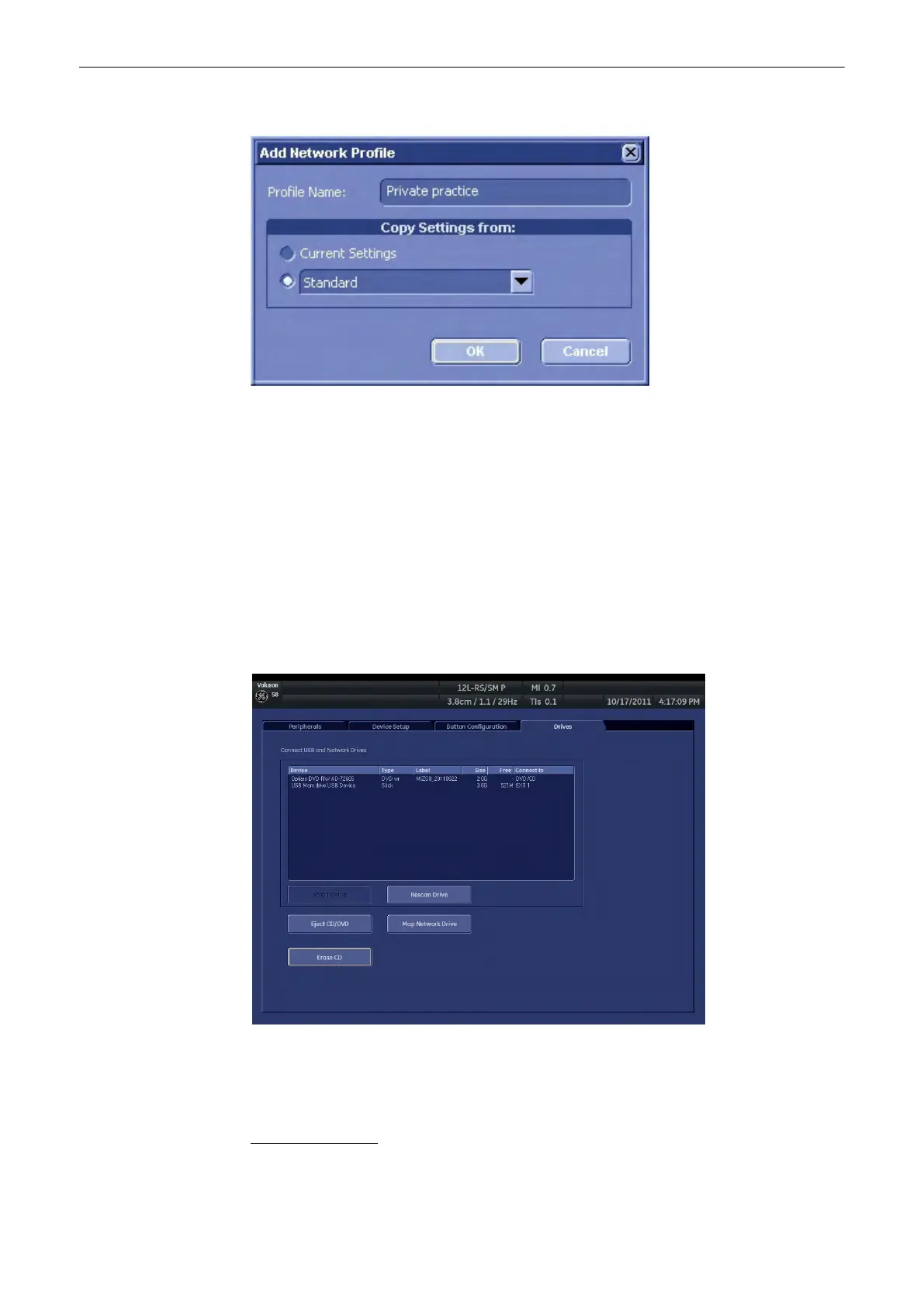
After clicking the
New
button the following dialog appears:
Specify a name for the network profile in the
Profile Name
textfield. There are to options to
Copy Settings from:
•
Current Settings
The current network setup of the system is stored in the network profile.
•
The dropdown field lists all stored network profiles. Choose this option and the desired
source profile to copy the settings to the new profile.
Click
OK
to save the network profile or press
Cancel
to abort the operation.
13.2.5.4 Button Configuration
Chapter 14
13.2.5.5 Drives
Note
When mapping a network drive or USB drive following message my appear: “Getting Volume-
Information of attached devices. This may take some time”
Window Number 1 contains the list of USB and Network drives.
To stop a USB Drive
1.
Select a device using the trackball and the left or right trackballkey.
Utilities and System Setup
13-44
Voluson® S6/S8 Basic User Manual
5433669-100 Revision 4



 To Next Page