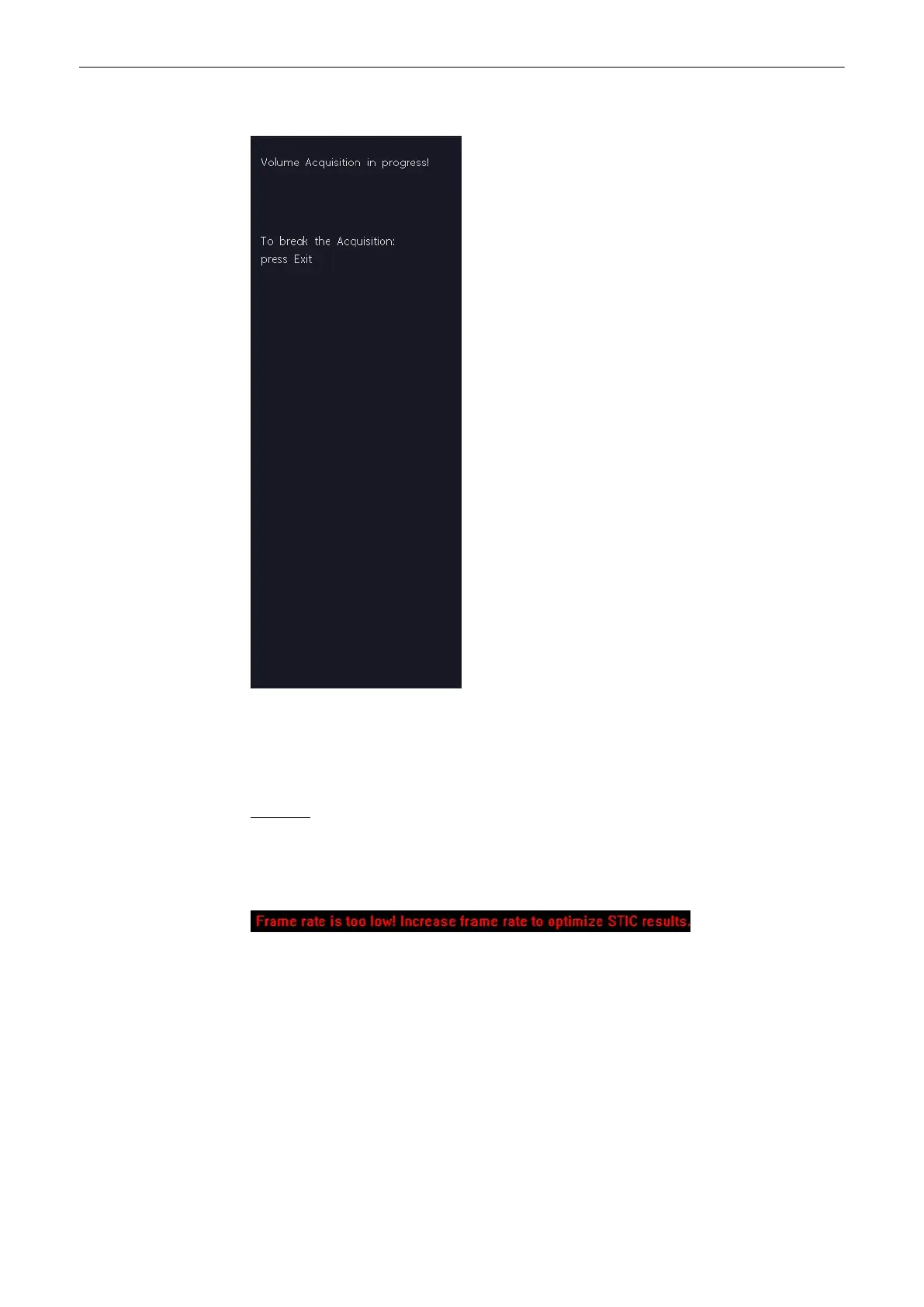
During the acquisition following message will be displayed on the menu area:
Note
The user must be sure that no one of the participating persons (mother, fetus, user) moves
during the acquisition. A movement of anyone will cause a failure of the acquisition. Omni
View Ref. Line If the user recognizes a movement during the scan, the acquisition has to be
cancelled with the [Exit Stop acquisition] key!
Remarks:
•
The color settings adjusted in CFM mode will be also used in STIC CFM mode.
•
If the expected frame rate is too low for a good quality STIC acquisition (< 18MHz),
following message appears on the screen:
Despite the warning the acquisition can be started normally.
Wait till the system has completed the calculation.
'After STIC Calculation'
on page 9-112
9.10.1 STIC Oncology
Note
This feature is optional on the Voluson® S6/S8 and not available on the Voluson© S6.
Volume Mode
Voluson® S6/S8 Basic User Manual
5433669-100 Revision 4 9-111



 To Next Page