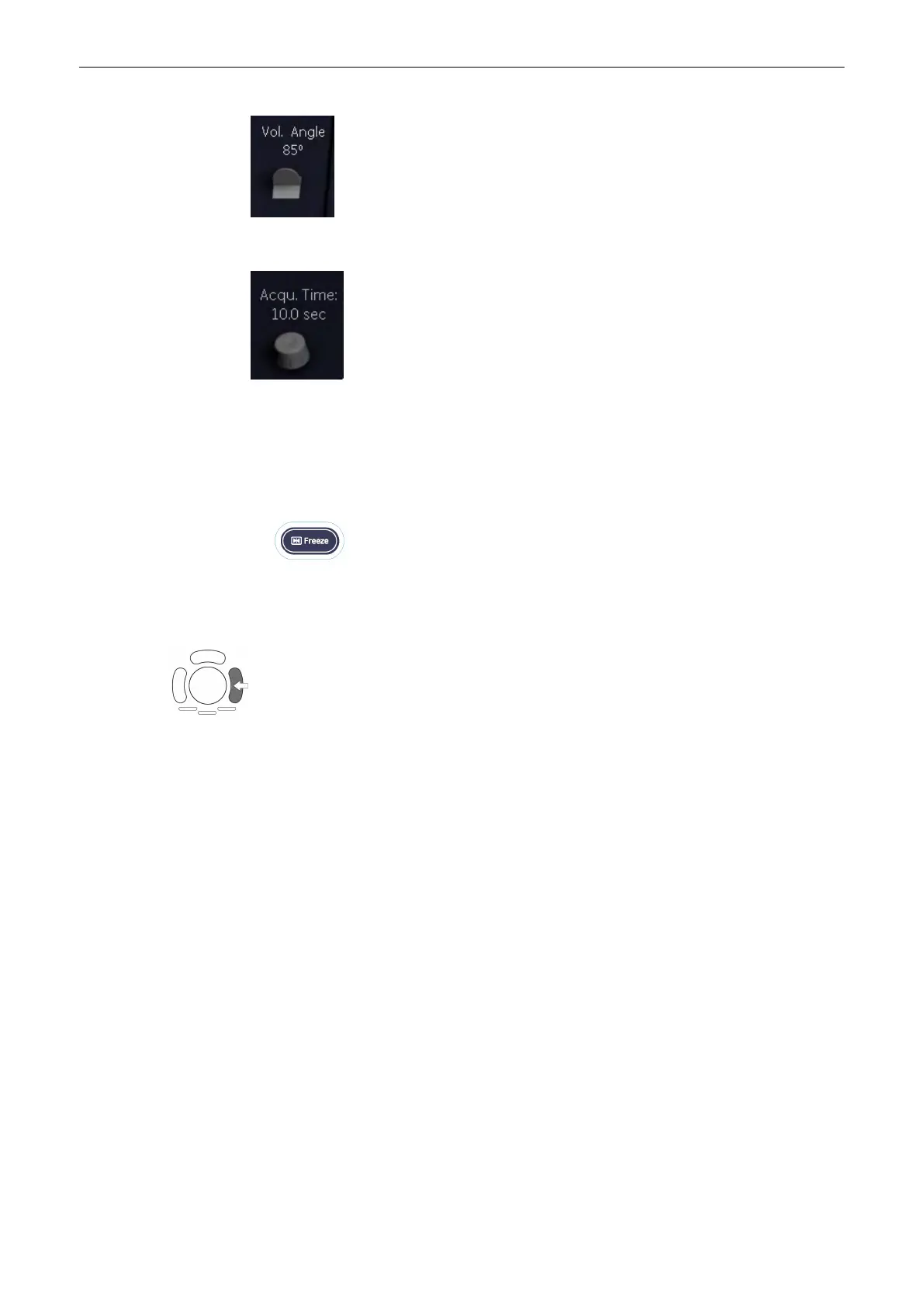
7. Set the volume sweep angle by using the control below the menu area.
8. Select the Acquisition time.
Note
In order to archive a good result, try to adjust the volume box and the sweep angle to be as
small as possible. The longer the acquisition time, the better the spatial resolution will be.
Hold the transducer still and ask the mother not to move.
9. To start the acquisition press the [Freeze] key or the right trackball key (Start -> displayed in
Status bar area on the monitor).
The volume acquisition starts and the acquired images are displayed.
Note
If CRI is enabled in 2D Mode, it is also used in STIC pre mode and during STIC acquisition.
The settings (CRI value) are taken from the 2D settings. Use of CRI is indicated in the info
block. It is also possible to combine CRI with STIC Color (CFM).
Volume Mode
9-110
Voluson® S6/S8 Basic User Manual
5433669-100 Revision 4



 To Next Page