Note
When using STIC CFM (2D+CFM), STIC PD (2D+PD) or STIC HD-Flow (2D+ HD-Flow)
adjustment of the Color settings is possible. Adjustment “Use 2D Color for STIC:
'General'
on
page 13-15 For further details, review: ‘CF Sub Menu’ on page 8‐17 PD Sub Menu
'PD Sub
Menu'
on page 8-21 HD-Flow Sub Menu
'HD-Flow Sub Menu'
on page 8-26
Note
STIC can also be used with M-Mode,
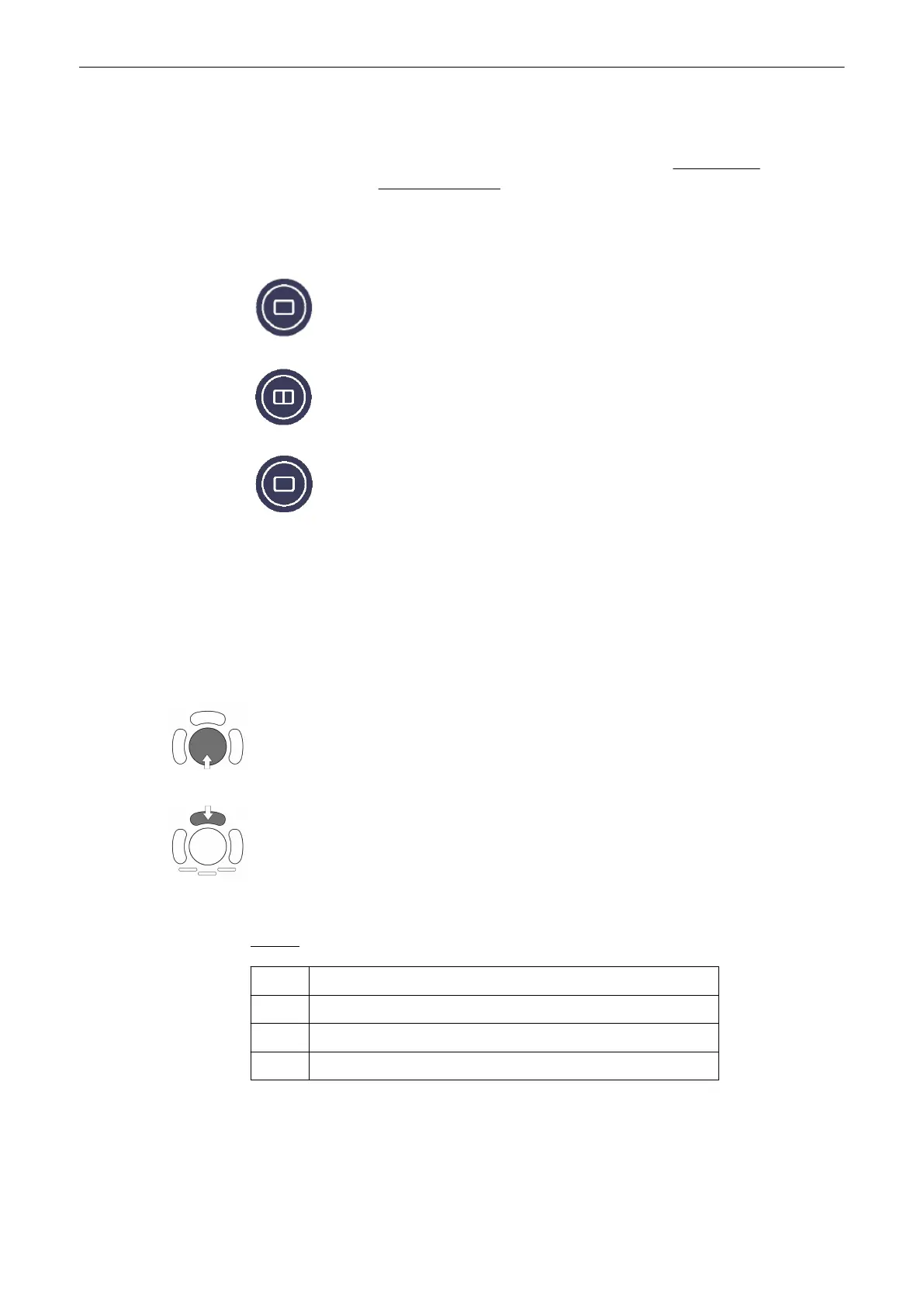
5. Select the desired display format .
Note
The selected format will be present in freeze mode after the acquisition is done. The [Dual]
screen format key is only available in STIC Render mode!
6. Before starting the acquisition, set the size of the volume box and the volume angle to
contain all structures of the heart including the big vessels. However, the box should be small
enough to contain only the heart, not the whole thorax.
6.1. Place the Volume box over the region of interest.
The trackball has two functions: position and size of the Volume box. The activated function
is displayed in status bar area on the monitor.
Press the upper trackball key to change the function of the trackball from position to size or
vice versa.
6.2. Change the size of the Volume box by moving the trackball.
Moving:
↑ decrease the box size in vertical direction
↓ increase the box size in vertical direction
→ increase the box size in horizontal direction
← decrease the box size in horizontal direction
Note
Change the settings in order to get a 2D frame rate of at least 25 frames per second. Normally
a frame rate between 25 and 30 frames per second is recommended.
Volume Mode
Voluson® S6/S8 Basic User Manual
5433669-100 Revision 4 9-109



 To Next Page