Pressing the [Single] screen format key will magnify x2 and display the reference image A, B
or C. For the REF image plane selection the same rules as for sectional planes mode apply.
The graphic display of the orientation help is not possible.
9.2.4.7 Niche Display Mode
Parts of the orthogonal sections A, B and C are compiled to a 3D-section aspect. The name
“Niche” has been chosen because the aspect shows a quasi spatial cut into the volume.
In the 3D Menu - After volume acquisition
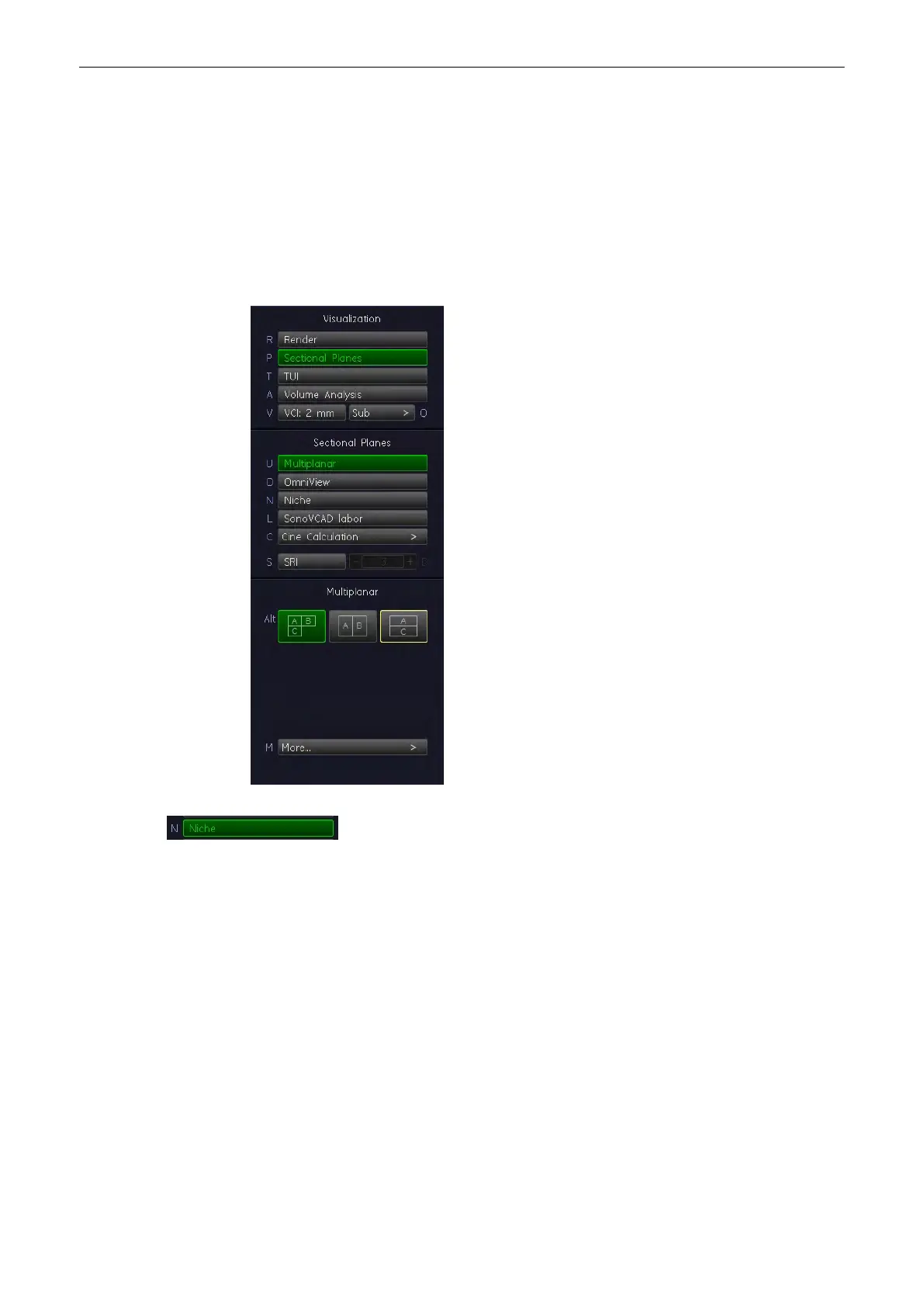
Select the [Niche] key to display the “Static 3D Niche” menu on the menu
area.
Volume Mode
Voluson® S6/S8 Basic User Manual
5433669-100 Revision 4 9-35



 To Next Page