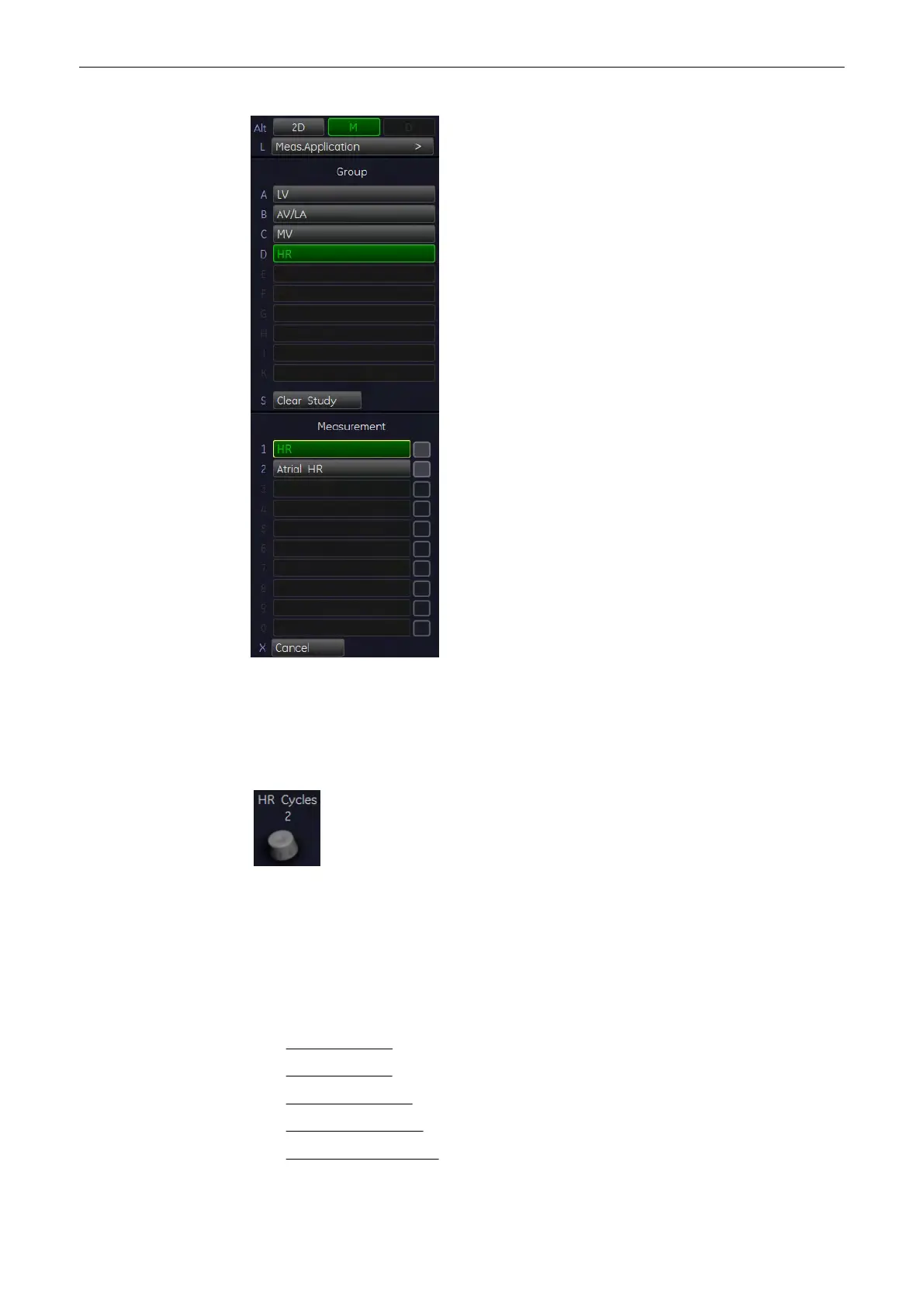
1. Press the [Calc] key on the control panel.
2. Select the item Heart Rate [HR] on the screen. A vertical line appears on the screen.
3. Move the line to the start point of the period and press the right or left trackball key [Set].
The second line appears.
4. Select the number of heart rate cycles necessary for measurement with the rotary control.
5. Move the second line to the end point of the period (according to the selected number of
heart rate cycles to be measured).
6. Press the right or the left trackball [Set] key again. The Heart Rate is displayed.
11.2.5.24 Cardiology Calculations in Spectral-Doppler Mode
•
MV (Mitral Valve)
(chapter
'MV (Mitral Valve)'
on page 11-75
)
•
AV (Aortic Valve)
(chapter
'AV (Aortic Valve)'
on page 11-76
)
•
TV (Tricuspid Valve)
(chapter
'TV (Tricuspid Valve)'
on page 11-77
)
•
PV (Pulmonary Valve)
(chapter
'PV (Pulmonary Valve)'
on page 11-78
)
•
LVOT- or RVOT Doppler
(chapter
'LVOT- or RVOT Doppler'
on page 11-79
)
Measurements and Patient Worksheets (Reports)
11-74
Voluson® S6/S8 Basic User Manual
5433669-100 Revision 4



 To Next Page