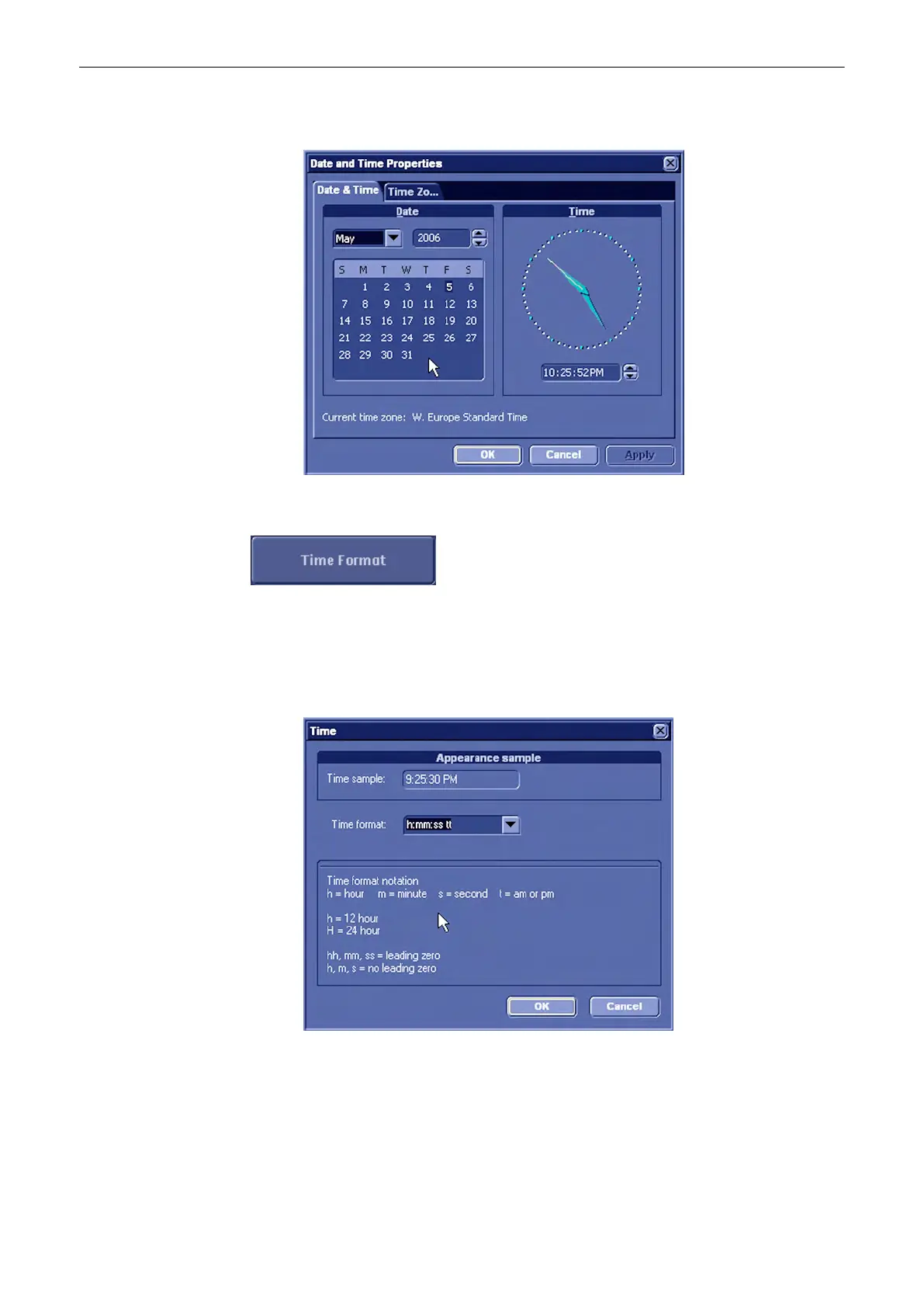
3. Close the sub-window with [Ok] to save the changes or [Cancel] to return to the “Setup
Page” without saving the changes.
13.2.3.1.2 To Change the Time Format
•
Select the [Time Format] button to activate a sub-dialog window to choose the preferred
time format.
•
Chose a time format from the pull down menu.
•
Close the sub-window with [Ok] to save the changes or [Cancel] to return to the “Setup
Page” without saving the changes.
Utilities and System Setup
13-16
Voluson® S6/S8 Basic User Manual
5433669-100 Revision 4



 To Next Page