•
The number of stored images depends on the number of scan lines, scan depth and
magnification. In freeze mode the length of the sequence is indicated on the status bar.
Display: Cine xxx
•
Starting the Cine mode erases measuring marks and measuring displays.
•
The Cine Function (operation and storage) is identical in 2D mode and CF mode.
6.3.1 Image Marker
When in freeze mode a marker indicates the current image on the cine bar.
This marker can be moved using the trackball. The marker is green as long it is inside the
“save clip” section. Outside of the “save clip” section it turns red.
6.3.2 Retrospective and Prospetive Cine Mode
•
Retrospective Cine: When the cine clip is saved in retrospective cinemode, all frames
that have been captured will be saved when the [Freeze] key or the [Px] key are
pressed. Then the cine clip will be saved. (time adjustable)
•
Prospective Cine: When saving the cine clip in prospective cinemode, all frames will be
saved beginning at the moment of activating the cine (time adjustable).
6.3.3 Edit Clip
After the cine has been stored it can be edited.
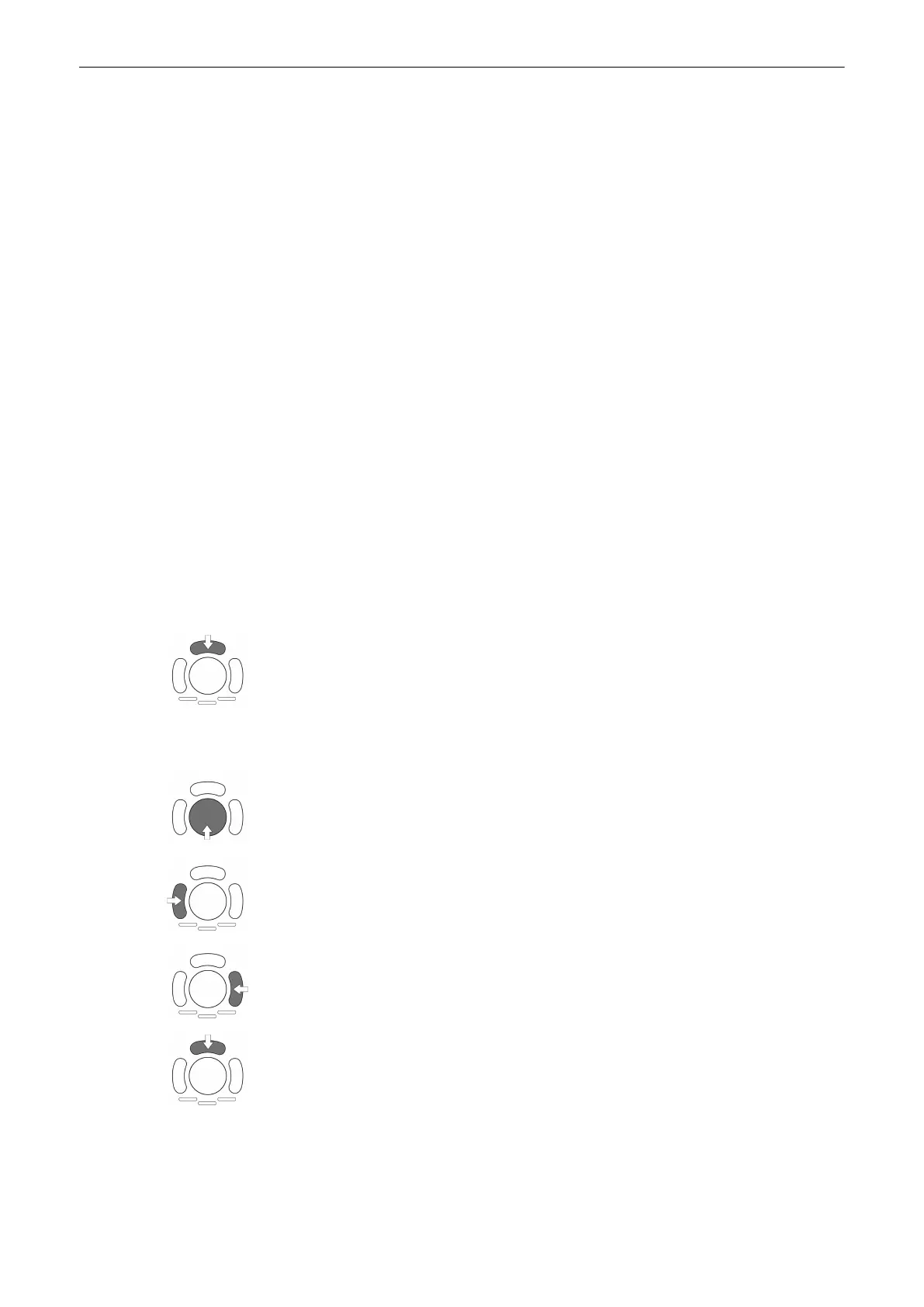
Press the upper trackball key to enter the Edit Clip mode.
The stored cine clip can be cropped by defining a start and a end image:
Use the trackball to scroll through the images.
To define a start image use the left trackball key.
To define a end image use the right trackball key.
To exit the Edit Clip mode press the upper trackball key.
2D Mode
Voluson® S6/S8 Basic User Manual
5433669-100 Revision 4 6-17



 To Next Page