•
M Mode measurements
(chapter
'M-Mode Measurements'
on page 11-14
)
•
D Mode measurements
(chapter
'D-Mode Measurements'
on page 11-16
)
Additional functions in the “Generic Measurement” menu:
•
To Change the Measurement Applications
(chapter
'To Change the Measurement
Application'
on page 11-20
)
•
To Review the Generic Work Sheet
(chapter
'To Review the Generic Work Sheet'
on
page 11-21
)
11.1.1 Basic Operations
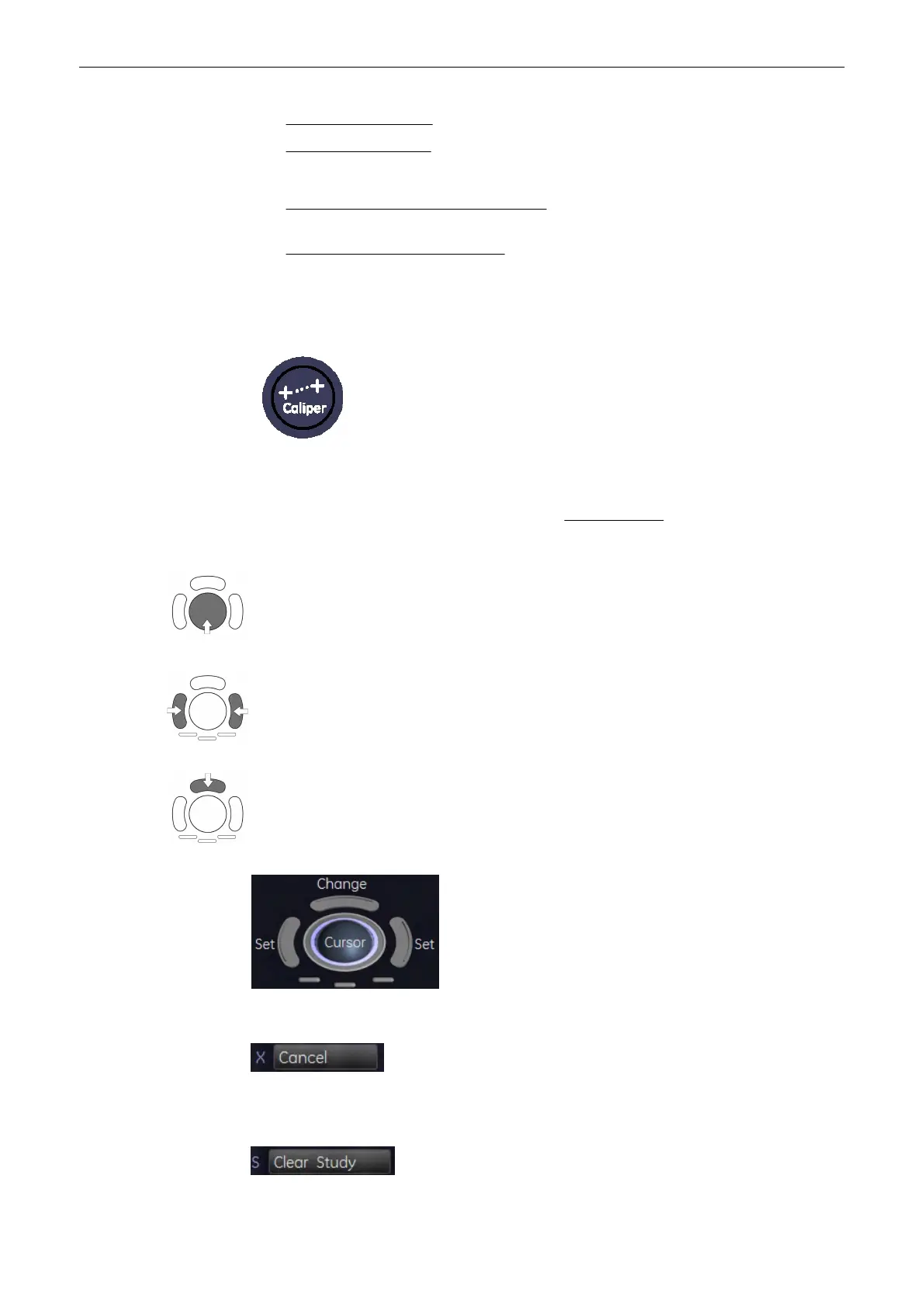
By pressing the [Caliper] key on the control panel the Generic Measurement function is
switched on. The menu area display depends on the acquisition mode and the “Generic”
settings in the Measure Setup. For details, review: Measure & Calc
(chapter
'The Measure
Setup Pages'
on page 11-109
)
Positioning of measuring marks is done with the trackball.
Entering and storage of measuring marks is done with the right or left trackball key [Set].
To change measuring marks before completion press the upper trackball key [Change]. If
you want to readjust a traced line, press the upper trackball key [Undo] repeatedly.
The status bar area shows the current function of the trackball.
To cancel the measurement of the currently selected item, select the [Cancel] button on the
menu area.
Measurements and Patient Worksheets (Reports)
Voluson® S6/S8 Basic User Manual
5433669-100 Revision 4 11-3



 To Next Page