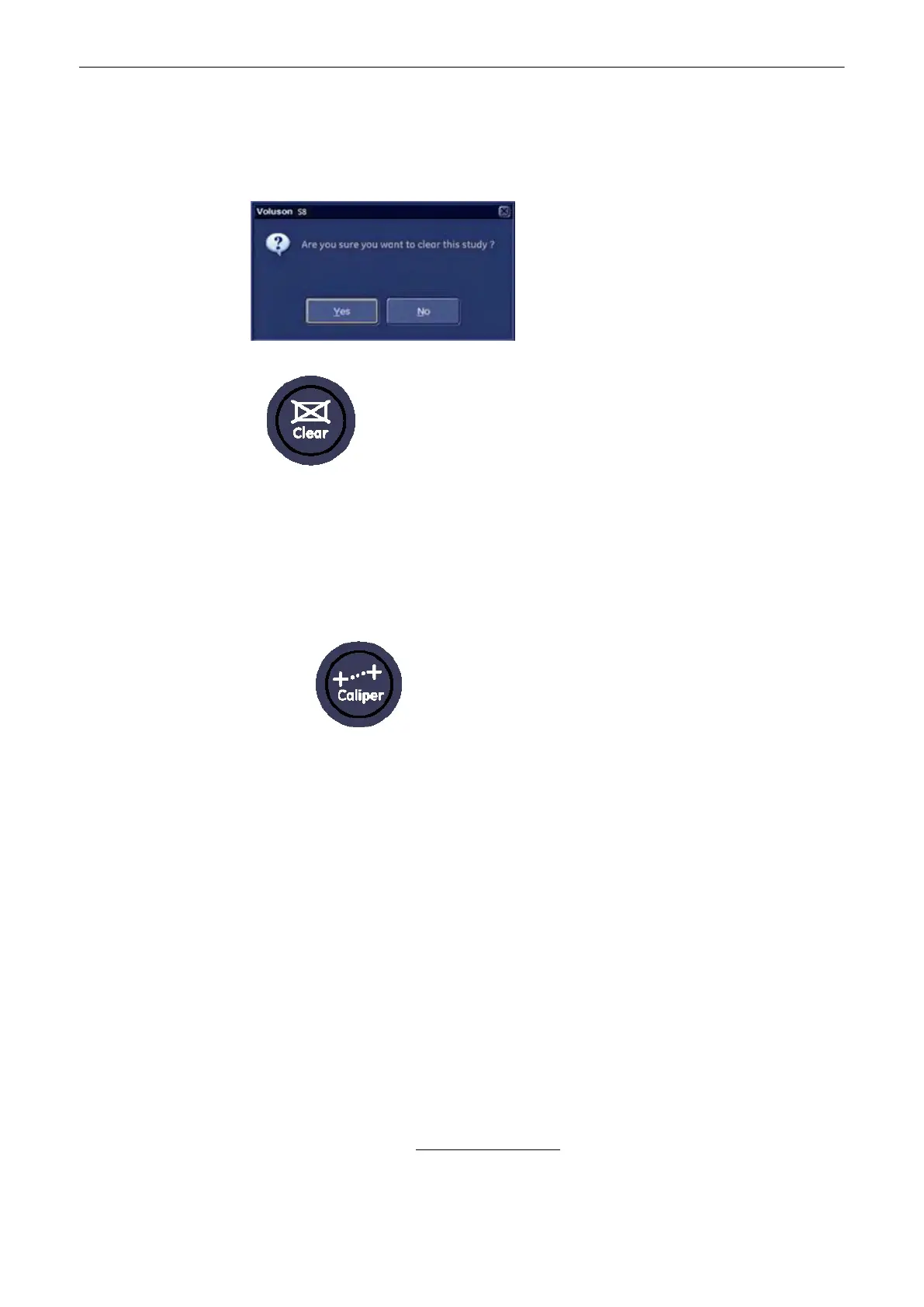
To delete all measurement results of the selected “Study” from the monitor as well as from the
corresponding Worksheet, select the [Clear Study] item on the menu area.
Note
When [Clear Study] runs, it shows below message.
To erase measurement results:
•
Select the [Clear Study] item on the menu area
•
or select the [Delete Last] on the menu area
To exit the Generic Measurement program:
•
Press the [Caliper] key on the control panel
•
To get optimum resolution and accuracy from Doppler measurements, the [Angle]
correction cursor must be positioned parallel to the vessel axis (in the area of the
measuring volume).
•
When the result display is full, (max. 4) the first measurement will be overwritten first.
•
Except for Auto Trace measurements, all measurement results will be automatically
included in the corresponding Generic Worksheet. To store Auto Trace measurement
results, press the right or left trackball key [Set] previously.
•
Depending on the Application setting and the adjustment in the Measure Setup:
•
RI and PI will be calculated using ED (End Diastole) or “MD” (Mid Diastole)
Note
Vdiastole = Vend-diastole or Vmin (depending on this selection)
•
all previously set measuring marks are erased when starting a new scan (unfreeze
-> Run mode), or the measurement results are kept on screen.
•
the Spectral Doppler envelope curve is performed with a continuous trace line or
by setting points
•
the Doppler measuring results (according to the “Auto/Manual Trace” setting) are
displayed after an Auto- or Manual Trace measurement
For further details, review:
Application Parameters
(chapter
'The Measure Setup Pages'
on
page 11-109
)
Measurements and Patient Worksheets (Reports)
11-4
Voluson® S6/S8 Basic User Manual
5433669-100 Revision 4



 To Next Page