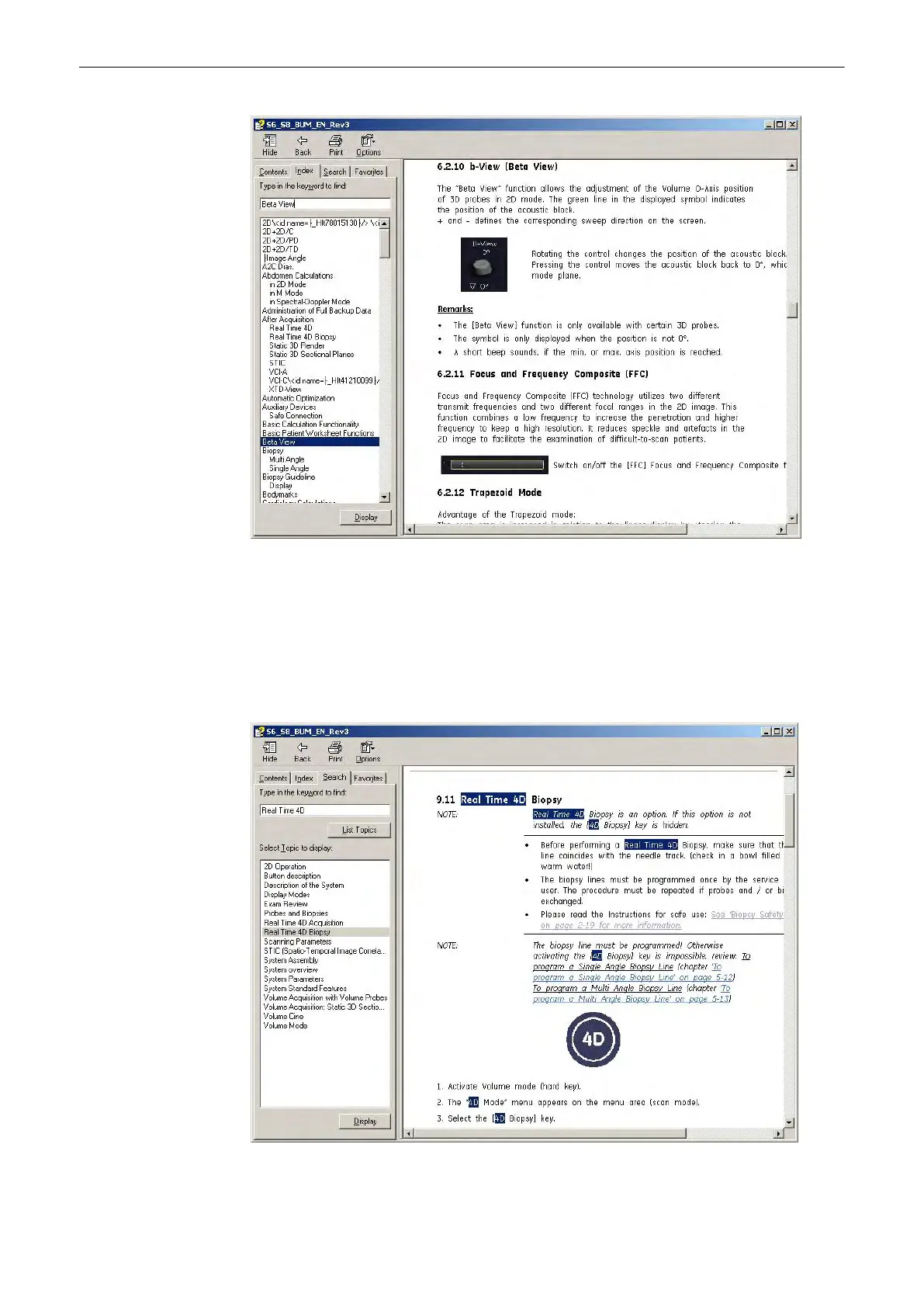
3.8.2.3 To Search for a Topic
1.
To search for a specific topic, click on the “Search” tab.
2. Type in the topic name in the
Type in the keyword to find:
field. Topics with the word or
phrase you typed appear in the
Select Topic to display:
area.
3. Either double click the desired topic to view, or highlight the topic and click the [Display]
button.
Description of the System
Voluson® S6/S8 Basic User Manual
5433669-100 Revision 4 3-19



 To Next Page