11.2.9.4 Hip Joint
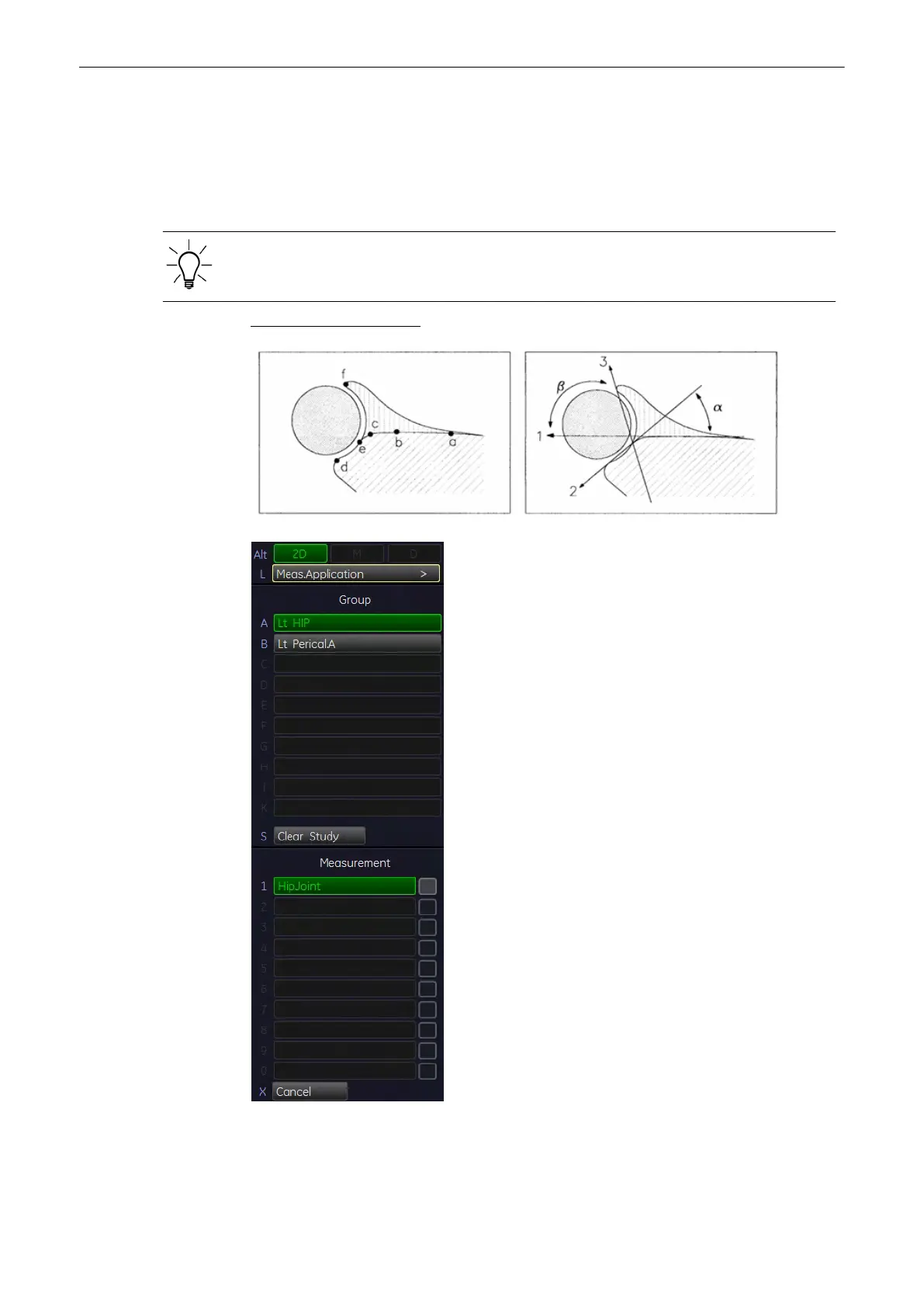
The [Hip Joint] calculation assists in assessing the development of the infant hip. In this
calculation, three straight lines are aligned with the anatomical features as shown in the figure
below. The two angles are computed, displayed, and can be used by the physician in making
a diagnosis.
The order of entering the lines 1 to 3 must be followed.
Necessary measurements: Sketch: a-b (line 1) c-d (line 2) e-f (line 3)
1. Press the [Calc] key on the control panel.
2.
Select the desired hip. For example: select [Left HIP].
Measurements and Patient Worksheets (Reports)
11-92
Voluson® S6/S8 Basic User Manual
5433669-100 Revision 4



 To Next Page