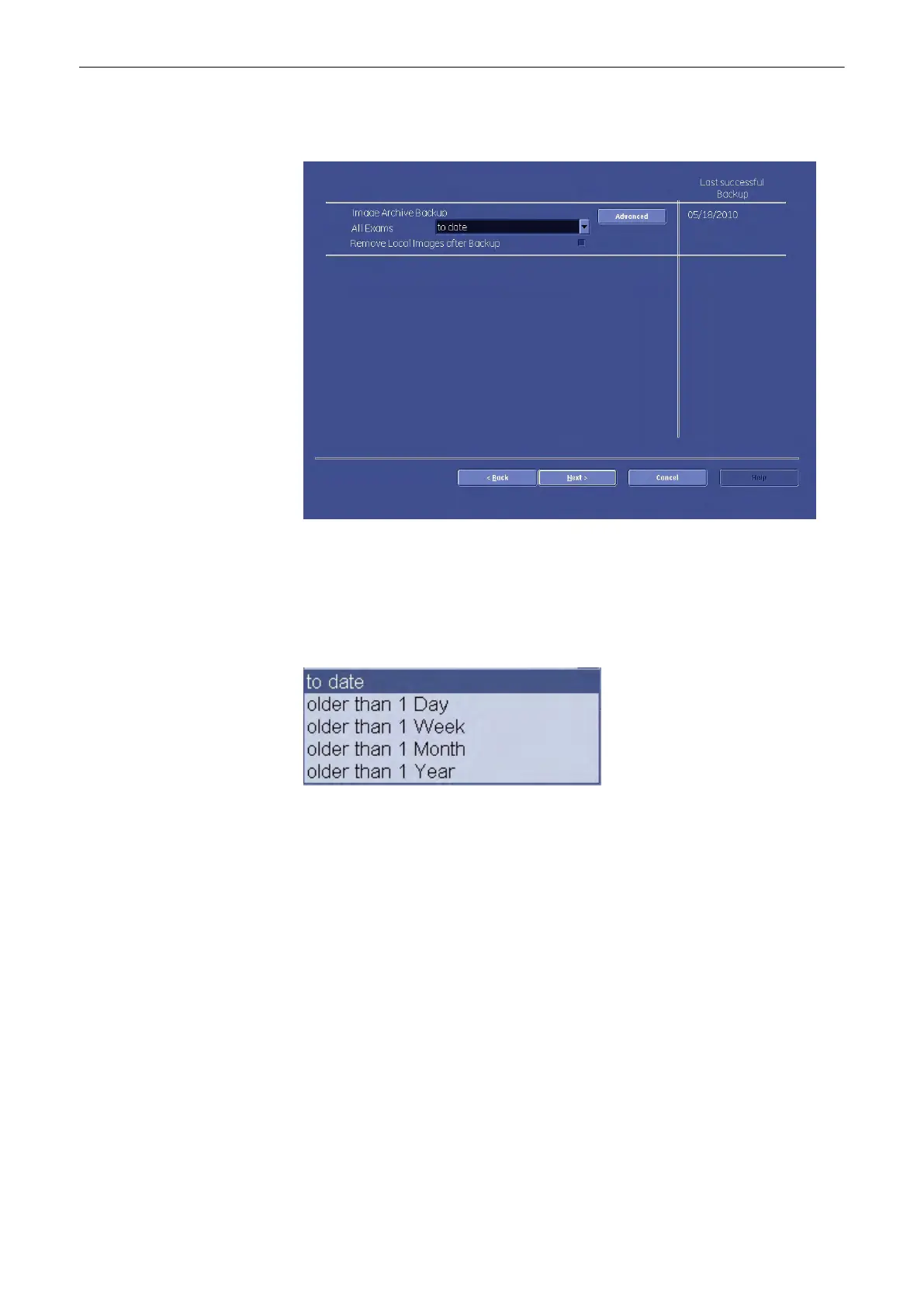
13.2.6.2.2 How to Save an Archive
1.
Press the [Save]
button. The following menu appears:
2.
Check the checkbox “Remove Local Images after Backup”, if you want to save hard disk
space and remove the backed-up exams from your local hard disk.
3. Then choose the exams, you wish to backup, according to date. Choose a date from the
drop-downlist. All exams the from the last backup untill the date you choose will be
backed up now.
4. Confirm with [Next].
Utilities and System Setup
Voluson® S6/S8 Basic User Manual
5433669-100 Revision 4 13-59



 To Next Page