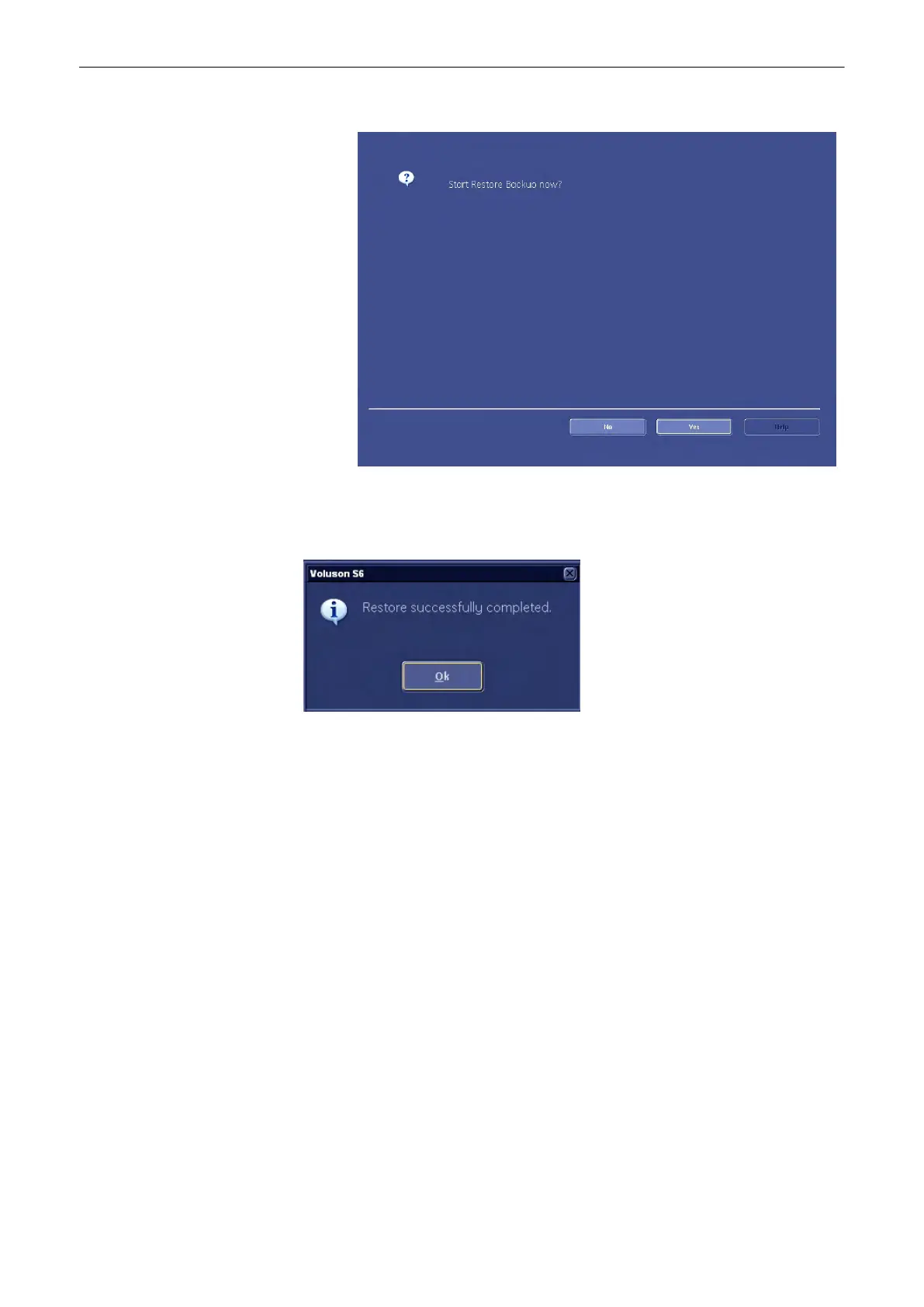
After selecting the patients or exams you desire confirm with [Next]. The following dialog
appears:
6. Confirm with [Yes]; (If you do not want to restore the backup now, press [No].)
The Process bar appears.
As soon as the loading procedure is finished the following window appears.
7. Confirm with [OK]. You will be returned to the Image Archive tab.
Utilities and System Setup
13-58
Voluson® S6/S8 Basic User Manual
5433669-100 Revision 4



 To Next Page