4.8 Entering Patient Data
Patient Data is to be entered by using a patient data form. This information will be used in
calculations, patient worksheets, DICOM settings and is displayed on the screen to identify
images. All entries into the data fields are stored on the internal database.
Press the [Patient] key (hard key) on the control panel.
Patient Menu
If an exam is started;
For more information see
'Current Patient Menu'
on page 4-11.
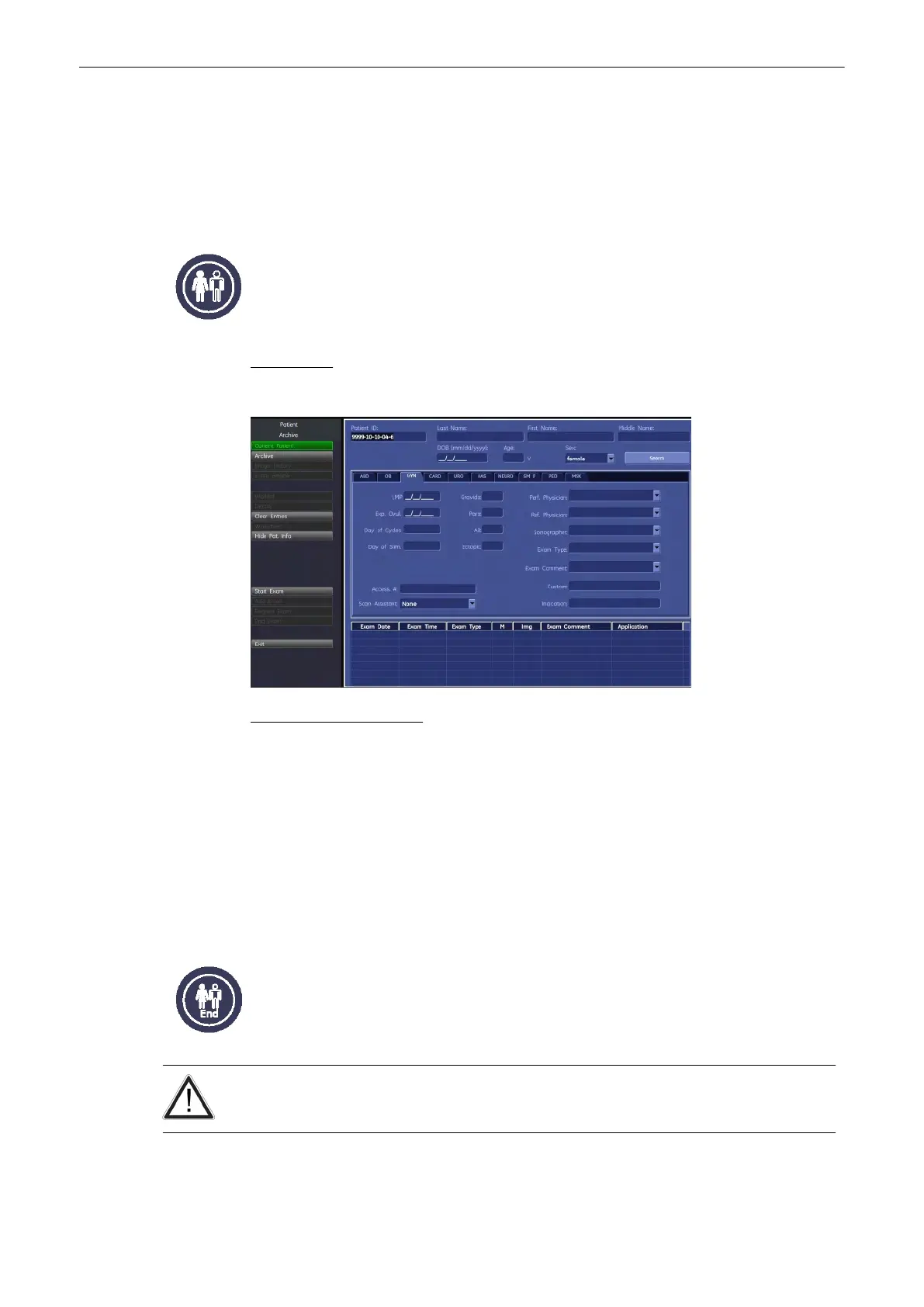
“Patient Information” screen
If no exam is started;
For more information see
'“Patient Information” screen'
on page 4-13.
Note
•
If the system is connected to a worklist server (e.g. HIS / RIS) you can select a patient
from the list. Operation:
'To Retrieve Patient Data via External Worklist Server'
on page
4-23
•
Otherwise use the keyboard to type in the Patient Information. Operation:
'Standard
Input'
on page 4-21
4.8.1 End Exam
[End Exam]: Exit from the patient procedure to previous operating state.
Patient and measurement data are stored in the “Data manager” and all temporary patient
and measurement data are cleared.
It is absolutely necessary to press the [End Exam] key on the control panel before switching
OFF the system. Otherwise the current Patient data as well as all the measurements in the
Patient Worksheets get lost.
Operating the System
4-10
Voluson® S6/S8 Basic User Manual
5433669-100 Revision 4



 To Next Page