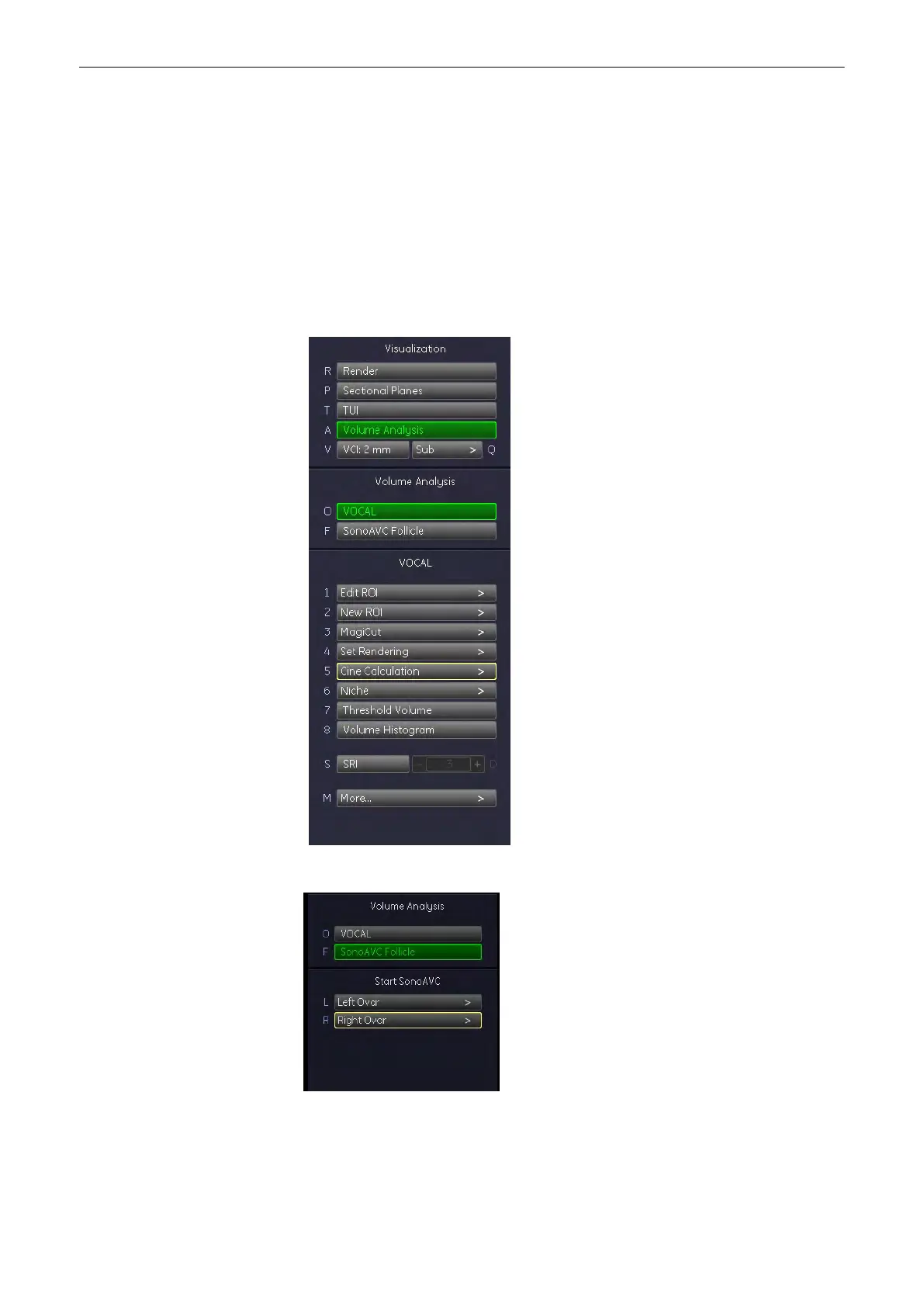
9.13.2 Operation
1.
Create a 3D Static Volume of the desired Organ, see 'Volume Acquisition: Static 3D
Render'
on page 9-48
.
2. Select a Region of Interest or create a VOCAL, see 'After the Static 3D Render
Acquisition'
on page 9-51
3. Press the [Volume Analysis] Button on the menu area.
Note
If a 4D Volume cine is present, the system will automatically switch to 3D Static when
[SonoAVC] is pressed.
4. Reselect the ROI or press [Left Ovar] or [Right Ovar].
After a few moments the list of low echgenic objects is displayed.
The following screen appears:
Volume Mode
9-132
Voluson® S6/S8 Basic User Manual
5433669-100 Revision 4



 To Next Page