Note
For further details and explanations refer to the Service Manual of the system.
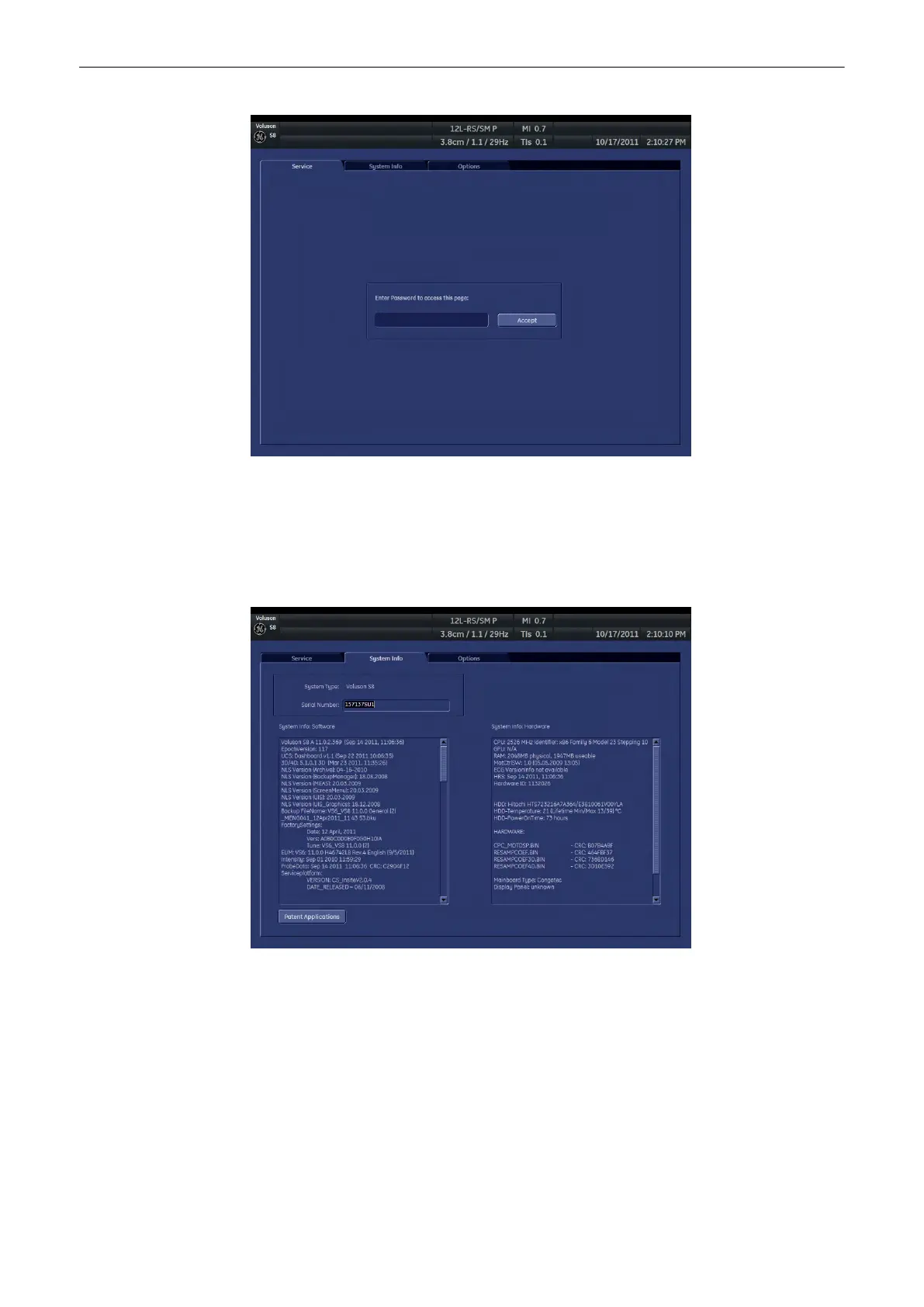
13.2.4.2 System Info
In the “System Info” page the Software/Hardware version that is installed in the system can be
seen.
Serial Number: Displays the serial number of the system.
System Info Software: Display of the current software version of the system.
System Info Hardware: Display of the current hardware version of the system.
Patent Applications: Opens an additional window, showing all applications/patents the
Voluson® S6/S8 system is protected with.
Move the scroll bar downwards to review additional information about installed software.
Utilities and System Setup
13-28
Voluson® S6/S8 Basic User Manual
5433669-100 Revision 4



 To Next Page