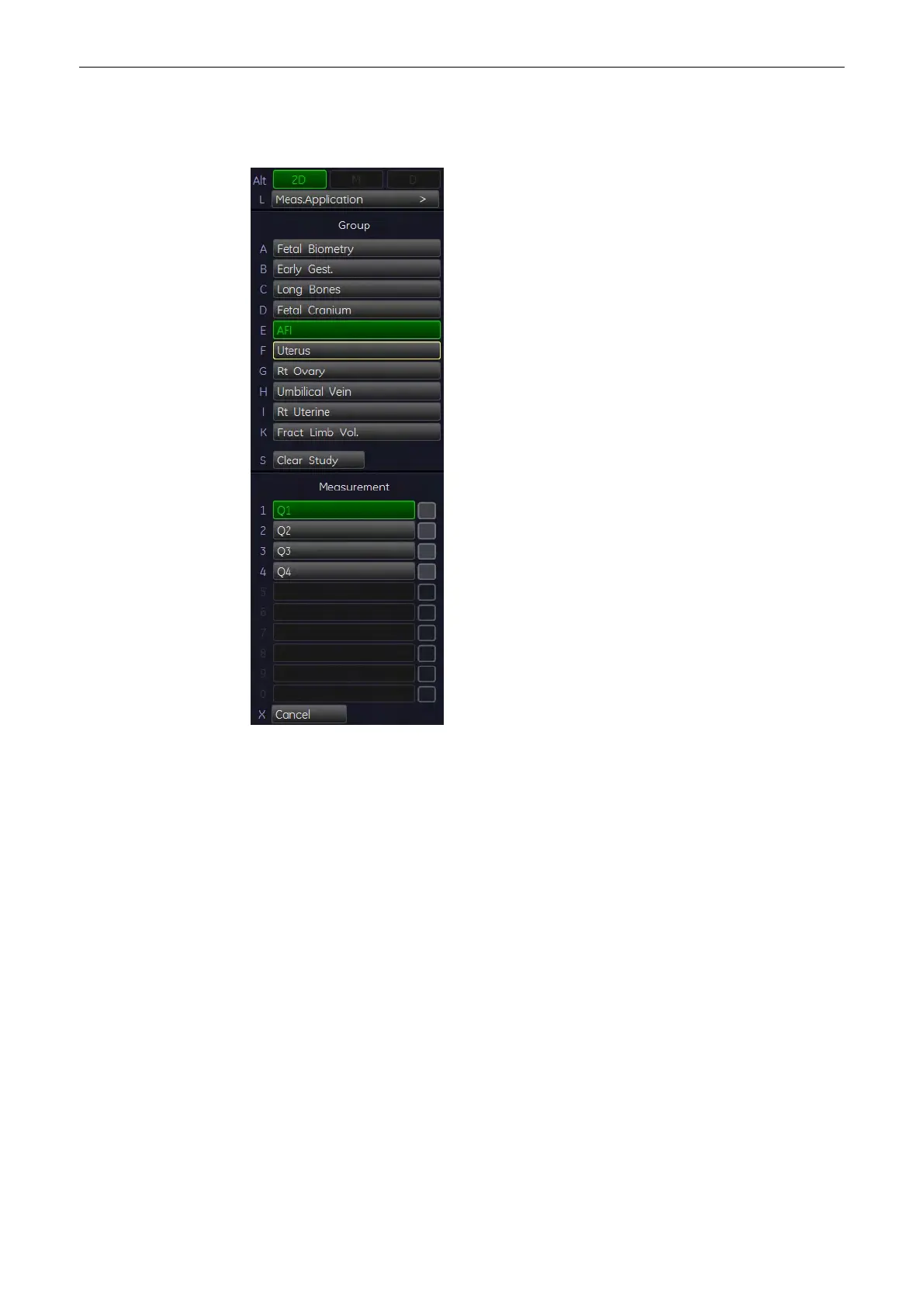
11.2.4.7 AFI Calculation
To calculate AFI, the Amniotic Fluid Index (distances are measured in several images):
1. Press the [Calc] key on the control panel.
2.
Select the [AFI] key and then select [Q1].
3. Use the trackball to move the cursor to the start point of the measurement and press the
right or left trackball key [Set] to fix the marker. A second cursor appears.
4. Move the second cursor to the second point of the measurement and press [Set] again.
The distance between the two points is displayed.
Note
To re-adjust the start point, press the upper trackball key [Change] before completing the
measurement. This alternates the control from one cursor to the other.
5. Press [Freeze] to return to the scan mode, record the next image and then press
[Freeze] again.
6. Press the [Calc] key on the control panel, select the [Q2] item and then perform the
measurement using the trackball and the right trackball key.
7. Perform the distance measurement of [Q3] and [Q4] in the same manner.
11.2.4.8 Early Gest. - NT
To calculate NT, the Nuchal Transluceny:
Measurements and Patient Worksheets (Reports)
Voluson® S6/S8 Basic User Manual
5433669-100 Revision 4 11-43



 To Next Page