•
Manual NT: Same as standard distance measurement:
'2D Mode Measurements'
on
page 11-5
)
•
SonoNT: Switch to SonoNT by using the [NT Method] flipswitch and follow the
instruction:
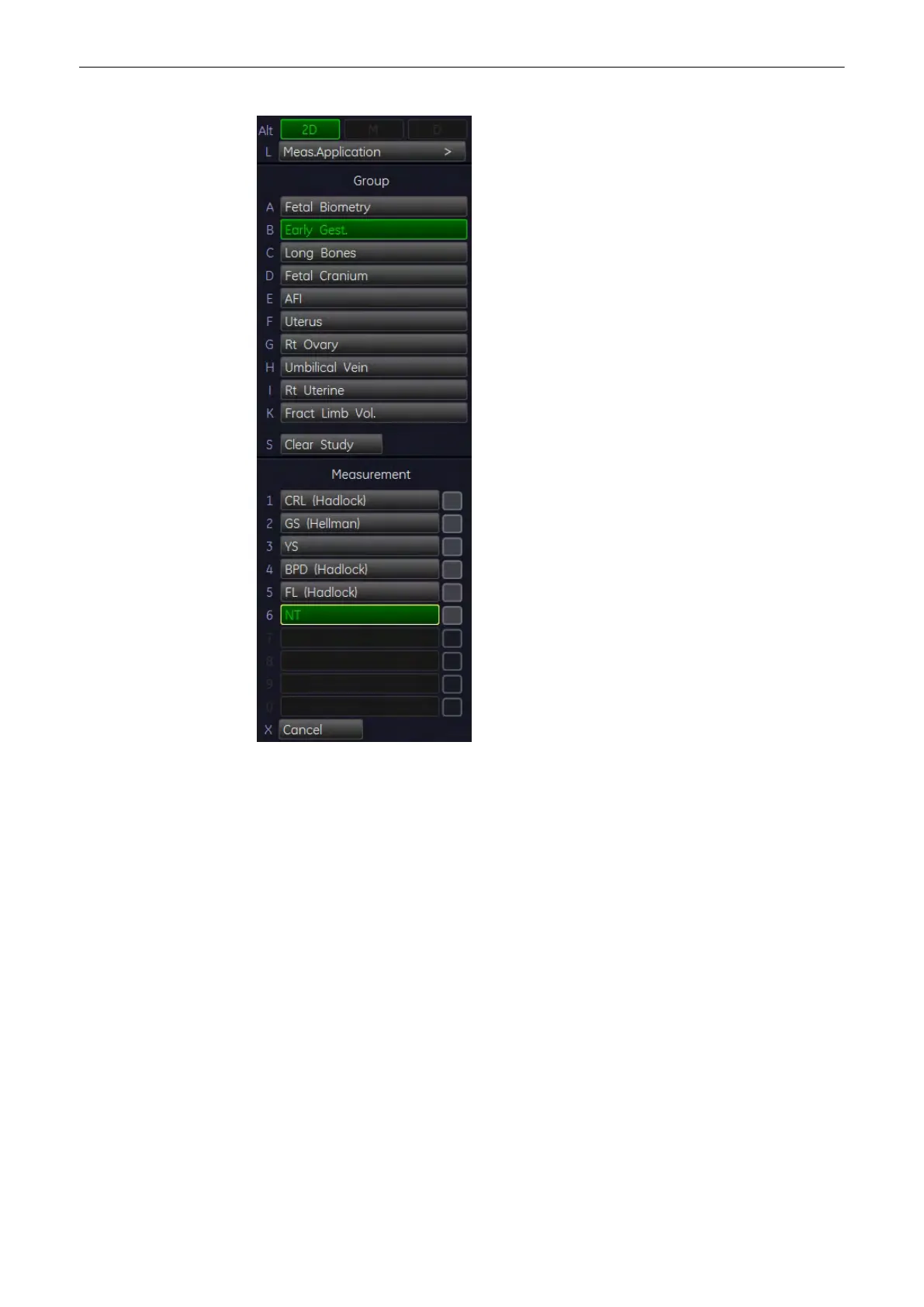
1. Press the [Calc] key on the control panel and choose [Early Gest.].
2. Select the [NT] key.
3. Use the trackball to move the cursor to the start point of the measurement and press the
right or left trackball key [Set] to fix the marker. A second cursor appears.
4. Move the second cursor at the diagonal edge of the NT ROI to the second point of the
measurement and press [Set] again.
Note
To re-adjust the start point, press the upper trackball key [Change] before completing the
measurement. This alternates the control from one cursor to the other.
5. If the analysis finds a result: The NT measurement will be displayed. The NT position
can now be changed, using the [NT position] flipswitch. If the analysis can not find a
result: A warning appears on the screen: No valid NT-distanz found! Start over with step
4.)
Measurements and Patient Worksheets (Reports)
11-44
Voluson® S6/S8 Basic User Manual
5433669-100 Revision 4



 To Next Page