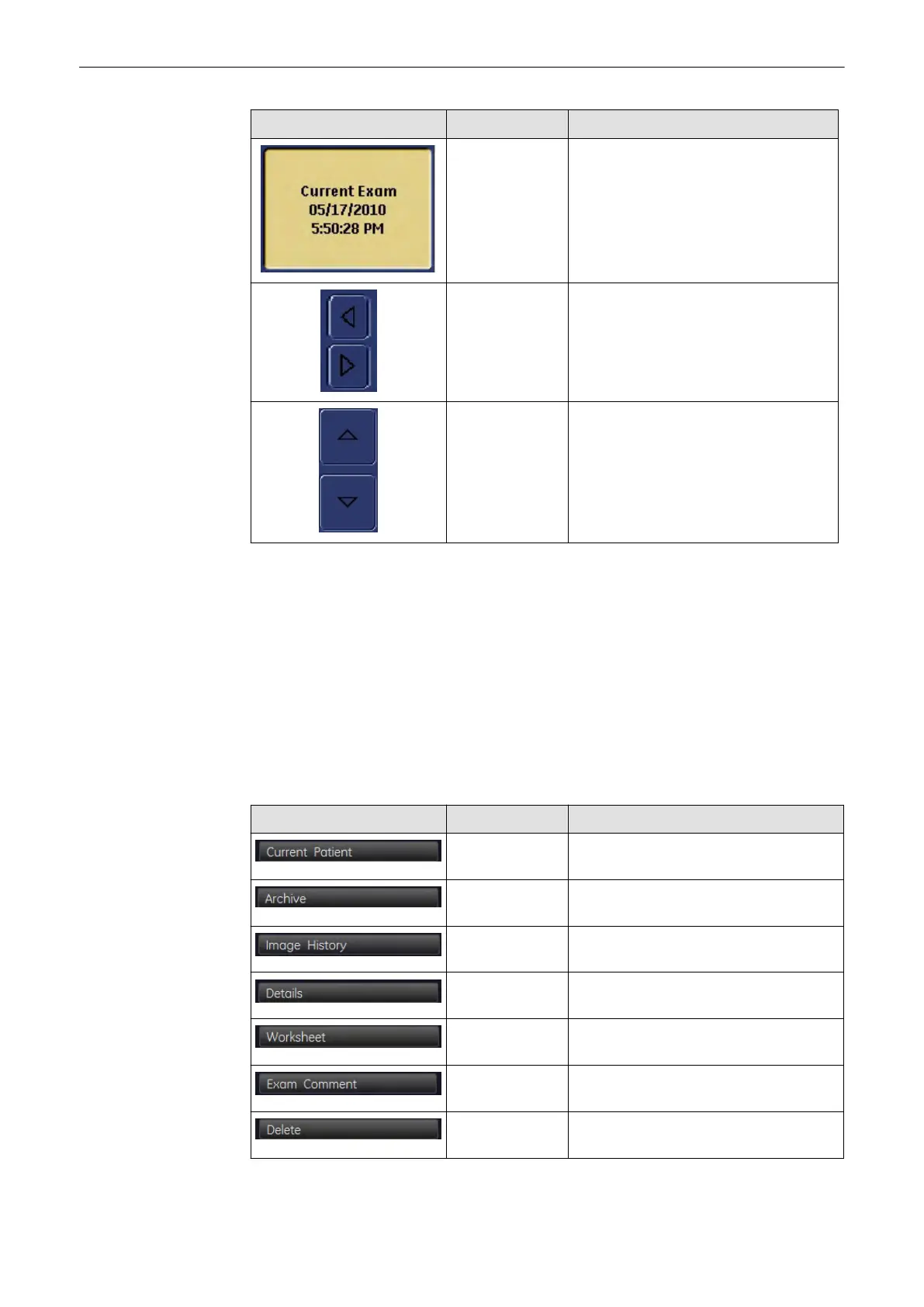
Picture Key Action
Exam Buttons Used to select an exam and indicate the
selected exam (button pressed). Displays
the Exam Date and Time and the string
“Current Exam” to mark the current Exam.
Left/Right Arrows Used to scroll through the individual
images.
Up/Down Arrows Used to scroll through the individual
exams.
To mark an image use the trackball: Position the cursor over the desired image and click the
left/right trackball key. A green frame appears around the image. To unmark the image, click
again.
You can mark more than one image at a time.
Note
It is not possible to double-click an image in the image history. Therefore it is also not possible
to load an image into Exam Review.
To mark an exam click one of the buttons in the area marked.You can mark one exam only!
12.5 Exam Review
Picture Key Action
Current Patient Opens "Current Patient” Screen,
see'Current Patient Dialog'
on page 12-3
Archive Opens the "Archive" Screen, see 'Patient
Archive'
on page 12-10
Image History Opens the "Image History" Screen, see
'Image History'
on page 12-30
Exam Details Opens the "Exam Details" dialog,
see'Exam Menu'
on page 12-21
Worksheet Opens the Worksheet, see 'Exam Menu'
on page 12-21
Exam Comment Opens the "Exam Comment" dialog, see
'Commenting'
on page 12-37
Delete Deletes the currently selected Patient, see
'Data Transfer Menu'
on page 12-25
Archive
Voluson® S6/S8 Basic User Manual
5433669-100 Revision 4 12-31



 To Next Page