9.3.9 Power Threshold
This function eliminates low color noise of motion artefact signals in the sectional slices as well
as in the rendered 3D image.
A lower number cuts off fewer signals than a higher number.
Note
This key is only available if a 3D+CFM, 3D+PD or a 3D+HD image is acquired.
9.4 Volume Acquisition: Static 3D Render
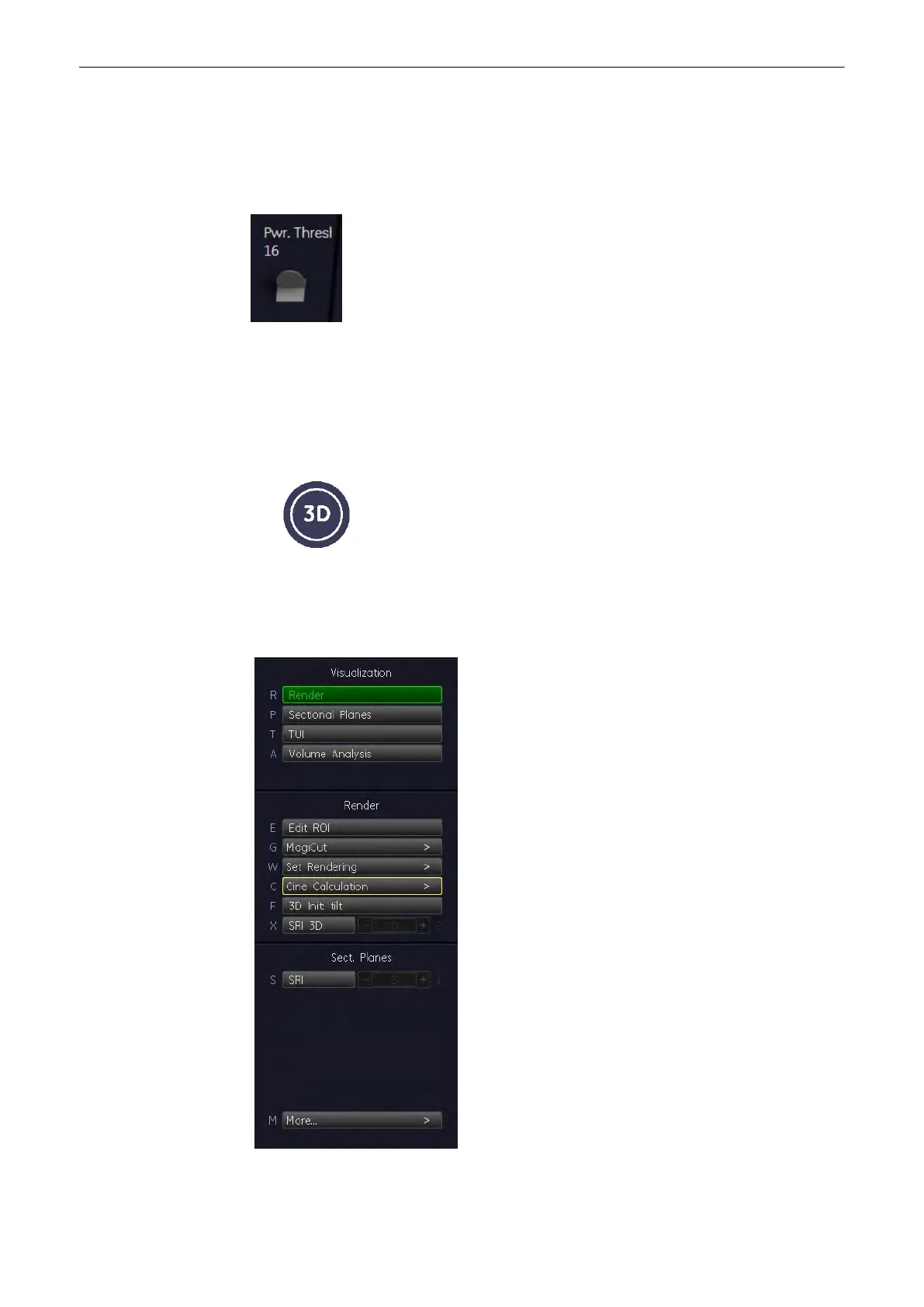
1. After obtaining the ROI in 2D, 2D/CFM, 2D/PD, 2D/HD or B-Flow image, press the [3D] key
to activate the Volume mode.
2. In the 3D Static Menu select a setting and an application key and adjust the settings.
.
Volume Mode
9-48
Voluson® S6/S8 Basic User Manual
5433669-100 Revision 4



 To Next Page