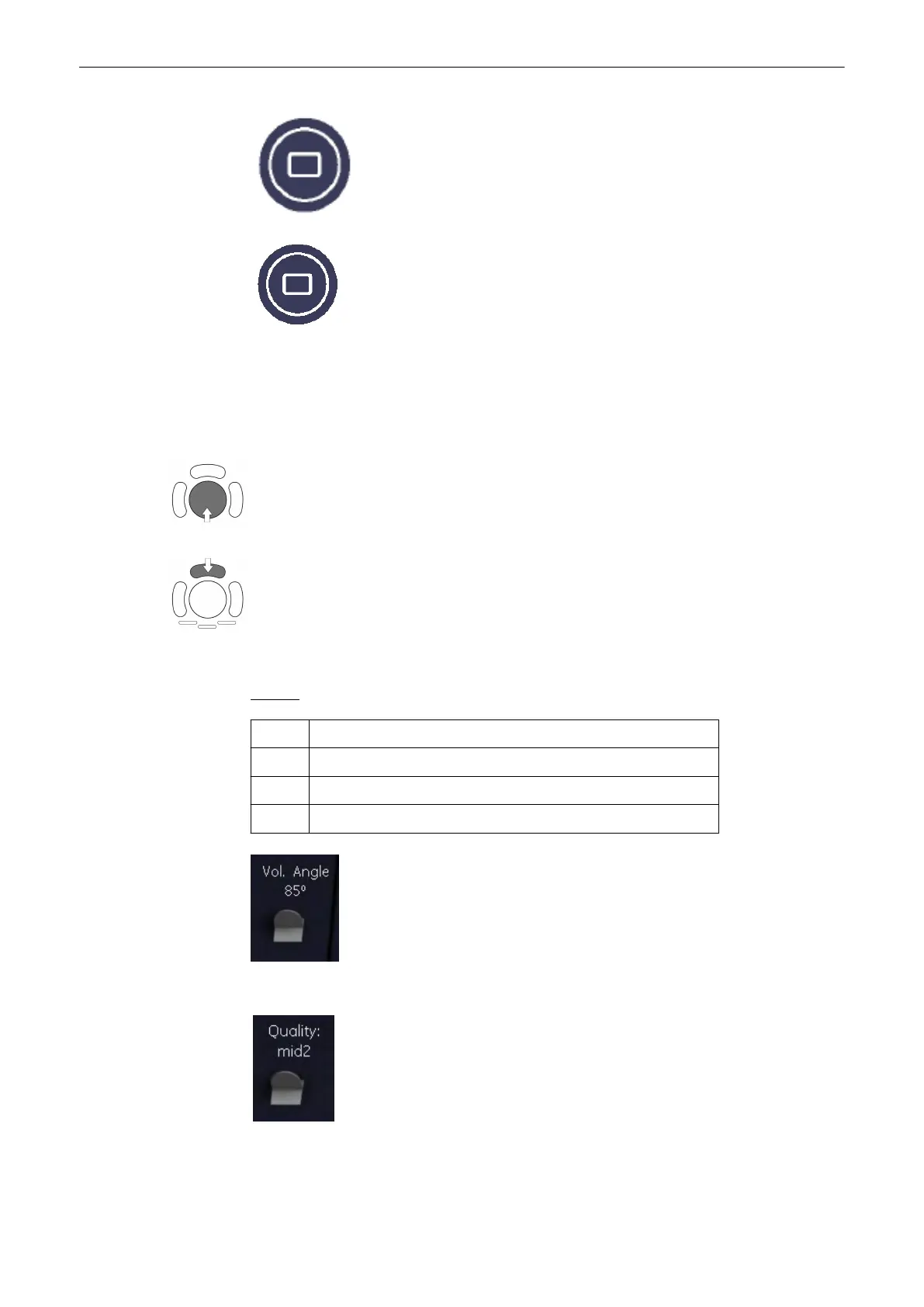
3. Select the display format desired.
Note
The selected format will be present in freeze mode after the acquisition is done.
4. Place the Volume box over the region of interest.
The trackball has 2 functions: position and size of the Volume box. The activated function is
displayed in the status bar area on the monitor.
Press the upper trackball key to change the function of the trackball from position to size or
vice versa.
5. Change the size of the Volume box by moving the trackball.
Moving:
↑ decrease the box size in vertical direction
↓ increase the box size in vertical direction
→ increase the box size in horizontal direction
← decrease the box size in horizontal direction
6. Set the volume sweep angle by using the right control below the menu area.
7. Select the Quality. This function changes the line density against acquisition speed.
Volume Mode
Voluson® S6/S8 Basic User Manual
5433669-100 Revision 4 9-49



 To Next Page