Note
If the transfer was successful, but a storage commitment request was not yet successful, the
images receive the status “sent”. As soon as the storage commitment was successful the
entries (both images and storage commit) are deleted from the list.
Select the [Retry] button to retry selected exam.
Select the [Retry all] button to retry all exams.
Select the [Delete] button to delete selected exam.
Select the [Delete all] button to delete all exams.
Select the [Hold Queue] button.
Note
If the [Hold Queue] button is selected, the system no longer tries to send the data in the
queue (e.g. when the system is removed from the network).
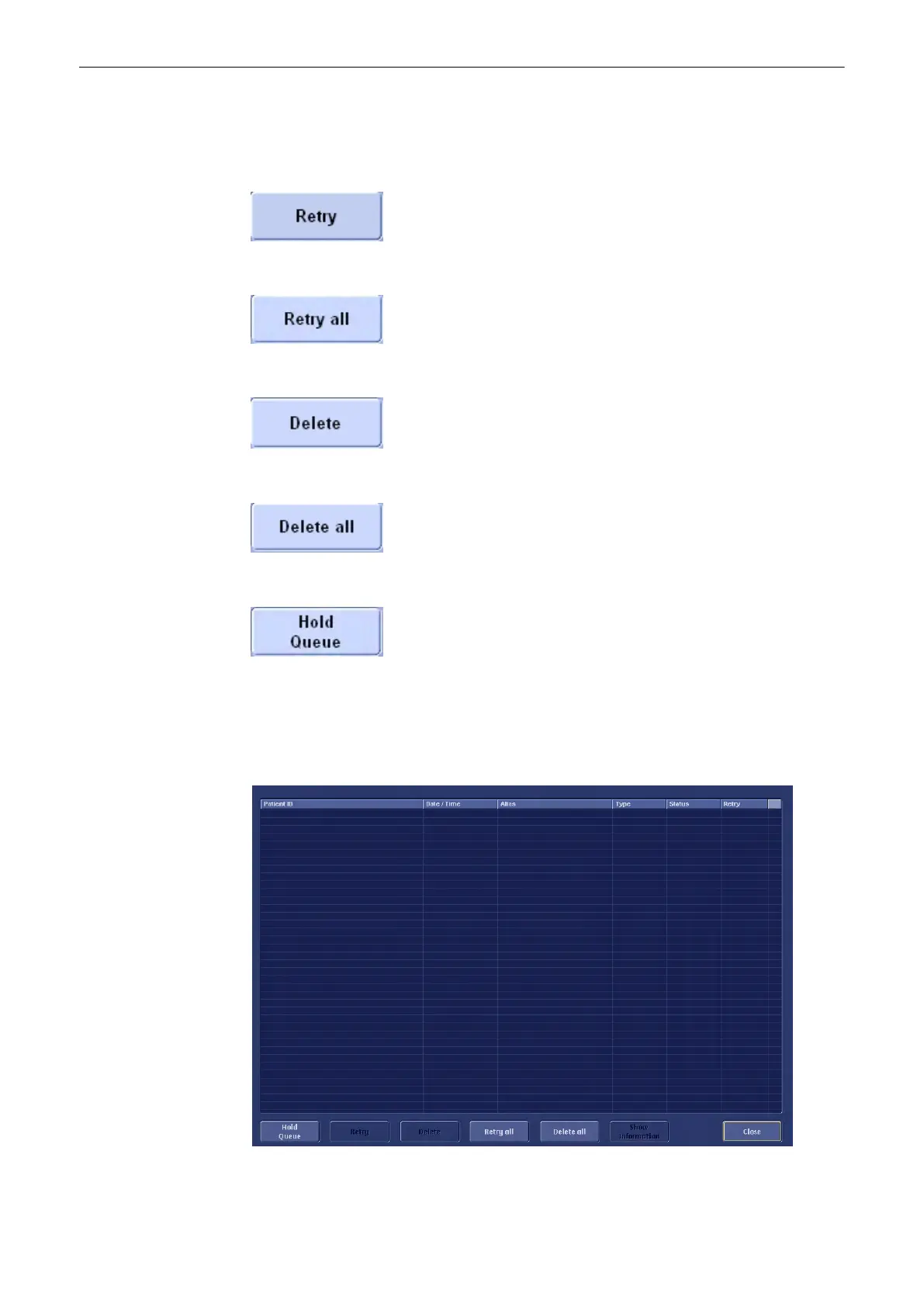
The “Queue Status” window appears.
Utilities and System Setup
13-38
Voluson® S6/S8 Basic User Manual
5433669-100 Revision 4



 To Next Page