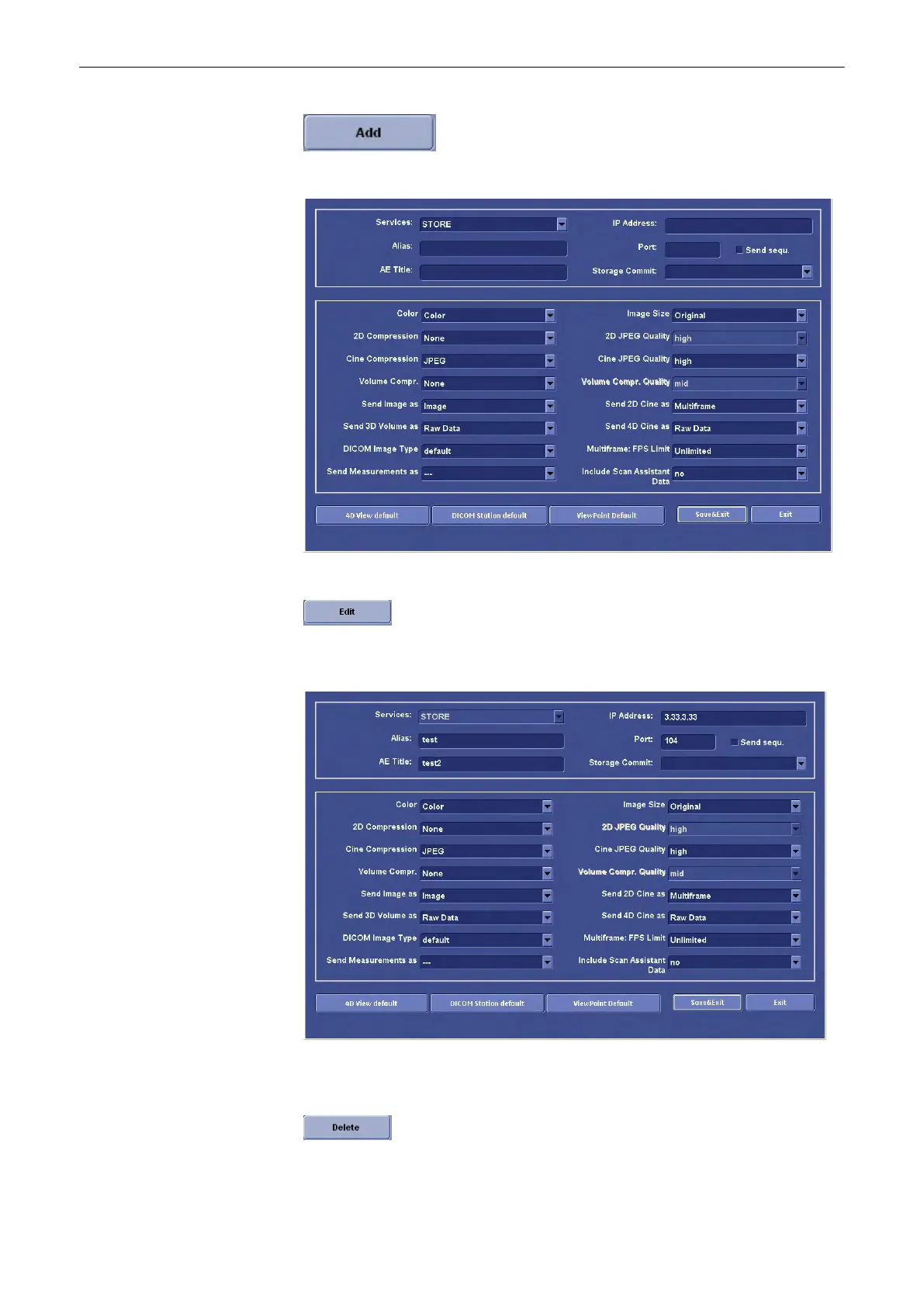
Press the [Add] button to add another server to the list. The following menu will appear:
•
Edit
Press the [Edit] button to edit the selected server from the list. The following menu will
appear:
Make your edits, then press [Save&Exit] to save them. Press [Exit] to discard them.
•
Delete
Utilities and System Setup
13-32
Voluson® S6/S8 Basic User Manual
5433669-100 Revision 4



 To Next Page