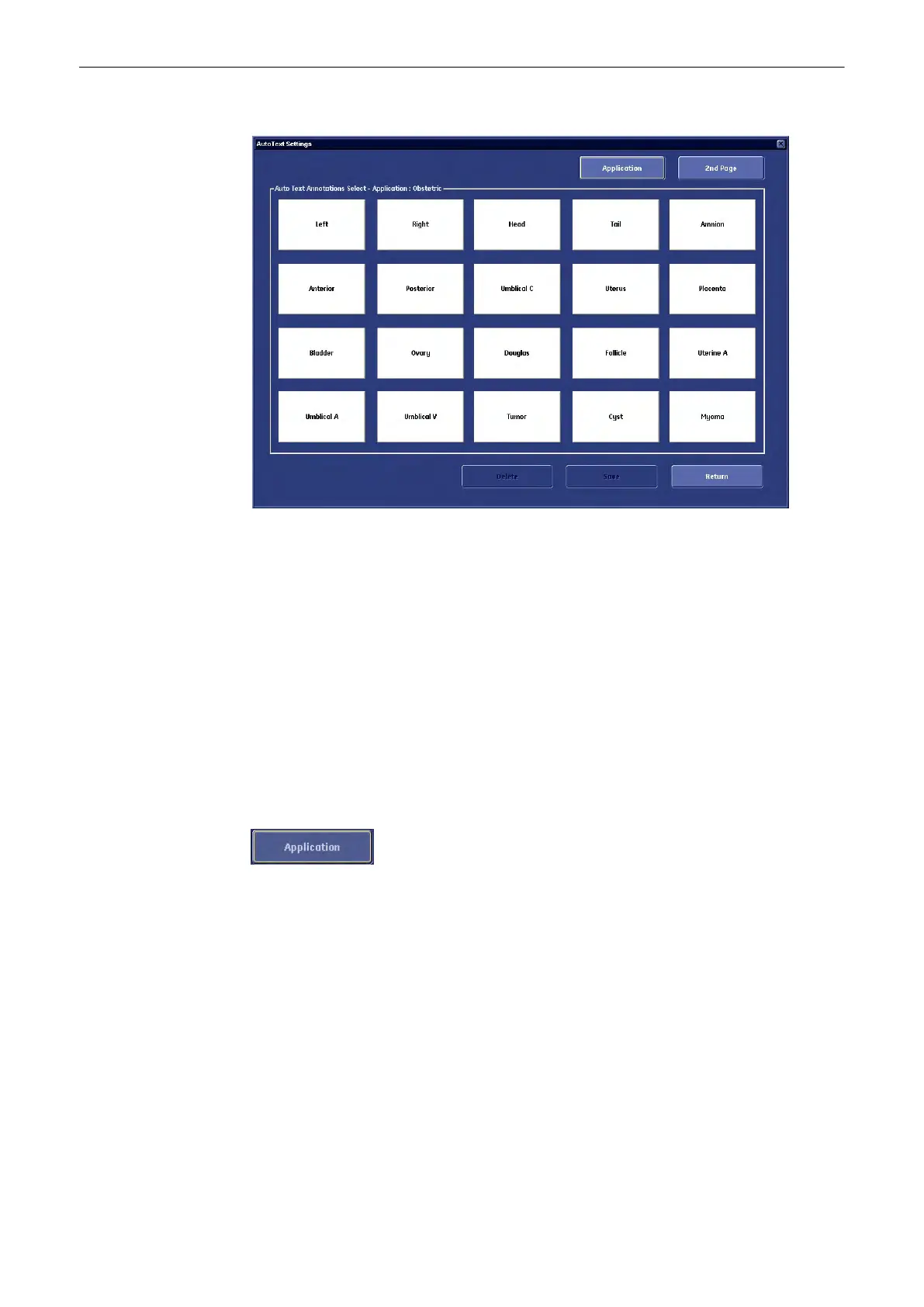
The “Auto Text” menu appears on the screen.
2. Select an Auto Text button and press [Set]. The cursor appears inside the selected button.
3. Enter the Text with the keyboard.
4. Select the next Text button and so on ....
5. If more than 20 entries are done, a 2nd page is available.
6. Click [Save&Exit] to store and close the System Setup.
Exit: Back to the last active menu without saving.
Delete: To delete an entered word from the database.
Save: To save a word with active Auto Text (page) menu.
Return: Back to the User Setting main menu.
2
nd
Page/1
st
Page: This key alternates between the first and second text page.
This button changes to the Auto Text Application select menu.
Utilities and System Setup
Voluson® S6/S8 Basic User Manual
5433669-100 Revision 4 13-23



 To Next Page