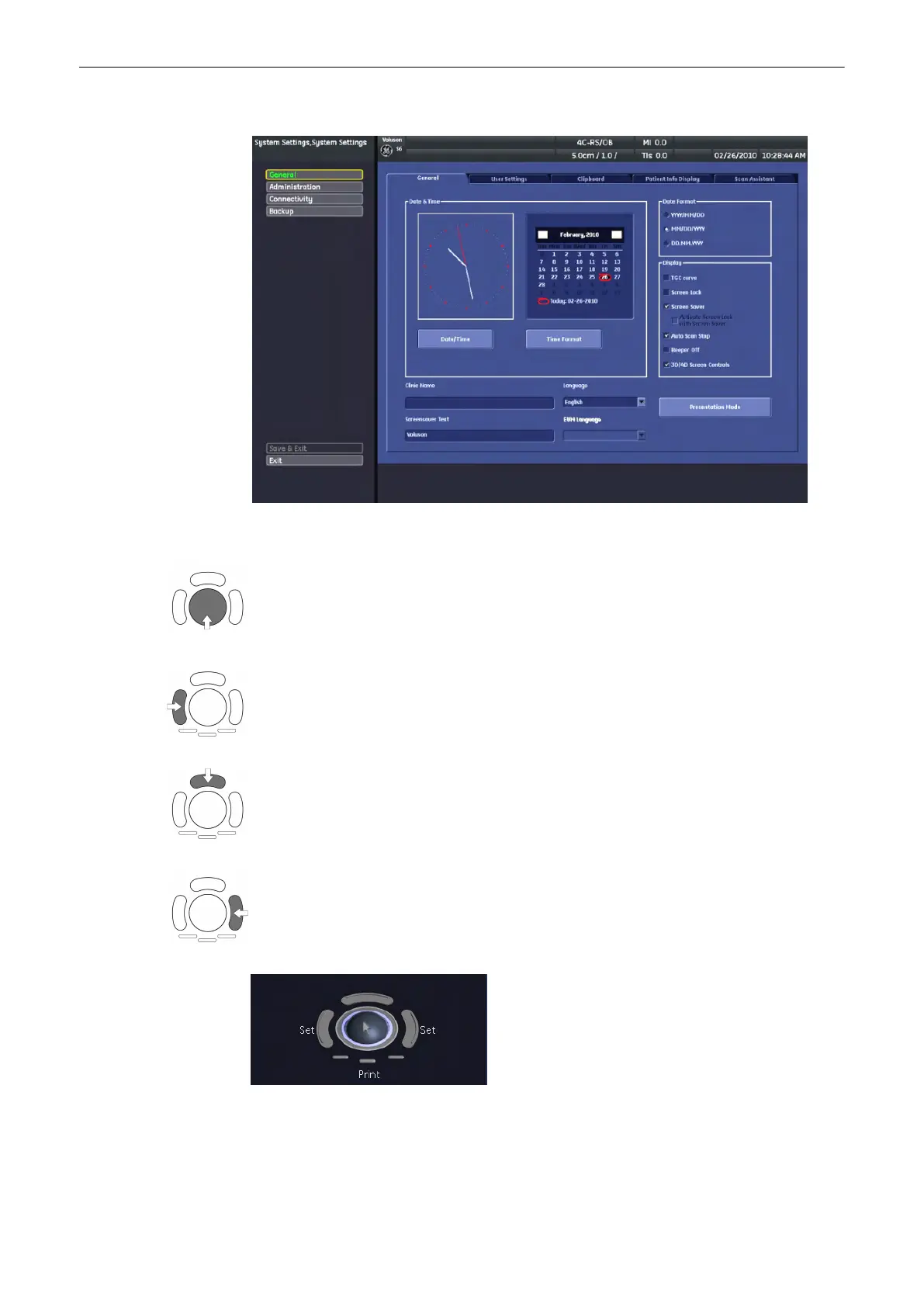
System setup desktop: for example the opened page: “General”
In general operations are done with the trackball and the trackball keys (mouse emulation).
Trackball (mouse position): positions the pointing device (arrow) on the desktop
left trackball key (left mouse button): sets, fixates markers and activates pages/buttons etc.
marked by the pointing device
upper trackball key (right mouse button): no function in system desktop
right trackball key (left mouse button): sets, fixates markers and activates pages/buttons etc.
marked by the pointing device
The status bar shows the current trackball functionality:
Utilities and System Setup
Voluson® S6/S8 Basic User Manual
5433669-100 Revision 4 13-13



 To Next Page