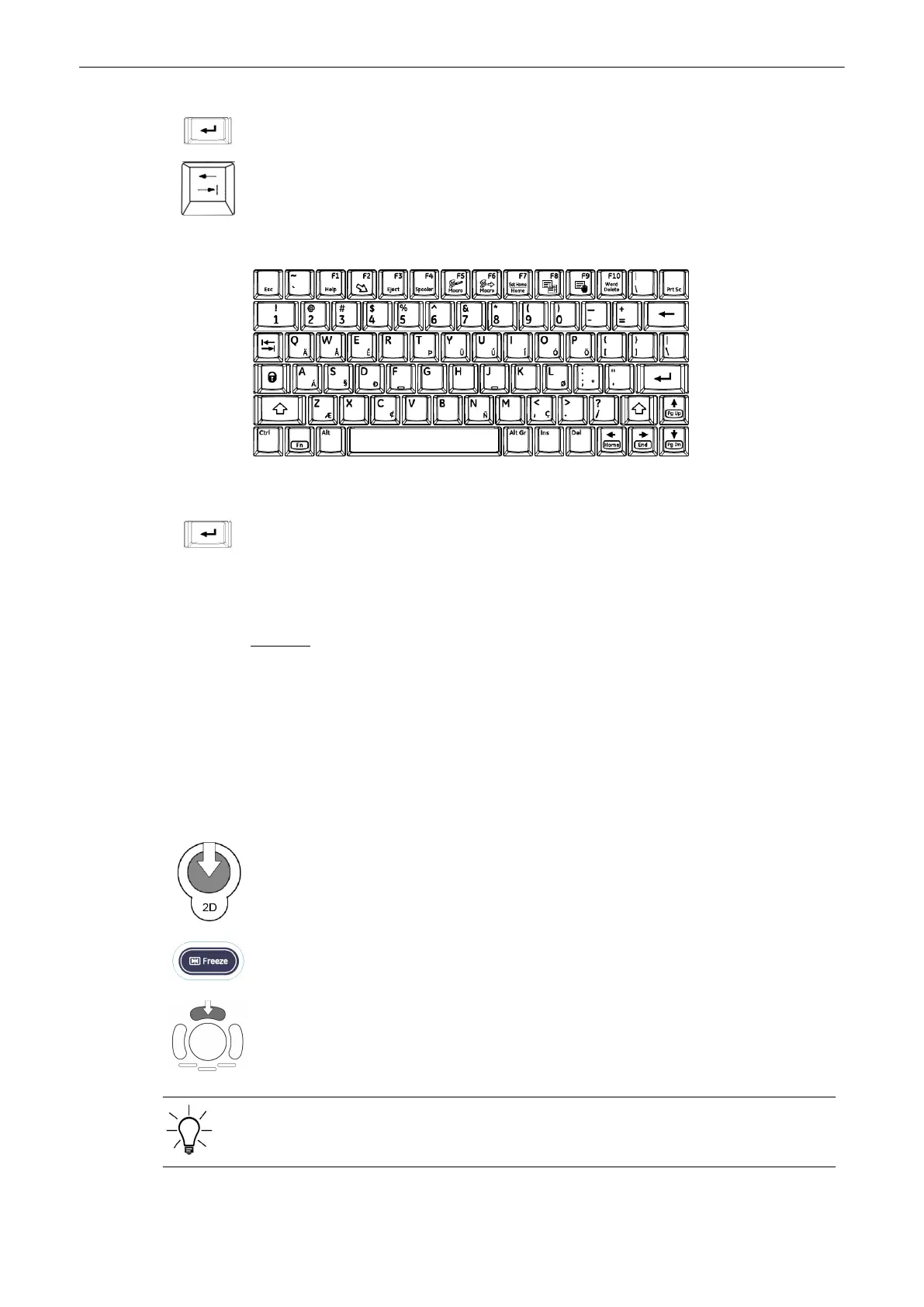
Press the [Enter] or [Tab] (input fields are selected in successive order).
2. ENTER PATIENT INFORMATION
Use the keyboard to type the patient information.
Upon pressing the [Enter] key on the keyboard the data is entered and the next input field is
selected.
Note
If the “Capitalize Letter in Patient Names” field in the System Setup is marked by a check mark
the first letter in the “Name” fields will be automatically capitalized.
'General'
on page 13-15
Remarks:
•
The system automatically creates a Patient Identification (ID) number. To create your
own ID number, overwrite the automatic ID number using the keyboard.
•
Patient data on different systems are only distinguished by the patient Identification (ID)
field! If you do not use the default auto-generated ID please make sure that this
Identification (ID) is unique on all systems for the same patient!
3. MENU CONTROL KEYS
see 'Current Patient Menu'
on page 4-11
”Start Exam” is also possible by pressing the [2D] key, the [Freeze] key on the control panel
or the upper trackballkey..
If temporary measurements exist, no old patient exists and no save/send in progress and no
auto-start acquisition, the system will display an info dialog “Start Exam with previous
measurements?” on the monitor.
Operating the System
4-22
Voluson® S6/S8 Basic User Manual
5433669-100 Revision 4



 To Next Page