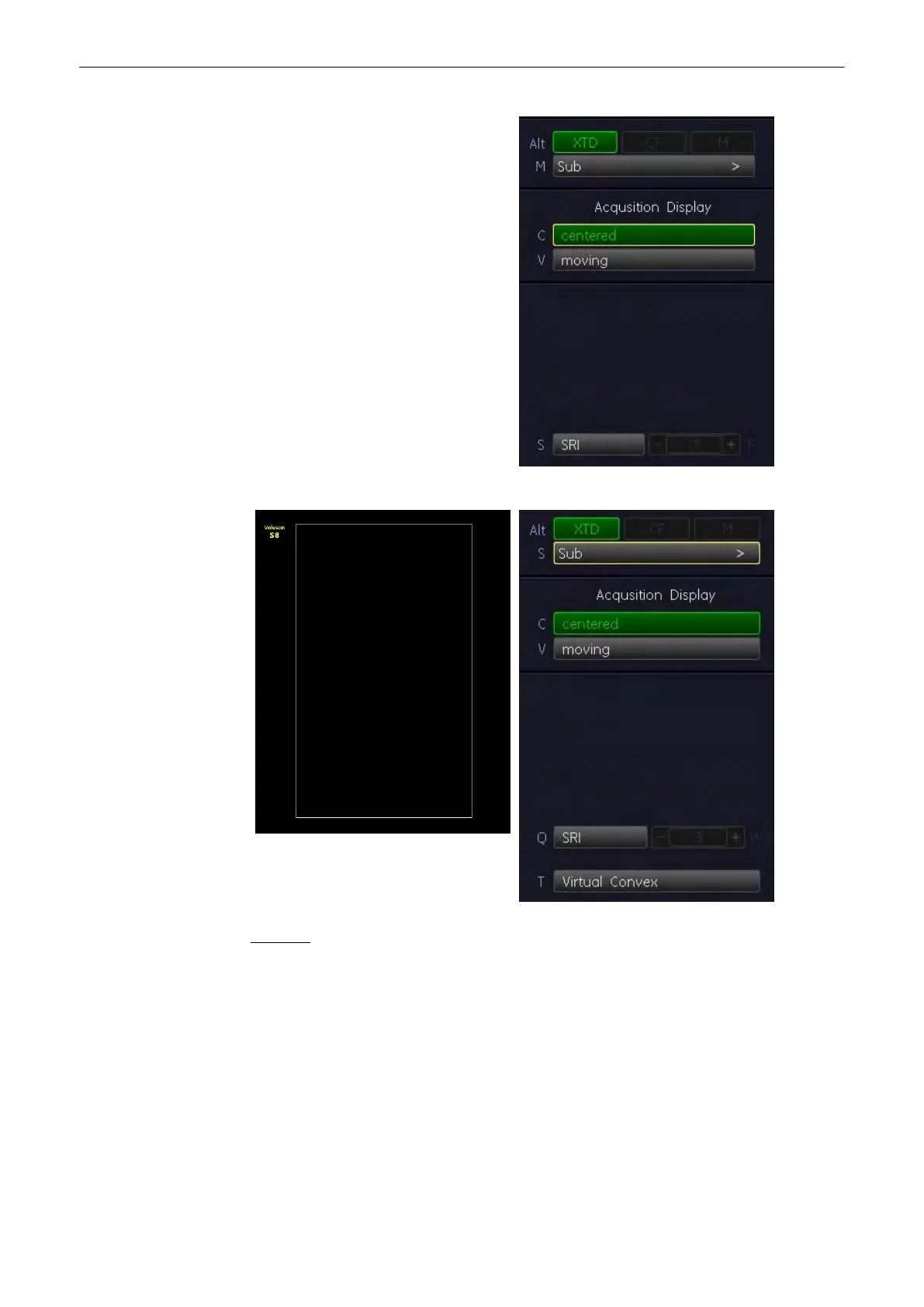
Example: Linear Array
Remarks:
•
XTD-View is an option. If the option is not installed, the [XTD] key is not active.
•
XTD-View is intended for scanning areas too large to fit in a regular frame. Always scan
slowly and in uniform motion lengthwise, in either direction relative to the probe marker.
•
Make sure that the probe stays in one plane throughout the scan. For details: 'Image
Orientation'
on page 6-10
.
•
XTD-View acquires images using leading edge vectors (and does not acquire slices, as
in Cine). The image is stored as you perform the scan and can be monitored during
acquisition.
•
Only Full-Screen Format is available.
•
The display of the Biopsy guideline is impossible in XTD-View mode.
2D Mode
Voluson® S6/S8 Basic User Manual
5433669-100 Revision 4 6-27



 To Next Page