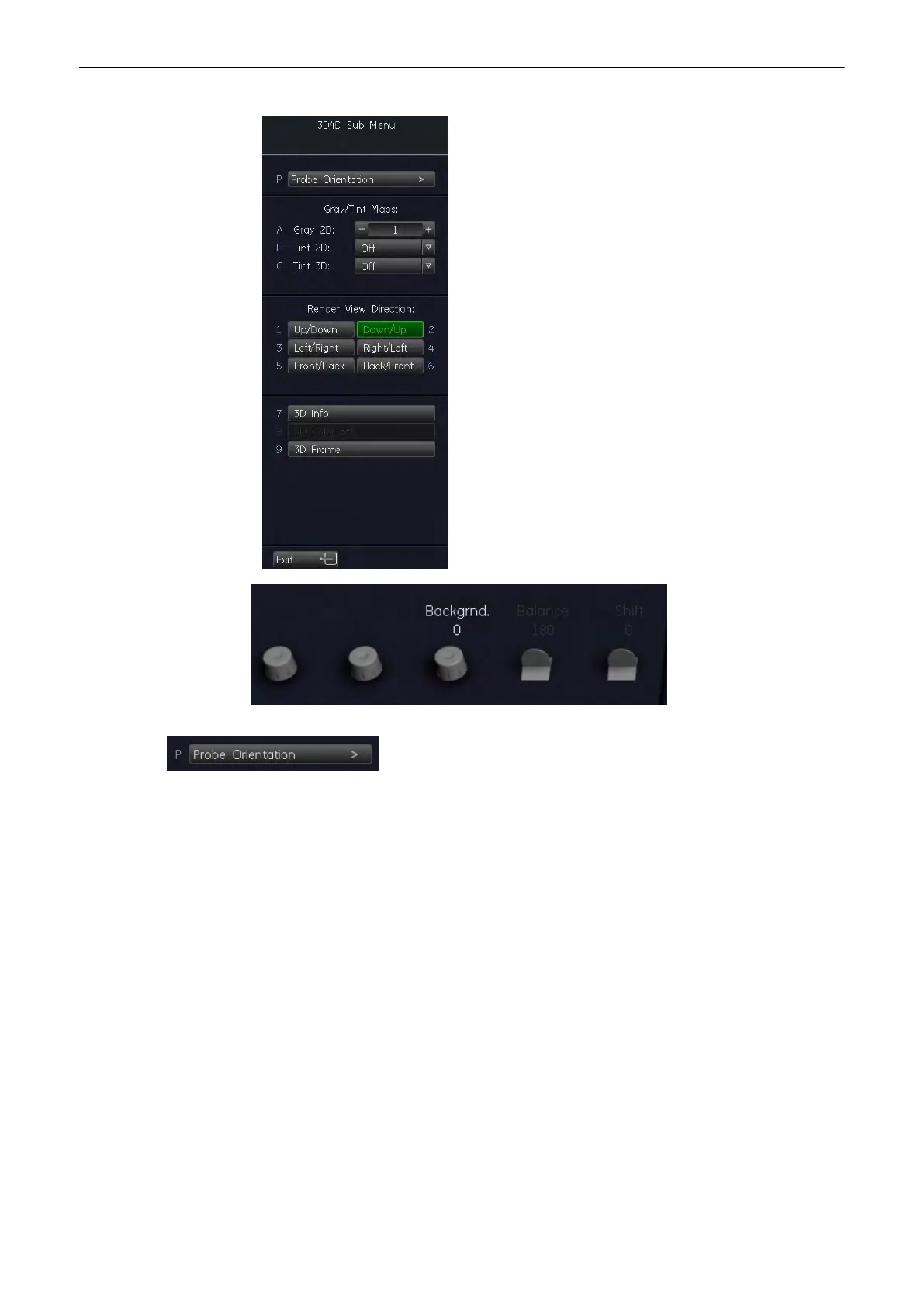
Select the [More...] key at the top right corner of the menu area.
The “3D/4D Sub Menu” appears.
Select the [Probe Orientation] key to activate the Probe Orientation menu.
The Probe Orientation menu appears and the system automatically switches to Quad-Screen
display:
Volume Mode
Voluson® S6/S8 Basic User Manual
5433669-100 Revision 4 9-11



 To Next Page