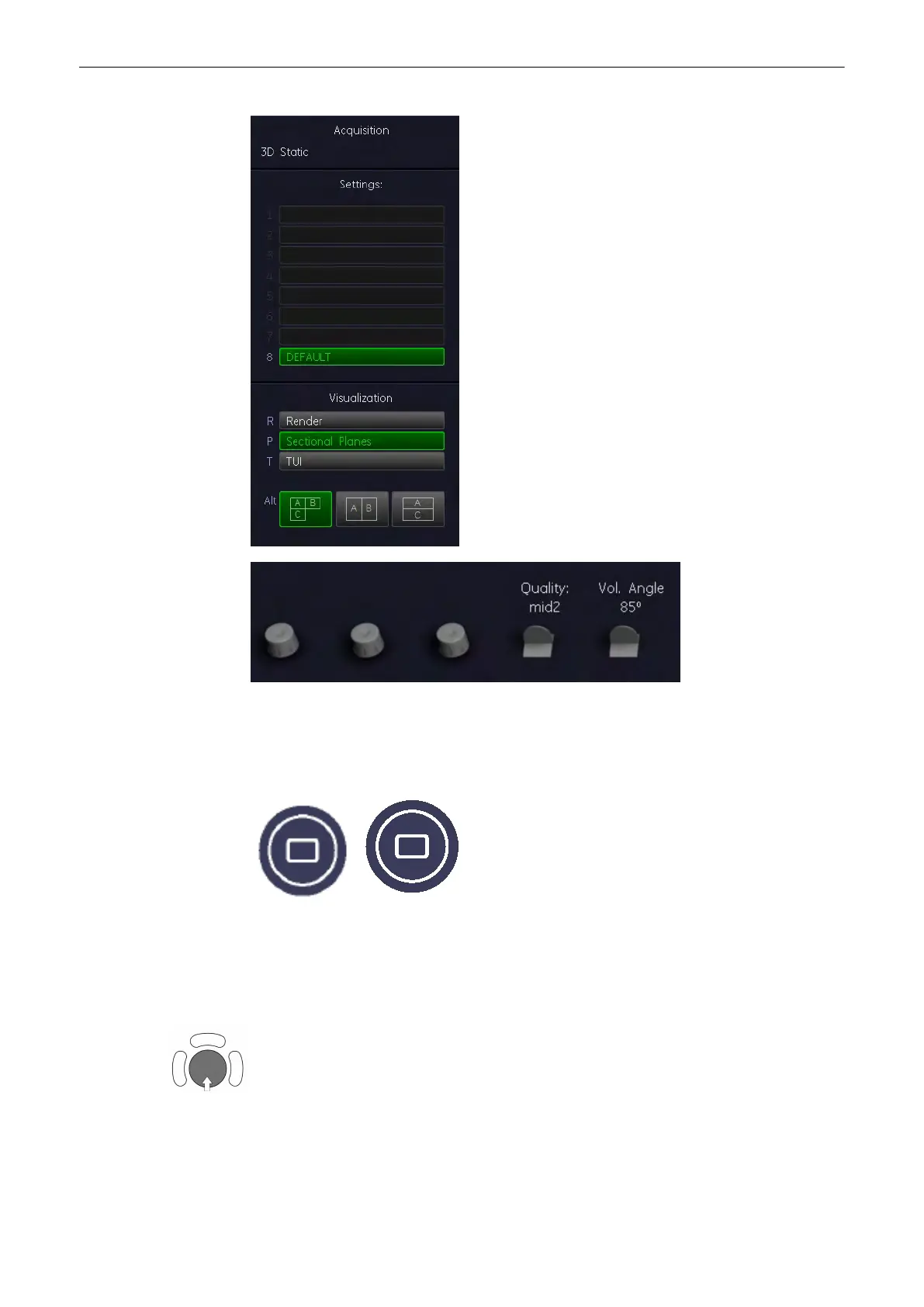
2. Select a 3D user setting (e.g., Default).
The preset values are loaded.
3. Select [Render] or [Sectional Planes]
4. Select the display format desired.
Note
The selected format will be present in freeze mode after the acquisition is done.
5. Place the Volume box over the region of interest.
The trackball has 2 functions: position and size of the Volume box. The activated function is
displayed in the status bar area on the monitor.
Volume Mode
Voluson® S6/S8 Basic User Manual
5433669-100 Revision 4 9-17



 To Next Page