To clean the footswitch:
1.
Moisten a soft, non-abrasive folded cloth with a mild, general purpose, non-abrasive
soap and water solution.
2. Wipe the external surfaces of the unit then dry with a soft,clean, cloth.
Have the system checked and serviced in regular intervals (once per year) by authorized
service personnel. In case of total failure first check if main voltage is present. Mentioning any
observations or failure symptoms to the service engineers is helpful.
Before cleaning the scanner switch it off. Do not use disinfection spray nor gas disinfection.
Electric parts must be protected from drip water. Dust and grime on the frame can cause
irregular function! Check the main cable, transducer cables, plugs and sockets on a regular
basis.
No covers or panels must be removed from the system (high-voltage risk). Only service
personnel from GE Healthcare must perform service and repairs. Attempting do-it-yourself
repairs invalidate warranty, and are an infringement to regulations and are inadmissible acc. to
IEC 60601-1. Under the condition of regular maintenance by authorized service personnel a
lifetime of 7 years for the equipment and 5 years for the probes may be expected.
Never modify this product, including system components, software, cables, and so on. User
modification may cause safety hazards and degradation in system performance. All
modification must be done by a GE qualified person.
After cleaning, please inspect the system including functionality by live scan. If any defects are
observed or malfunctions occur, do not operate the equipment but inform a qualified service
person. Contact a Service Representative for information.
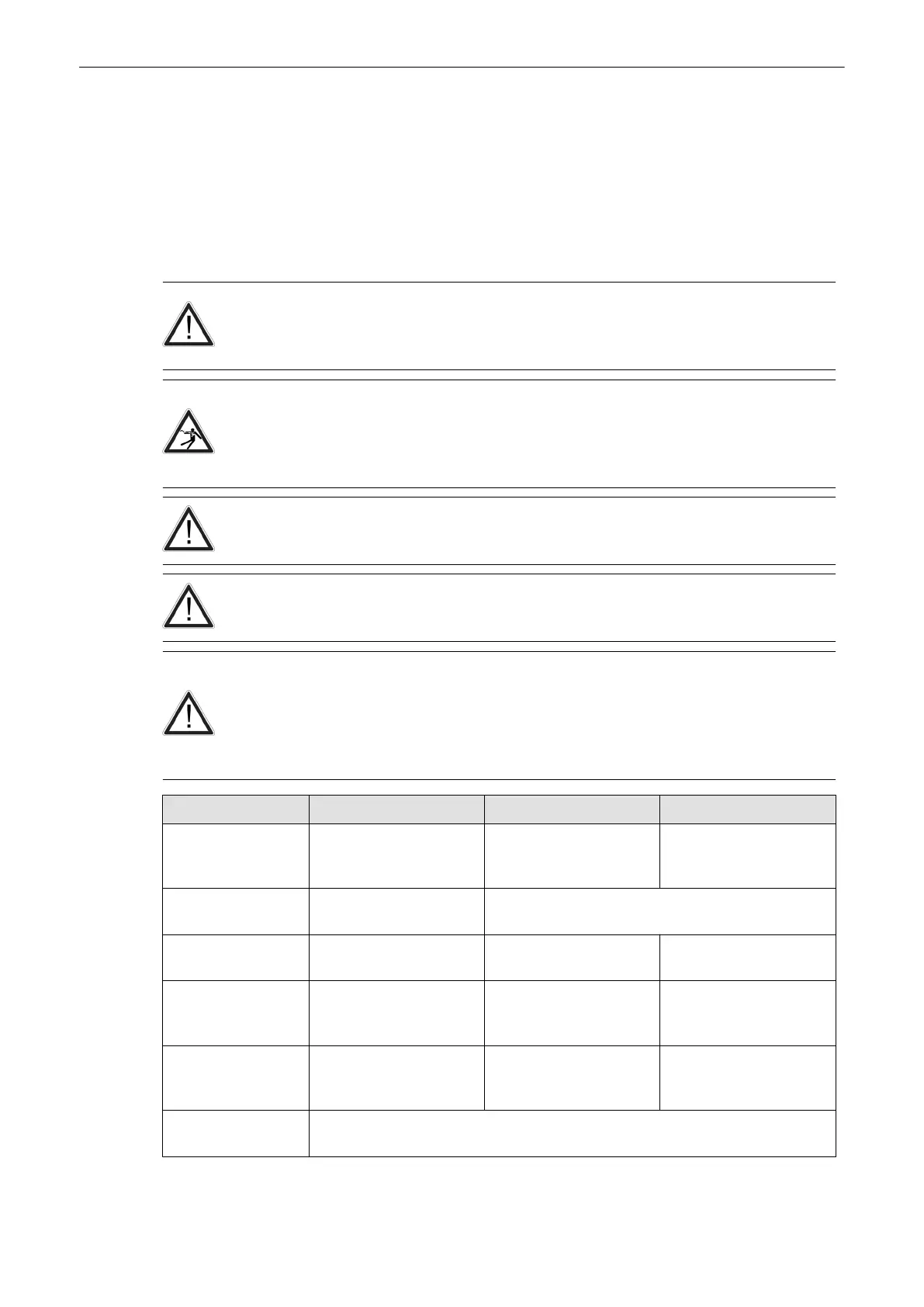
The following table provides cleaning instructions for the ultrasound device. Effective cleaning
and disinfection is not possible for parts with narrow gaps and holes (e.g. keyboard,
trackball,...). It is the responsibility of the user to decide which cleaning and disinfection
procedure is necessary to ensure a safe working environment. Electrical contacts and
connectors must not be cleaned. Do not use any other cleaning agents than listed in the table
below. Do not spray any liquid directly on the system.
Component When How to clean Cleaning agent
Probe holder daily or after each
examination
Wipe gently with a damp,
non-abrasive cloth.
IPA solution (20% IPA,
80% water) or "Sani Cloth
Active" disinfection wipes
Probes daily or after each
examination
See Probe Care Card and 'Probe Maintenance'
on
page 2-16
User interface daily or after each
examination
Wipe gently with a damp,
non-abrasive cloth.
Spiritus dilutus = 70%
ethanol, 30% water
Monitor display daily or after each
examination
Wipe gently with
absorbent cotton or other
soft material like chamois.
Spiritus dilutus = 70%
ethanol, 30% water
Housings daily or after each
examination
Wipe gently with a damp,
non-abrasive cloth.
IPA solution (20% IPA,
80% water) or "Sani Cloth
Active" disinfection wipes
Peripherals (e.g.
printers,...)
Clean according to the instructions of the peripheral manufacturer.
Safety
2-12
Voluson® S6/S8 Basic User Manual
5433669-100 Revision 4



 To Next Page