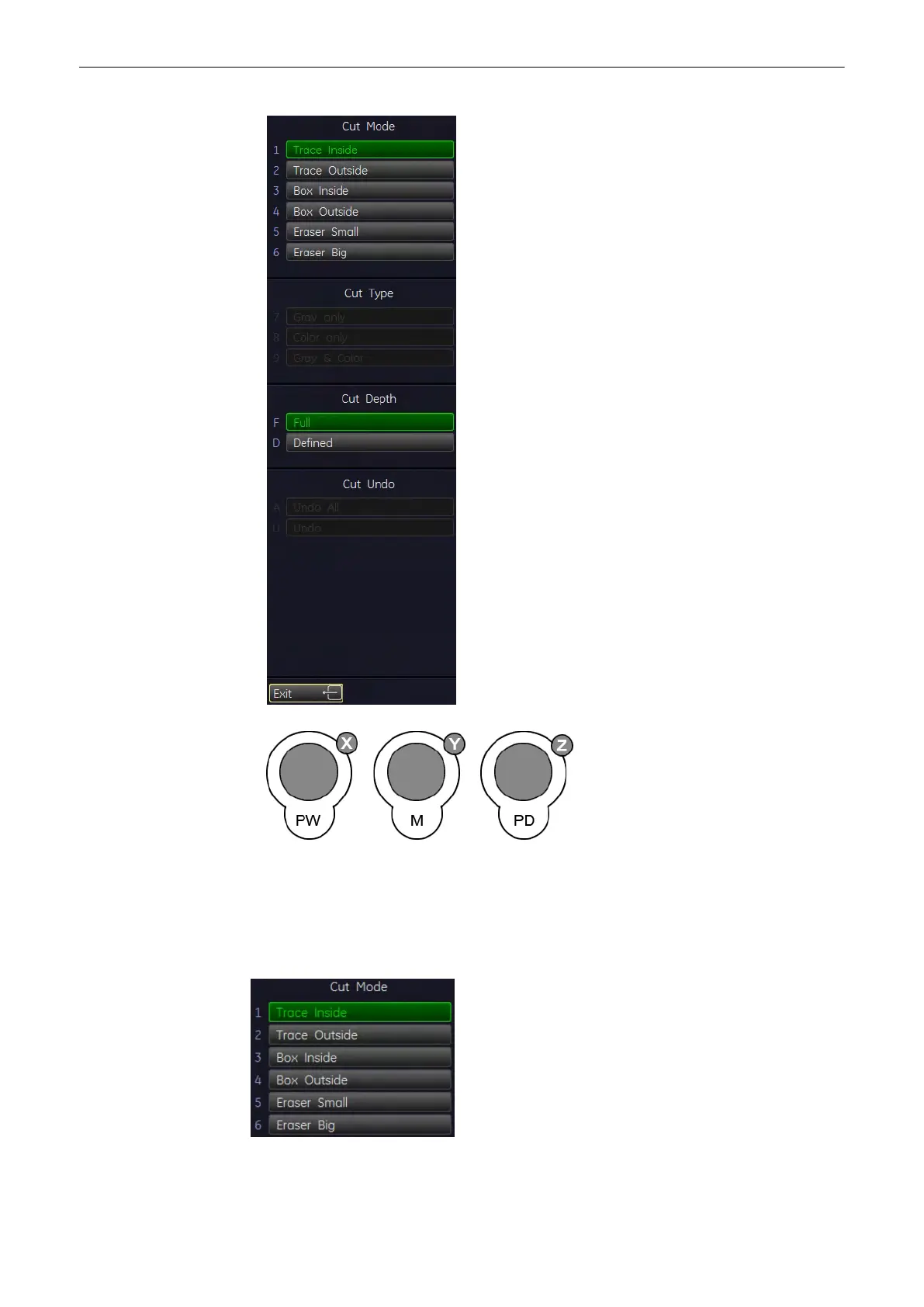
2. Use the controls to rotate the rendered 3D image to a position where 3D artefacts or
undesired information can be cut.
Note
For faster rotation press on the rotation control (switch function: slow rotation, fast rotation).
3. Select the “Cut Mode” and set the region of interest to be cut
•
Trace Mode inside, outside
Volume Mode
9-70
Voluson® S6/S8 Basic User Manual
5433669-100 Revision 4



 To Next Page