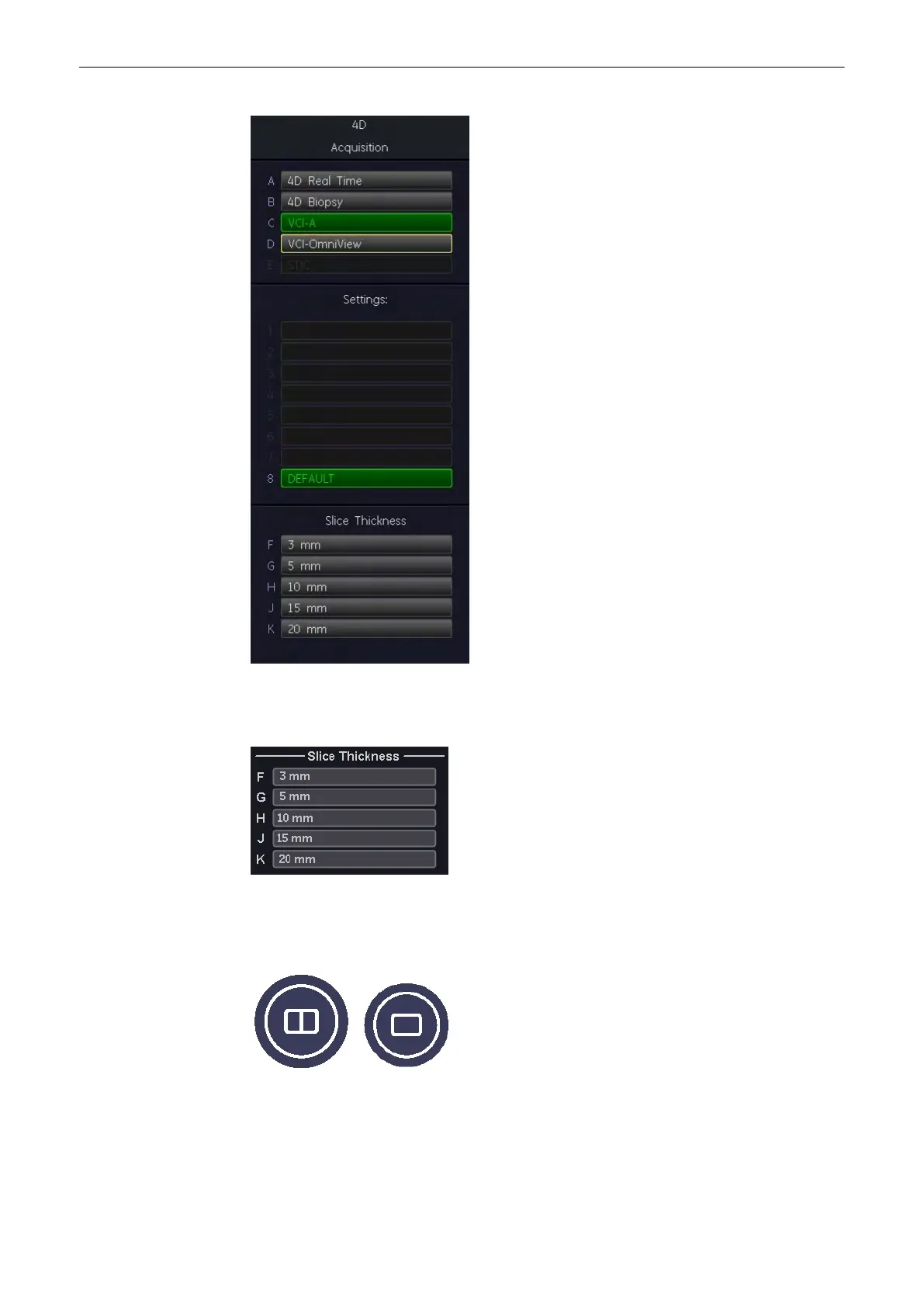
3. Select a VCI-A user setting (e.g., Default).
The preset values are loaded.
4. Select the “Slice Thickness” by selecting one of the keys on the menu area.
Note
The actual values for slice thickness may vary from probe to probe.
5. Select the display format desired.
Note
The selected format will be present in freeze - and scan mode!
6. Place the Volume box over the region of interest.
Volume Mode
9-100
Voluson® S6/S8 Basic User Manual
5433669-100 Revision 4



 To Next Page