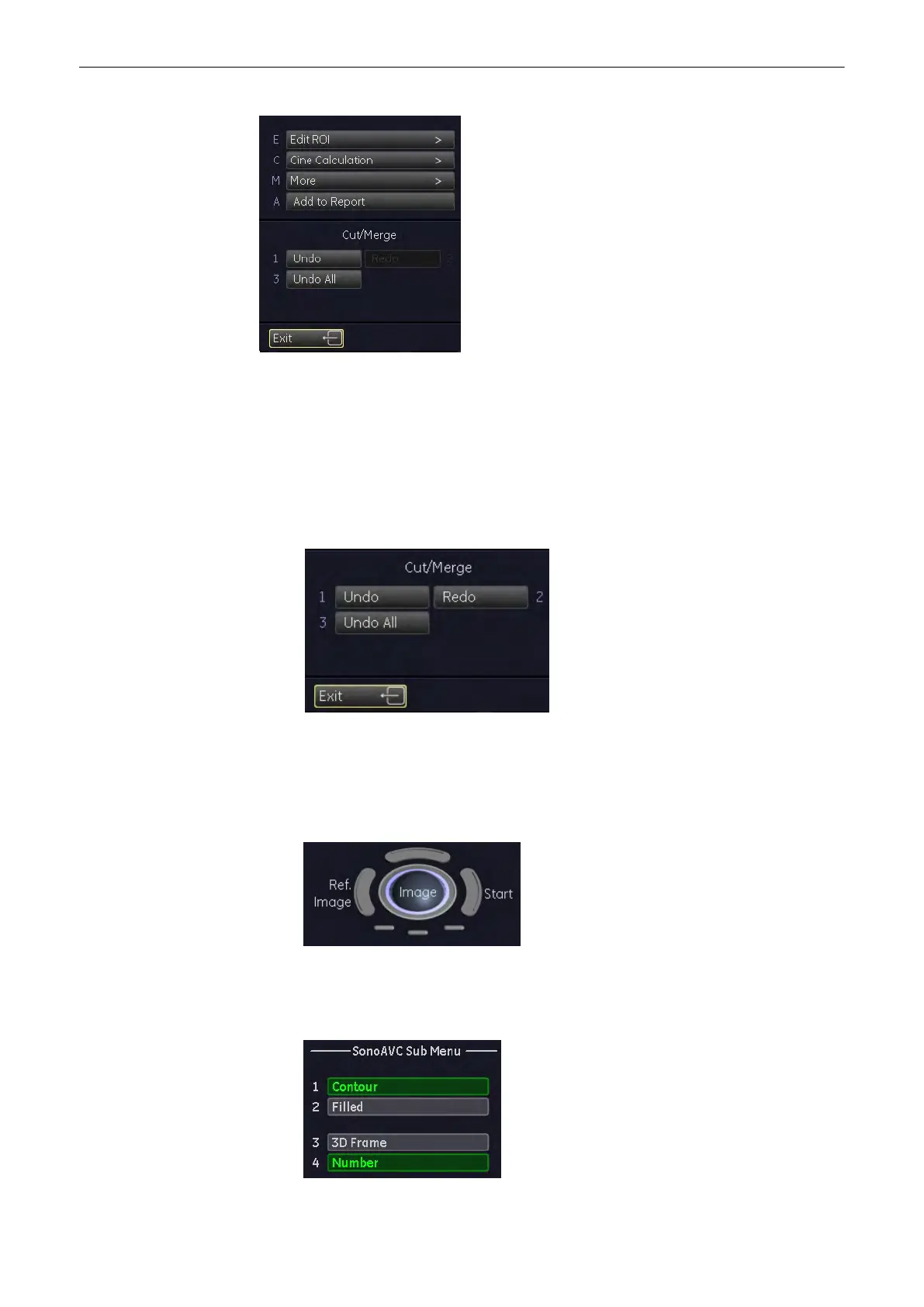
•
Edit ROI
Select this key to edit the ROI again, see
'After the Static 3D Render Acquisition'
on
page 9-51
•
Init
Select this key to reset the rotations and translations of a volume section to the initial
(start) position, see'Principle of Sectional Image Analysis'
on page 9-24
•
Cut/Merge
•
Select the [Undo All] button to undo all edits.
•
Select the [Redo] button to redo the last edit.
•
Select the [Undo] button to undo the last edit.
•
Ref. Image
Select one of the Ref Image by using trackball to swap reference image, see 'Principle of
Sectional Image Analysis'
on page 9-24
•
Display
Volume Mode
9-134
Voluson® S6/S8 Basic User Manual
5433669-100 Revision 4



 To Next Page