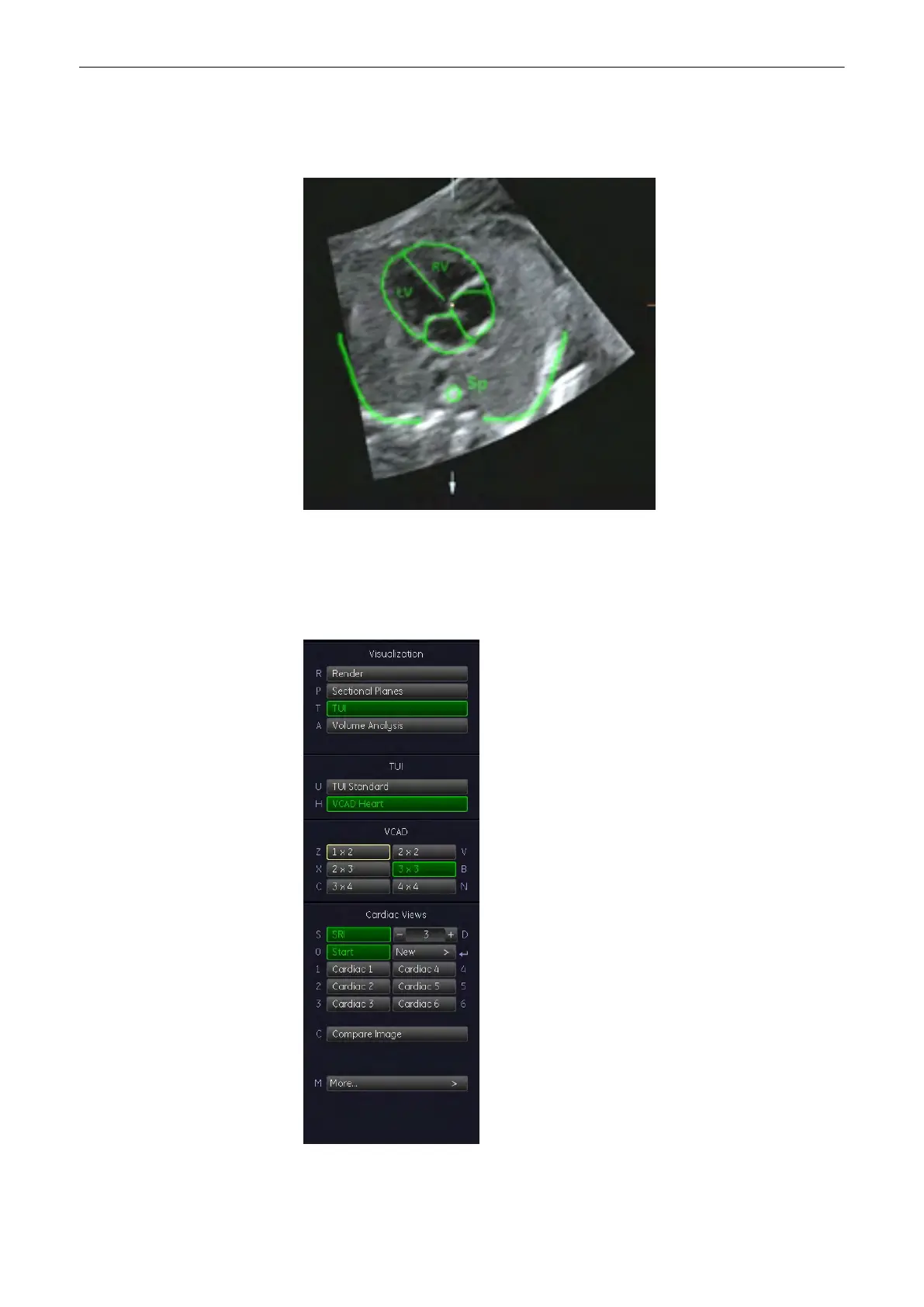
If you can already see the heart template on the monitor you can start adjusting. If you
cannot see the heart template on the monitor, press the [Plane Graphic] button. The
heart template appears.
3. Adjust the US image, using the X-, Y-, Z-rotary controls and the zoom button so that it
fits the template. To adjust the center of rotation, see
For more information see
'Principle
of Sectional Image Analysis'
on page 9-24.
4. Press the [Set Starting Plane] button. If you have not been in TUI mode the monitor will
switch to TUI mode now. The following menu will appear on the menu area.
5. Now select the view you desire.
Volume Mode
9-138
Voluson® S6/S8 Basic User Manual
5433669-100 Revision 4



 To Next Page