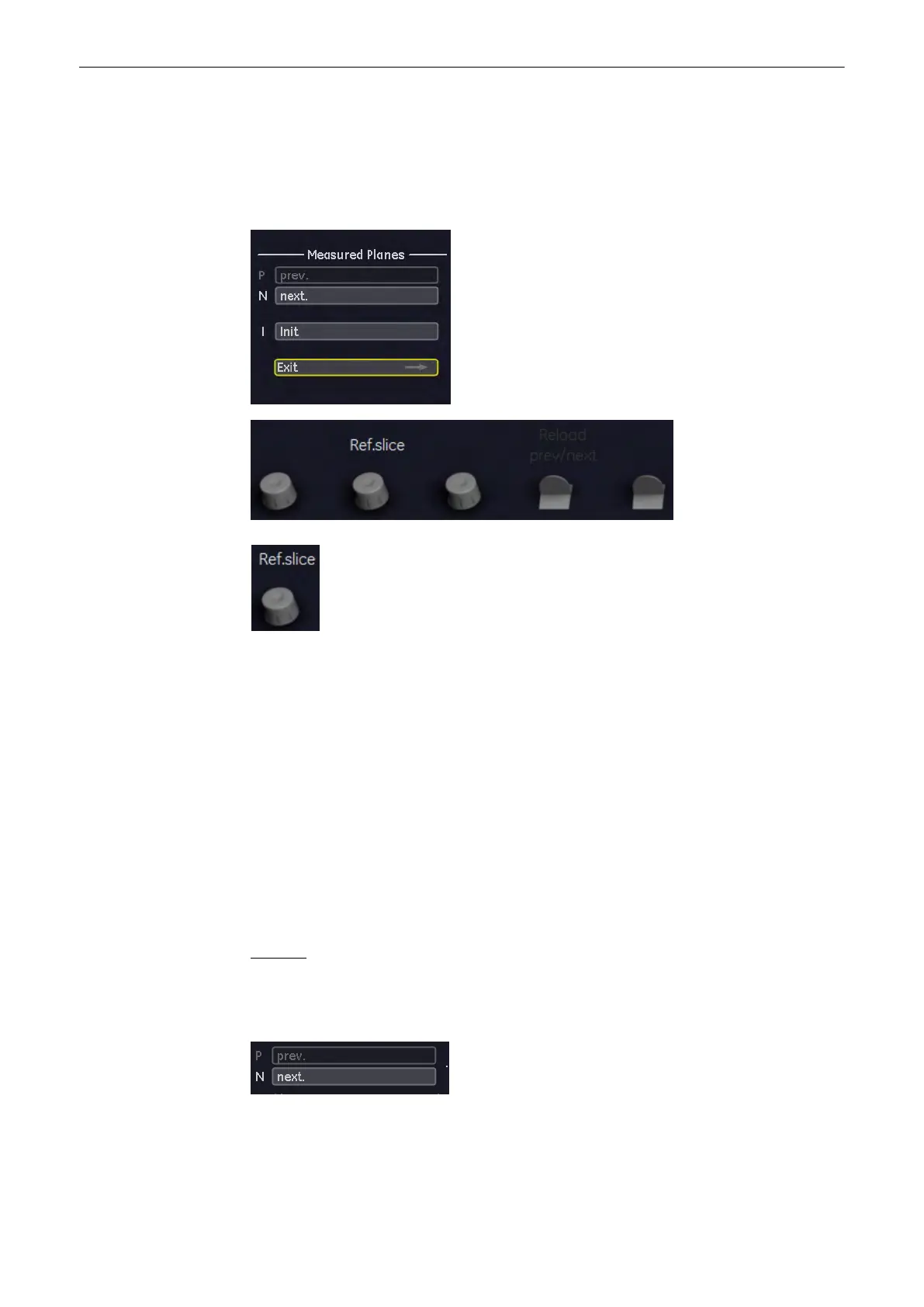
To measure volume using the Multplane method in 3D Mode:
1.
Select the reference image in which the measurement is to be performed. (A, B or C)
2. Activate the Multiplane volume measurement by selecting the [Multiplane] key.
The menu area changes to the Multiplane menu.
3. Select the first section through the body by rotating the [Ref.slice] digipot or by rotating the
[C-Mode] digipot (make parallel sections through the reference image).
Note
The first section should be set at the edge of the measured object.
4. Measure the area (proceed as for area measurement). Position the start dot of the area to
be surrounded with the trackball and store it. Surround the area with the trackball, then press
the right or left trackball key [Set].
The area is calculated and displayed. The area may even be “zero” (dot at the edge).
5. Select the key [Set] twice!
6. Select the next parallel section with the middle digipot below the menu area or the [C-Mode]
digipot and measure the area.
7. Repeat 5. and 6. until the edge of the measured object is reached.
Remarks:
•
The contour of the measured area is not erased if a new section is adjusted. From the
deviation in the new section it is possible to decide whether a new area should be
marked.. With new marking the old contour is erased.
•
To call back the measured areas select the [Prev.] respectively [Next] key on the menu
area.
Measurements and Patient Worksheets (Reports)
11-12
Voluson® S6/S8 Basic User Manual
5433669-100 Revision 4



 To Next Page