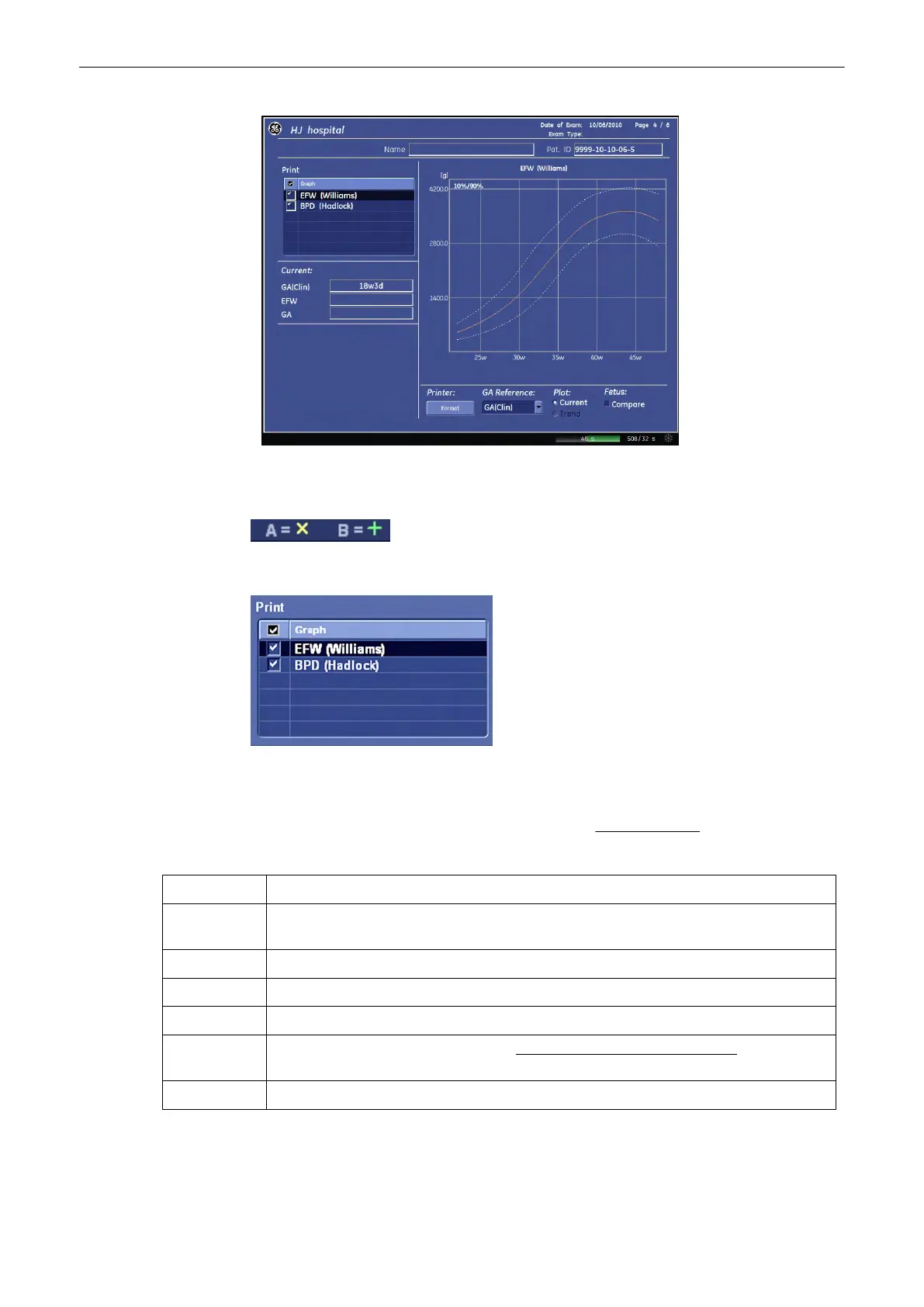
To view the stored measurement graphs, select the desired item using the trackball and
trackball keys.
In multiple gestations, the growth of each fetus is indicated with a different mark.
The “check marks” indicate the measurement graphs which will be printed. Use the trackball
and the trackball keys to select/deselect the graphs.
Note
Before printing the report, check your selection; review: To print a Report (chapter
'Basic
Patient Worksheet Functions'
on page 11-101 ).
Current: Shows the gestational age, etc. of the currently selected fetus
Trend Shows the gestational age, etc. of the currently selected fetus
and all its previous measurements.
History: Using the arrow buttons (tu) the history of each fetus can be viewed.
Printer: Click on the [Format] button to change the Print Format of the Graphs.
GA Reference: Select either: GA(LMP) or GA(AUA)
Plot: Select either: Current or Trend. review:
Patient Information – Obstetric (OB)
(chapter
'“Patient Information” screen'
on page 4-13
)
Fetus: For multiple gestations only.
To change the graph display select the [Bar], [Single] or [Quad] key on the menu area.
Measurements and Patient Worksheets (Reports)
Voluson® S6/S8 Basic User Manual
5433669-100 Revision 4 11-57



 To Next Page