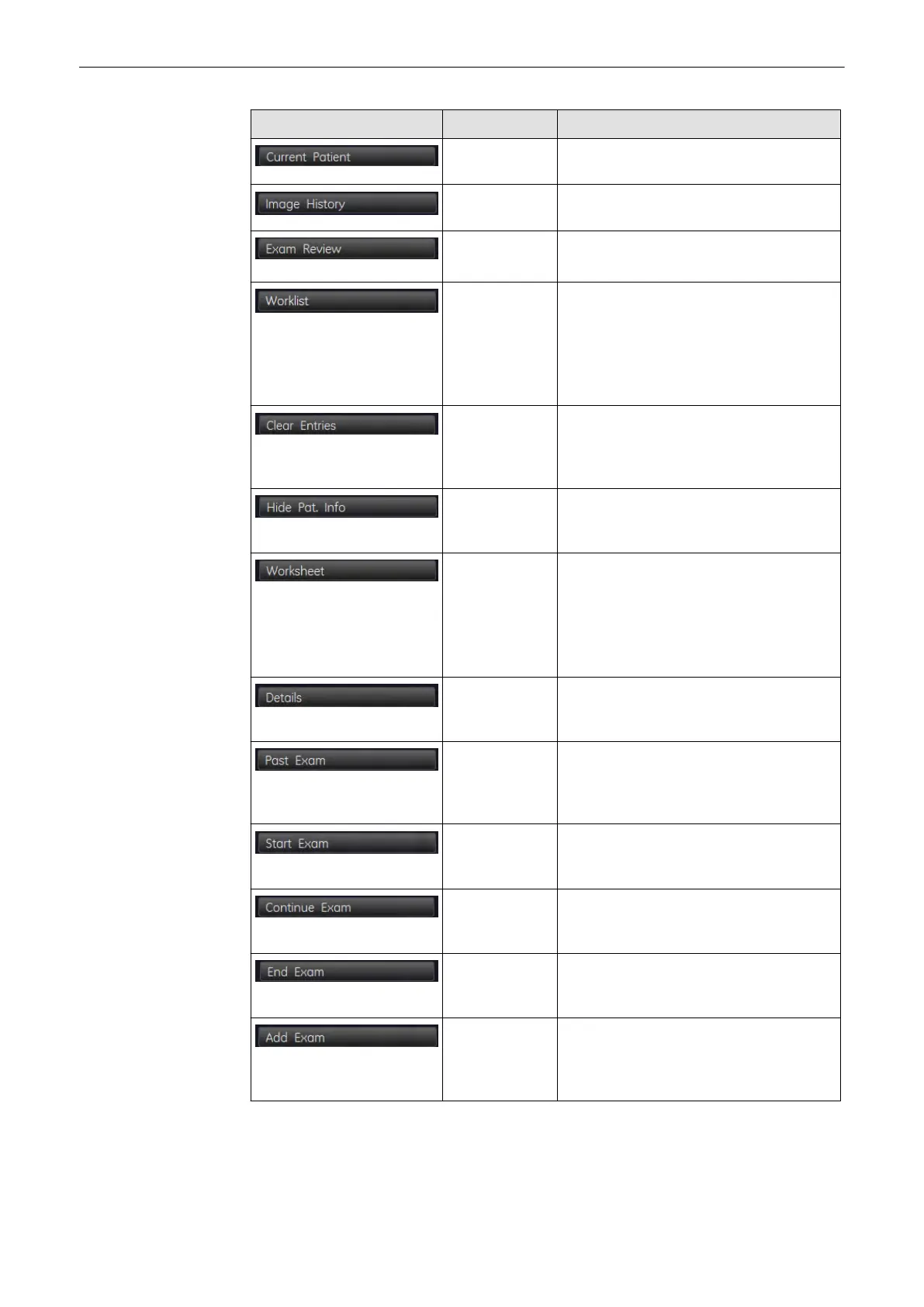
Picture Key Action
Current Patient Opens "Current Patient” Screen,
see'Current Patient Dialog'
on page 12-3
Image History Opens the "Image History" Screen, see
'Image History'
on page 12-30
Exam
Review
Opens the "Exam Review" Screen, see
'Exam Review'
on page 12-31
Worklist Changes to Worklist Dialog. see, 'To
Retrieve Patient Data via External Worklist
Server'
on page 4-23
This button is only active, if no exam has
been selected and a worklist server is
defined.
Clear Entries Clears personnel information of the patient
and also the information shown on the
worksheets. Saved exams will not be
cleared.
Hide Patient Info Hides the Patient Information in the header
during a scan to ensure a maximum of
privacy.
Worksheet Press the [Worksheet] button if you want to
enter or review data and comments into the
worksheet of the currently selected exams,
see 'Exam Menu'
on page 12-21
This button is only active if an exam has
been selected.
Exam Details Allows you to view the Exam Details, see
'Exam Menu'
on page 12-21
. Only active
if an exam has been selected.
Past Exam Opens the “Past Exam” dialog. Only
available if the application is OB. Only
active, if a patient ID has been entered, see
'“Patient Information” screen'
on page 4-13
Start Exam
(alternative 1)
Returns to Scanning Mode and starts a new
exam with the currently selected Patient.
Only active if no exam has been started yet.
Continue Exam
(alternative 2)
Returns to scanning mode and continues
the exam with the currently selected patient.
Only active if an exam has been started.
End Exam
(alternative 2)
Ends the current exam, saves and sends
data. Only active if an exam has been
started.
Add Exam
(alternative 2)
Ends the current exam, saves and sends
data; and adds an new exam to the current
patient. Only active if an exam has been
started.
Archive
Voluson® S6/S8 Basic User Manual
5433669-100 Revision 4 12-5



 To Next Page