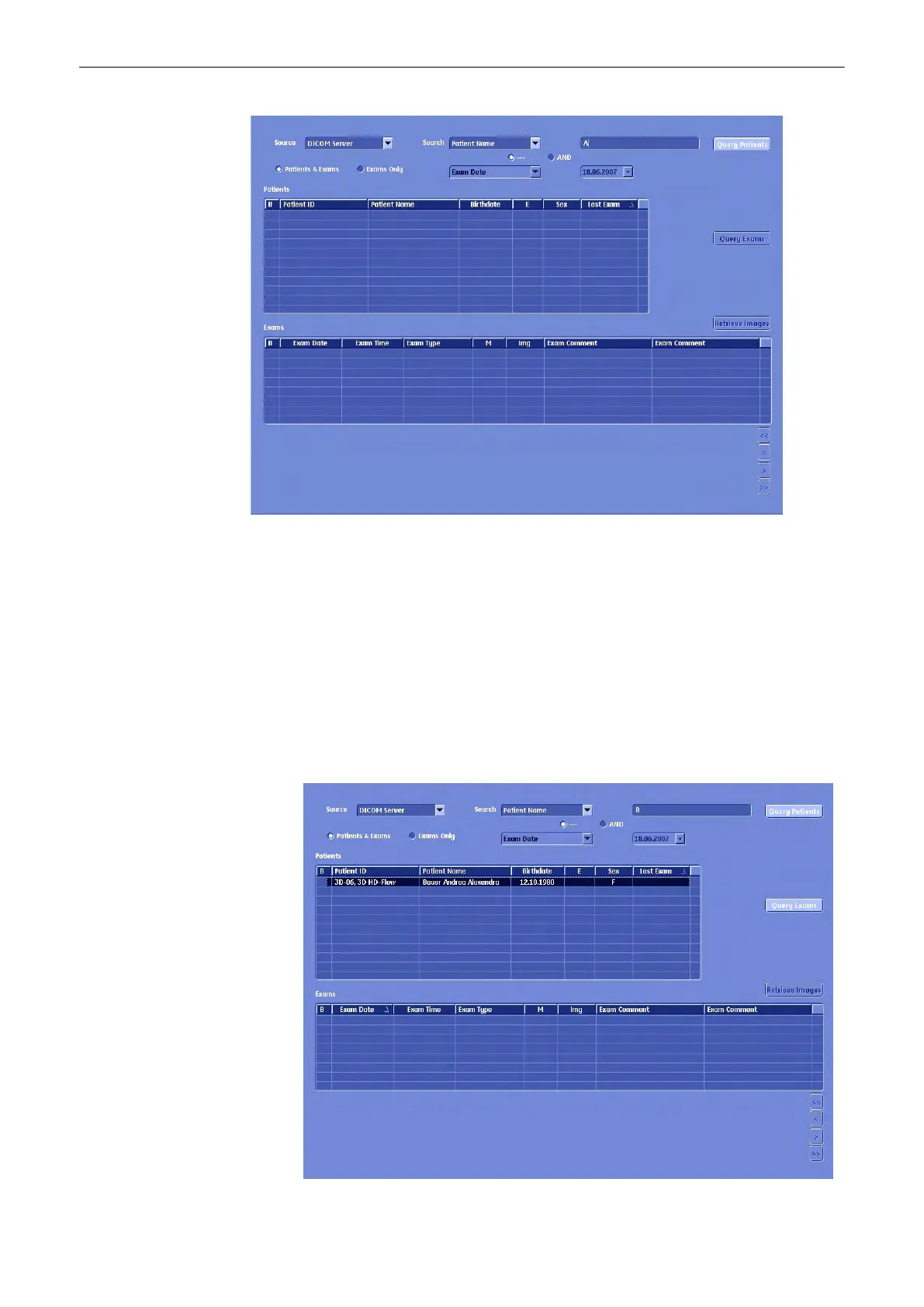
Operation:
1.
Select search criteria category from the reduced search drop down.
2. Enter search criteria.
Note
Searching with “or” is not possible in this mode.
3. Press [Query Patients].
Note
This is only possible in "Patients&Exams" View.
4. The list of Patients is filled with the patients from the DICOM Server that match the given
criteria. (Field "E" is filled with "?" because the number of exams belonging to this patient
is yet unknown.)
Archive
Voluson® S6/S8 Basic User Manual
5433669-100 Revision 4 12-17



 To Next Page