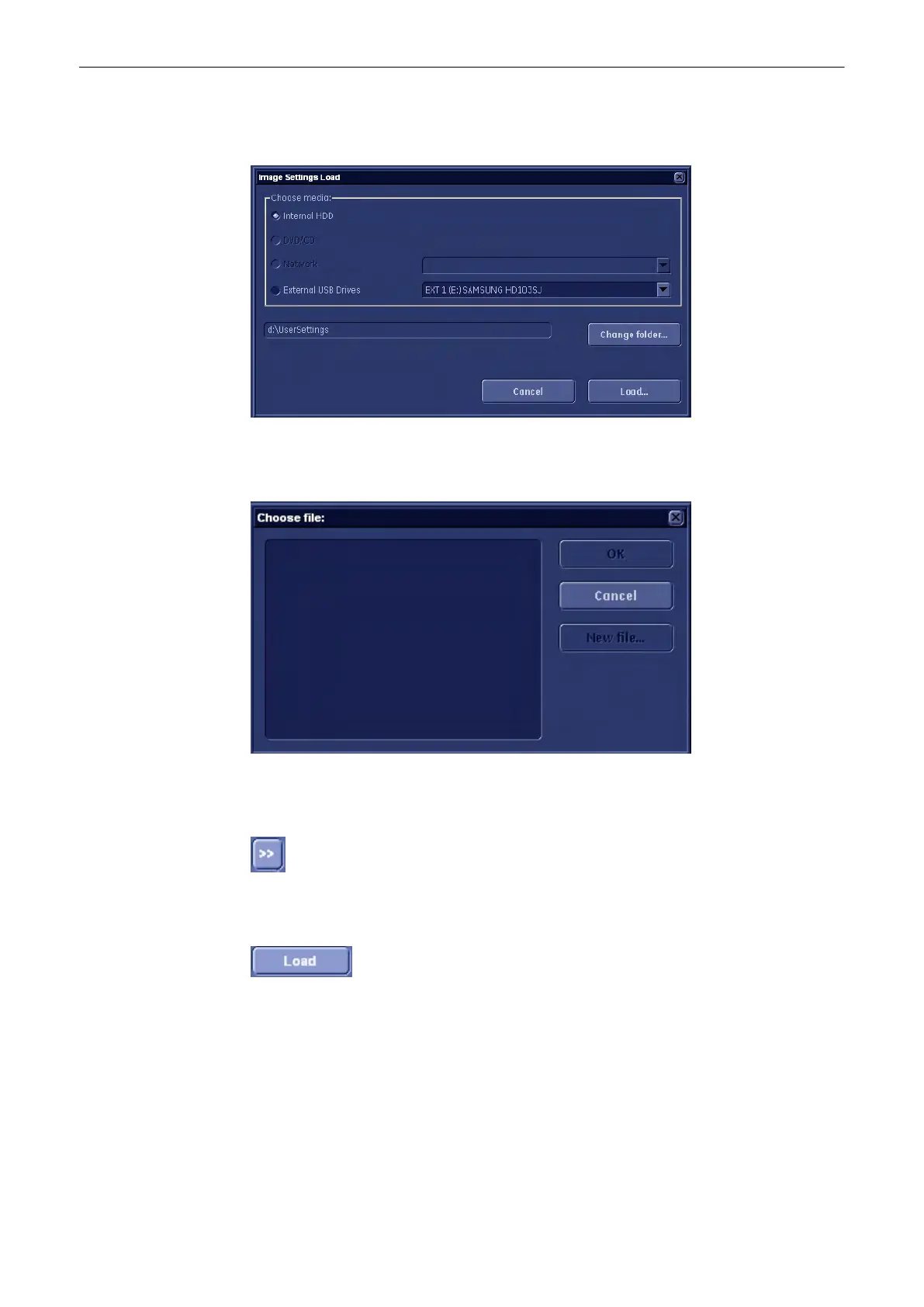
1. Click on the [Load] button of the “Image Settings Only” group in the System Setup - Backup
page. The Load/Save window is displayed.
2. Choose the media (e.g., DVD/CD+(R)W) and click the [Load] button.
3. Select the appropriate file and click [OK]. The Load option window appears.
4. Select the appropriate “Backup Data”.
Complete Backup:
Select the Complete Backup and click the [>>] button to copy the Complete Backup into the
Load Data field.
Click this button to start the loading procedure of the complete Backup into the system.
Note
Also only parts of a Backup can be loaded into database to overwrite, restore, copy etc... the
database into the system.
Utilities and System Setup
Voluson® S6/S8 Basic User Manual
5433669-100 Revision 4 13-49



 To Next Page