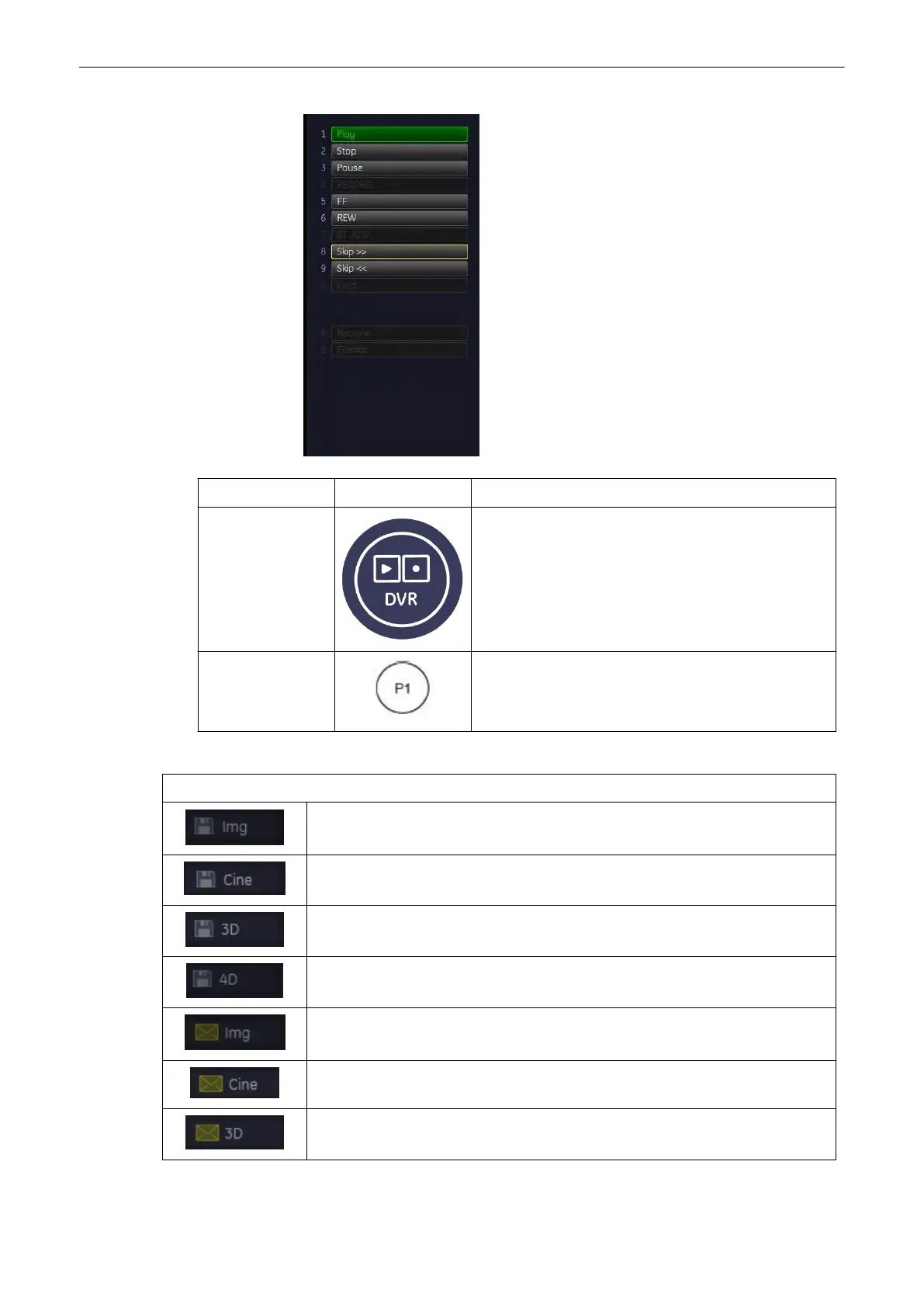
Control Button Description
DVR button At the first push: The DVR menu appears.
At the second push: The DVR menu disappears.
Programmed P-
button
At the Px key push:
•
If the DVR is not recording: Recording is started.
•
If the DVR is recording: Recording is paused.
6. Explanation of Icon:
Explanation of Icons
Copies a 2D image onto the clipboard.
Copies a 2D cine onto the clipboard.
Copies a single volume onto the clipboard.
Copies a volume cine onto the clipboard.
Sends a 2D image to external destination.
Sends a 2D cine to external destination.
Sends a single volume to external destination.
Programmable Keys
Voluson® S6/S8 Basic User Manual
5433669-100 Revision 4 14-5



 To Next Page