Age patient age -
Sex ---- , female, male
(selection in pull down
menu)
-
Note
Upon entering the day of birth: The age is calculated and displayed automatically.
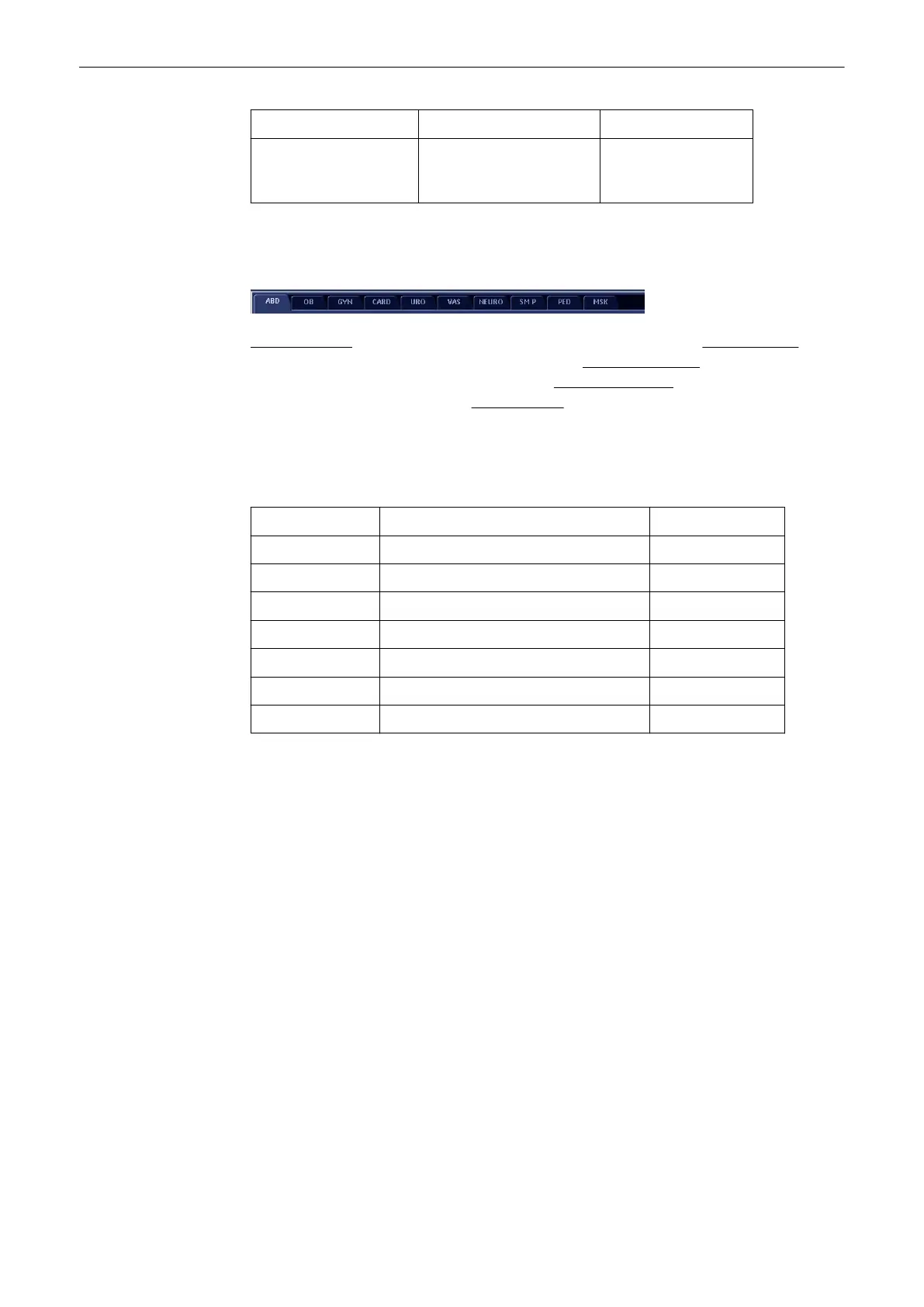
2. Select Application.
Abdomen (ABD)
(
'Patient Information – Abdomen (ABD)'
on page 4-15
)
Obstetrics (OB)
(
'Patient Information – Obstetrics (OB)'
on page 4-16
)
Gynecology (GYN)
(
'Patient
Information – Gynecology (GYN)'
on page 4-19
)
Cardiology (CARD)
(
'Patient Information –
Cardiology (CARD)'
on page 4-20
)
Urology (URO)
(
'Patient Information – Urology (URO)'
on page 4-21
)
3. Enter the required Application Data for the selected Application.
4. Enter additional Study Information.
Area Decription max. Characters
Perf. Physician: Name of the Performing Physician 32
Ref. Physician: Name of the Referring Physician 32
Sonographer: Name of Sonographer 32
Exam Type: comment input 32
Accession # accession number 16
Indication: Indication 32
Custom: custom input field 1 32
5. Exam List of the Selected Patient If a existing patient file has been selected, then all the
exams of this patient will be displayed in this area. One exam can be marked for further
manipulation by using the trackball
'Standard Input'
on page 4-21
or 'To Search in the Patient List'
on page 4-26
)
Operating the System
4-14
Voluson® S6/S8 Basic User Manual
5433669-100 Revision 4



 To Next Page