Select one of these buttons to navigate through the detailed DICOM information of the
relevant procedure steps.
Select the [Close] button to return to worklist.
2. Highlight an entry from this list using the trackball and press the [Select] button.
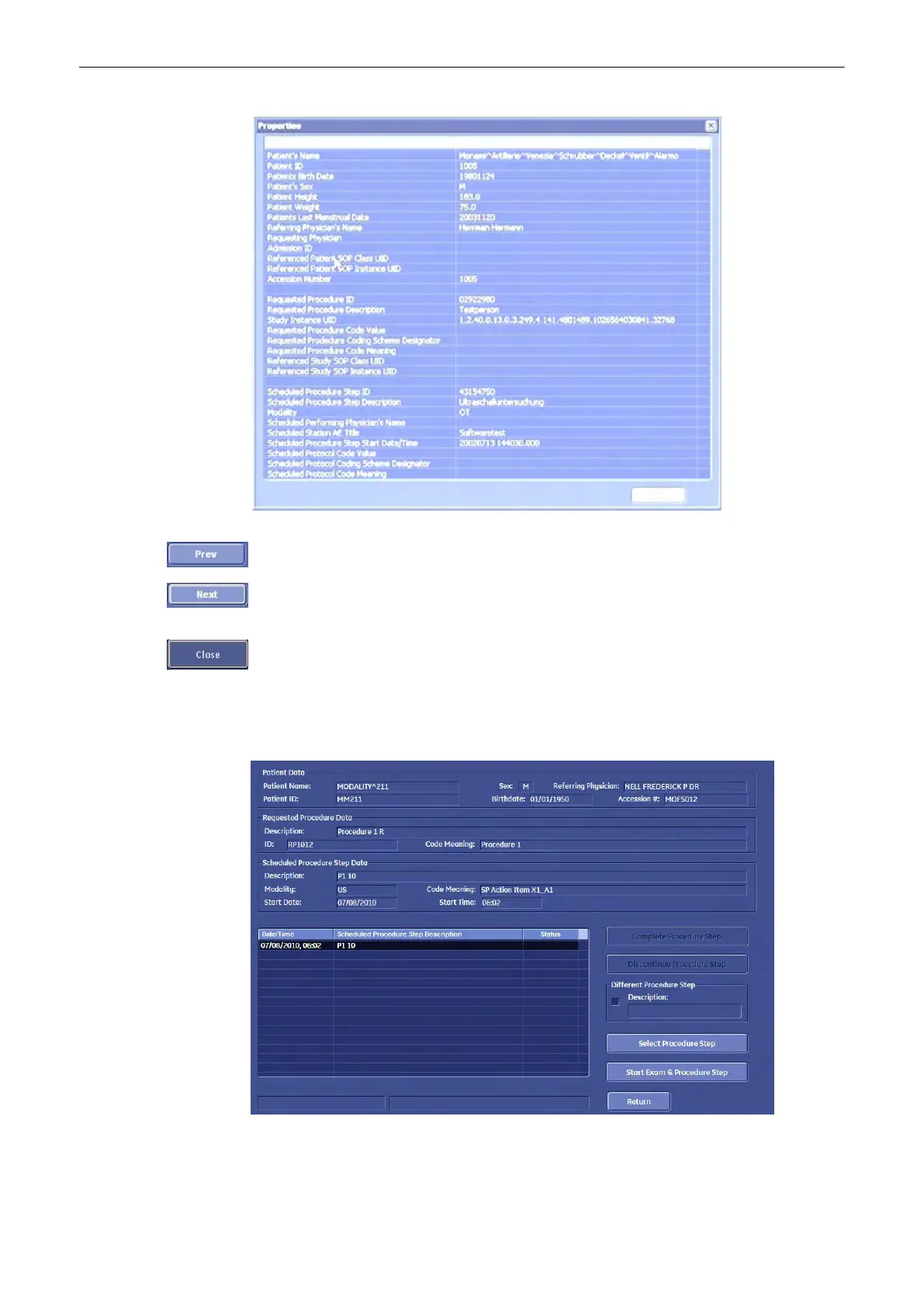
The “Procedure Step” dialog is displayed:
Note
The procedure step dialog lists all procedure steps belonging to the selected procedure. The
header section displays the most important information of the selected step.
Operating the System
Voluson® S6/S8 Basic User Manual
5433669-100 Revision 4 4-25



 To Next Page