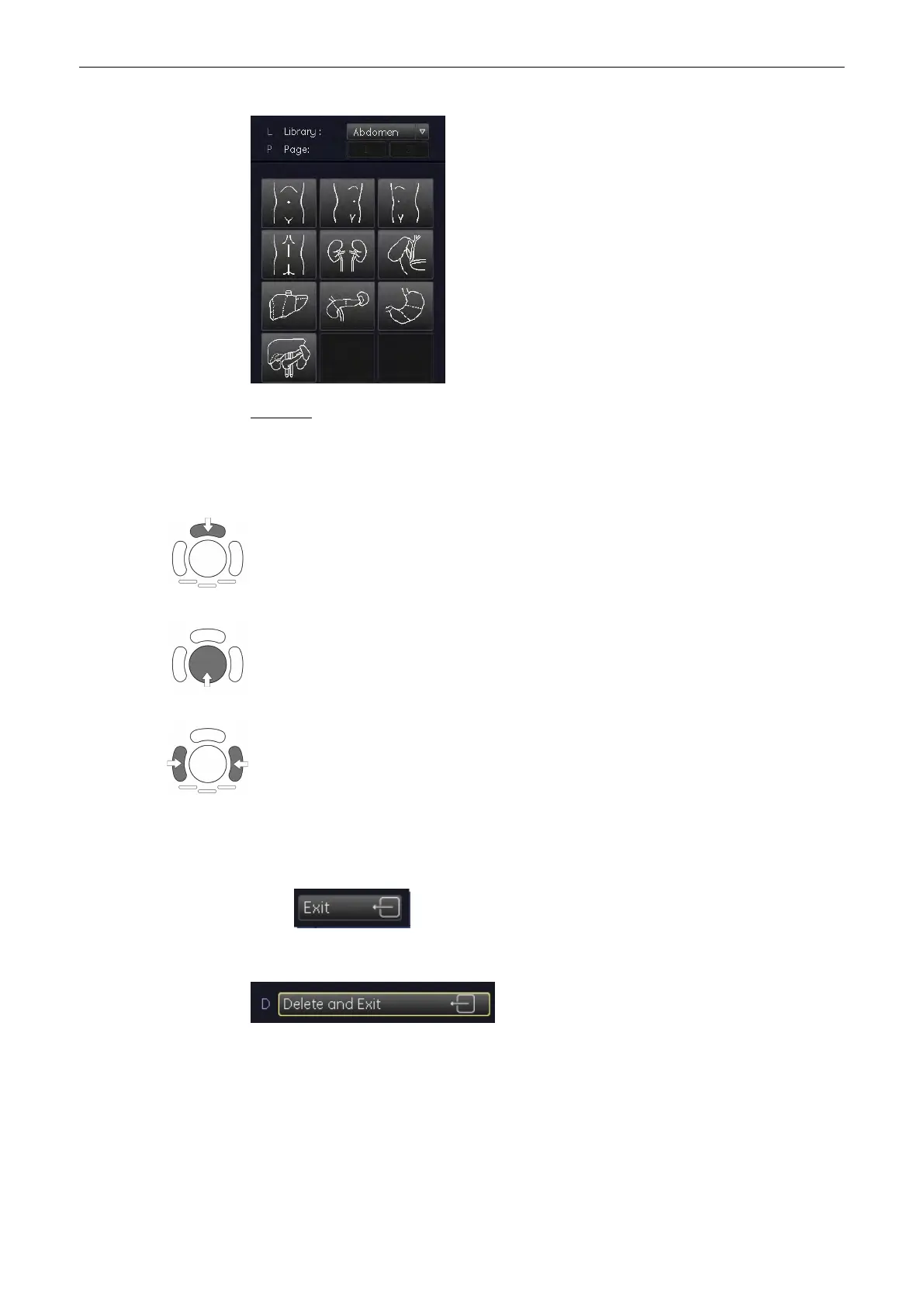
Operation:
1.
The last selected pictogram appears in the last selected place of the annotation area.
2. To change the displayed pictogram, press the cursor key and select the appropriate
pictogram.
Use the upper trackballkey to switch between moving or rotating the scan plane identification
line direction with the trackball.
Move or rotate the scan plane identification line direction.
Press the left or right trackball key to fix the scan plane identification line and return to the
last active menu with the bodymark displayed.
Note
•
The scan plane identification is shown in the scan mode and the freeze mode.
[Exit]: to return to the last active menu with the bodymark displayed.
[Delete&Exit]: to return to the last menu with the bodymark switched off.
Select an application key to change between the different application-related bodymarks.
Operating the System
Voluson® S6/S8 Basic User Manual
5433669-100 Revision 4 4-31



 To Next Page