UCP
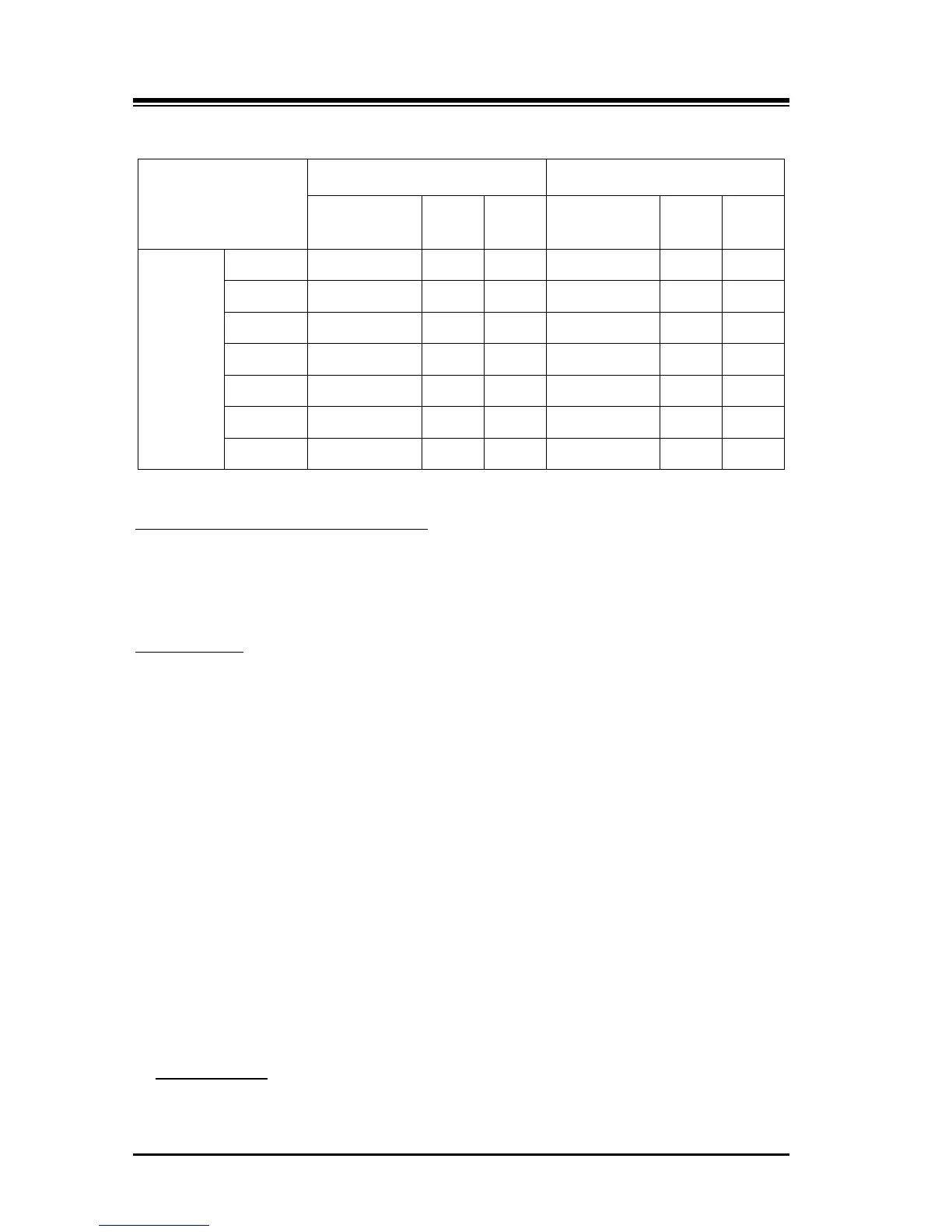
Type 0 000 - 099 3 100 20000 - 31999 5 12000
Type 1 000 - 099 3 100 2000 - 9999 4 8000
Type 2 000 - 099 3 100 2000 - 7999 4 6000
Type 3 000 - 099 3 100 2000 - 4999 4 3000
Type 4 00 - 19 2 20 200 - 999 3 800
Type 5 00 - 19 2 20 20 - 99 2 80
Type 6 00 - 09 2 10 10 - 99 2 90
User enter the speed code to program/edit the speed dial telephone number.
Speed Dial Phone Number Programming
The speed code should be in range of selected the speed code range.
User dials Speed Dial Code to make a phone call.
SPEED Dialing
The speed code should be in range of selected the speed code range.
Conditions
1. Suggest to change Type from default before program/use SPEED Dials.
If change Type, during working with exist SPEED data, then range-out codes
referred to by preset-forward etc. will be seen as an empty or range-out-
assigned(65535) that need to be changed to a valid or need to be cleared by
manual programming. If not, features or data referring the range-out speed code
will go to failure.
2. Be careful, if change speed type from 3 or more digit system-speed(xxx/xxxx/xxxxx)
to 2 or less digit system-speed(x or xx) then the feature(off-net forward, etc.) data
that have 2digit station-speed(xx) previously, may be wrong-identified as location
of system speed xx or x. And vice versa in case of change from 2 digit or less
system-speed(xx or x) to 3 or more digit speed code (xxx/xxxx/xxxxx).
Programming
Keyset Admin.



 To Next Page