iPECS UCP
Feature Description and Operation Manual Issue 1.3
152
2.46.3.14 Multiple Mailbox Greeting
Description
System provides maximum 4 greeting for each mailbox user.
Each user can select greeting according to the following scenario in station program.
Operation
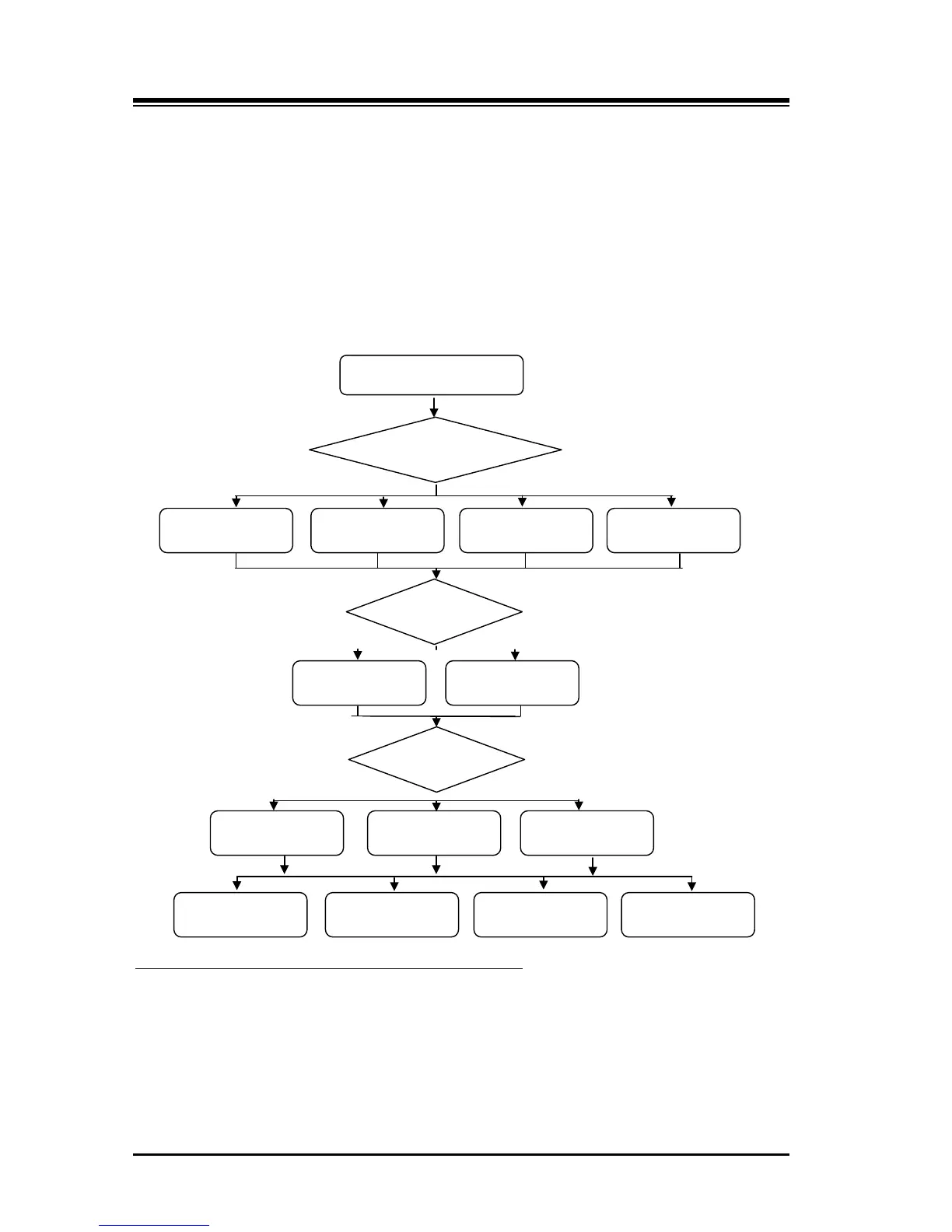
FLOW CHART
1. Press [PGM] button and dial 56.
To change each mailbox greeting with station program
2. Select case type 1-4, 0 (1: Unconditional, 2: Busy, 3 : No answer, 4: DND, 0:All).
3. Select Calling Party Type 1- 2, 0 (1: Internal, 2: External, 0: All).
4. Select D/N/T 1-3, 0 (1: Day, 2:Night, 3:Timed, 0:All).
5. Select greeting number 1-4.
6. Press [SAVE] button.
FORWARD TYPE
INCOMING CALL
CALL TYPE
CALL TIME
NORMAL



 To Next Page